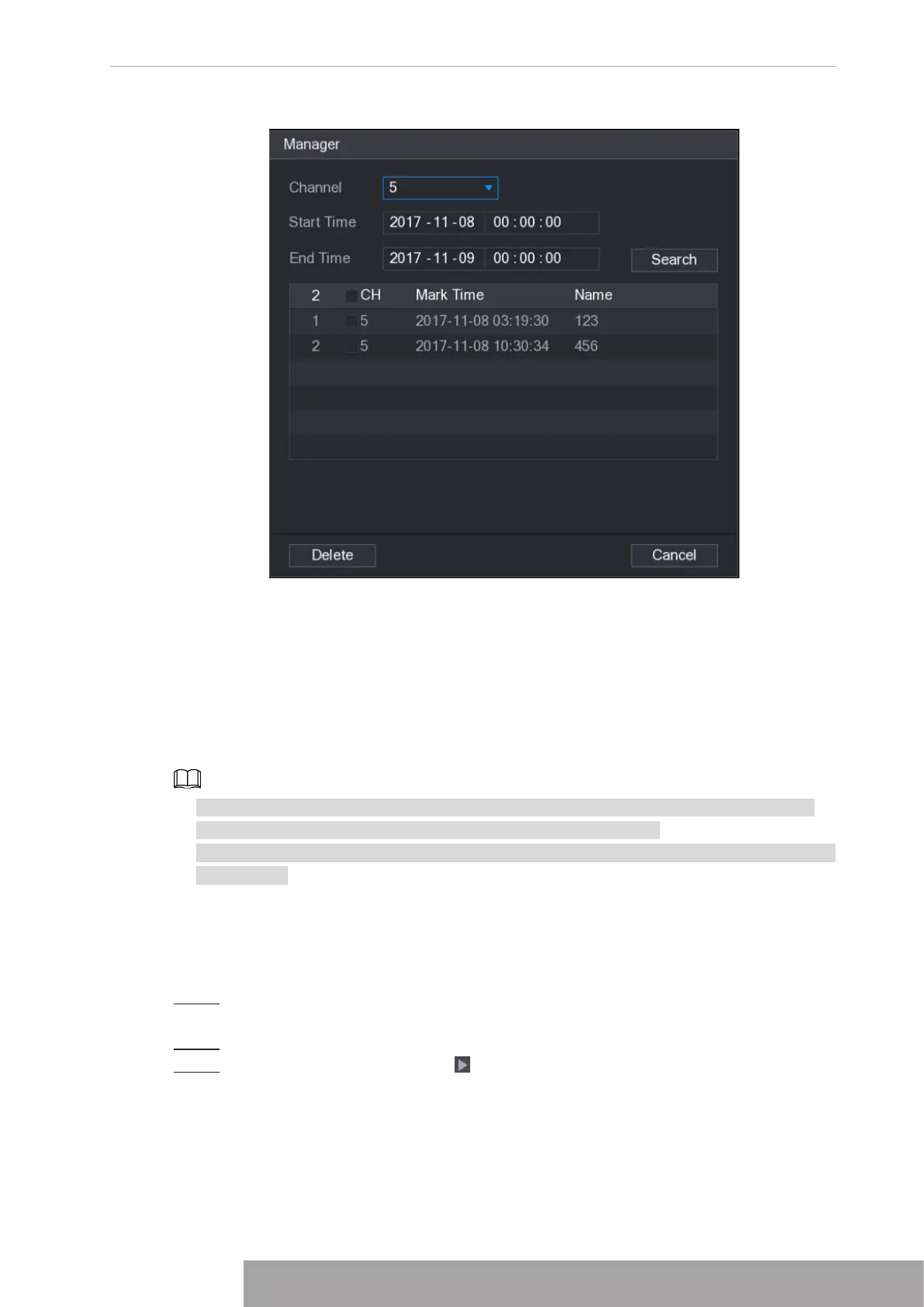
Figure 4-110
Modify
Double-click one tag information item, you can see system pops up a dialogue box for you to
change tag information. You can only change tag name here.
Delete
Here you can check the tag information item you want to delete and then click
Delete
, you can
remove one tag item.
● After you go to the tag management interface, system needs to pause current playback.
System resume playback after you exit tag management interface.
● If the tag file you want to playback has been removed, system begins playback from the first
file in the list.
1.6.6 Playback Image
Here you can search and play the image. Follow the steps listed below.
Step 1 Select
Main Menu
>
Search
, or right-click on the live view window and select
Search
,
you can go to the
Search
interface.
Step 2 At the upper-right corner, select image and then input playback interval.
Step 3 Select date and channel, click to play.
1.6.7 Subperiod Playback
You can clip the recorded video files into splices and then play back at the same time to save
your time.
Copyright © NSS Sp. z o.o.
101 User‘s Manual



 To Next Page