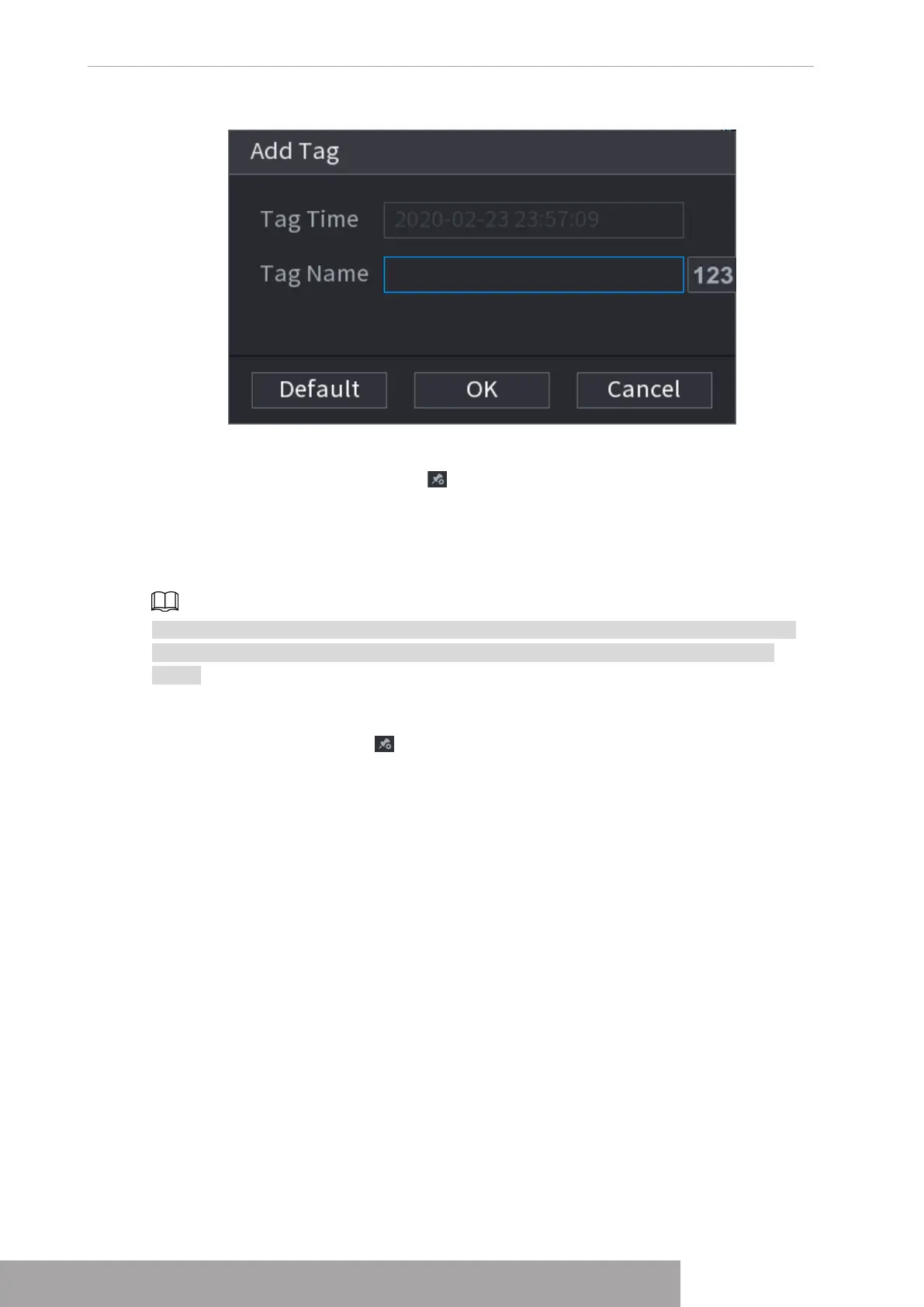
Figure 4-109
Play back Tag
During 1-window playback mode, click in Figure 4-102, you can go to tag file list interface.
Double-click one tag file, you can begin playback from the tag time.
Play before tag time
Here you can set to begin playback from previous N seconds of the tag time.
Usually, system can play back previous N seconds record if there is such kind of record file.
Otherwise, system playbacks from the previous X seconds when there is such as kind of
record.
Tag Manager
Click the mark manager button on the Search interface (Figure 492); you can go to
Manager interface. See Figure 4-110. System can manage all the record mark information of
current channel by default. You can view all mark information of current channel by time.
Copyright © NSS Sp. z o.o.
User‘s Manual 100



 To Next Page