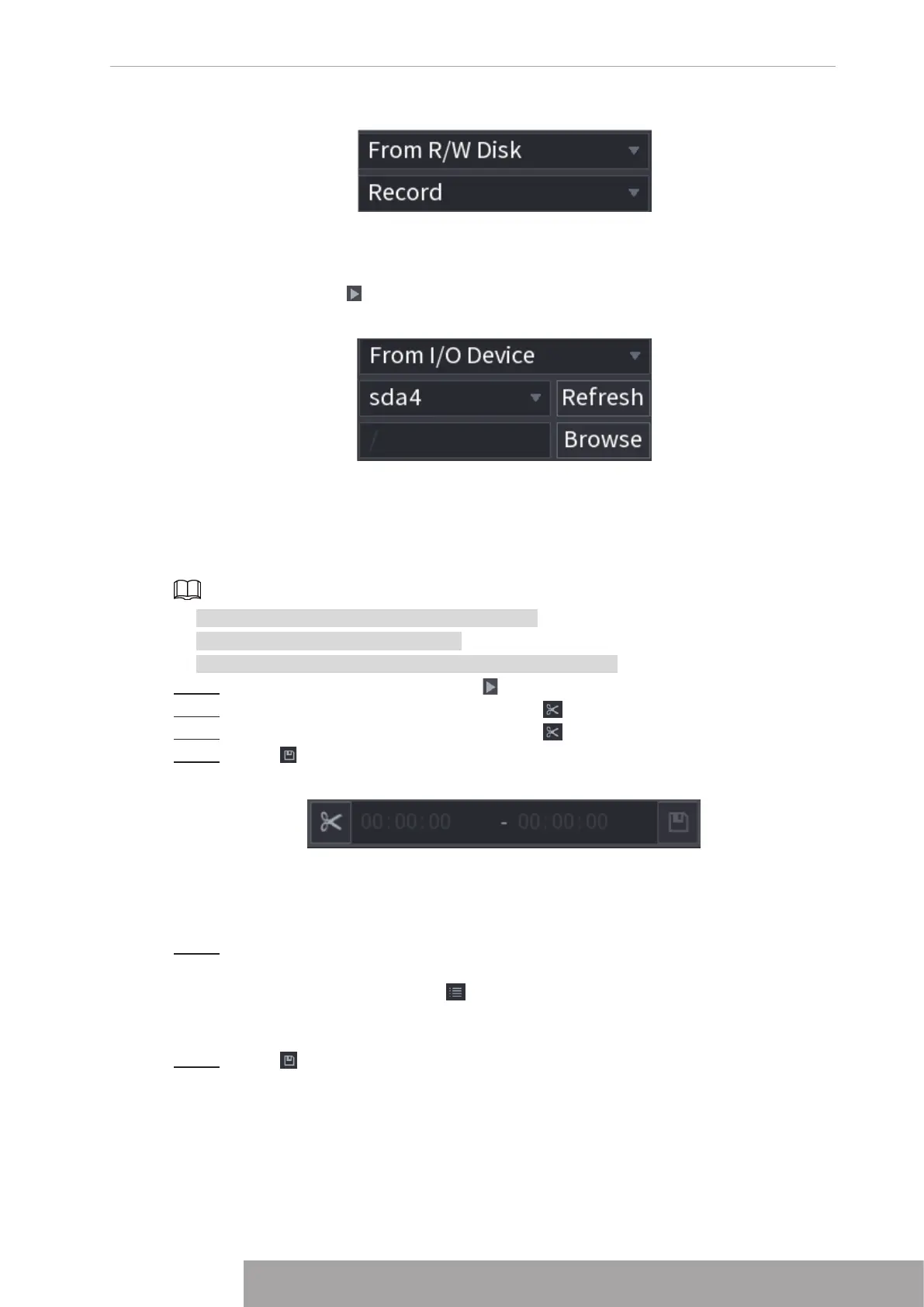
Figure 4-104
● From I/O Device: Recorded videos playback from external storage device. See Figure
4-105.
Click
Browse
, select the save path of recorded video file that you want to play. Double-click
the video file or click to start playing.
Figure 4-105
1.6.2.3 Clip
This function allows you to clip some footages to a new file and then save it to the USB device.
See Figure 4-106. Follow the steps listed below.
● Clip function is for one-channel/multiple-channel.
● Max save 1024 files at the same time.
● This function is not for the file already checked in the file list.
Step 1 Select a record first and then click to playback.
Step 2 Select a time at the time bar and then click to start clip.
Step 3 Select a time at the time bar and then click to stop clip.
Step 4 Click , system pops up dialogue box to save the clip file.
Figure 4-106
1.6.2.4 Record Backup
This function is to backup files you checked in the file list, or the file you just clip.
Step 1 Select the recorded video file that you want to back up. You can select the following
two types of files:
● Recorded video file: Click , the File List area is displayed. Select the file(s) that
you want to back up.
● Saves the clip footages as a record file.
Step 2 Click , the BACKUP interface is displayed. See Figure 4-107.
Copyright © NSS Sp. z o.o.
97 User‘s Manual



 To Next Page