3) To add a mark to the file, select the files and then click
Add Tag
.
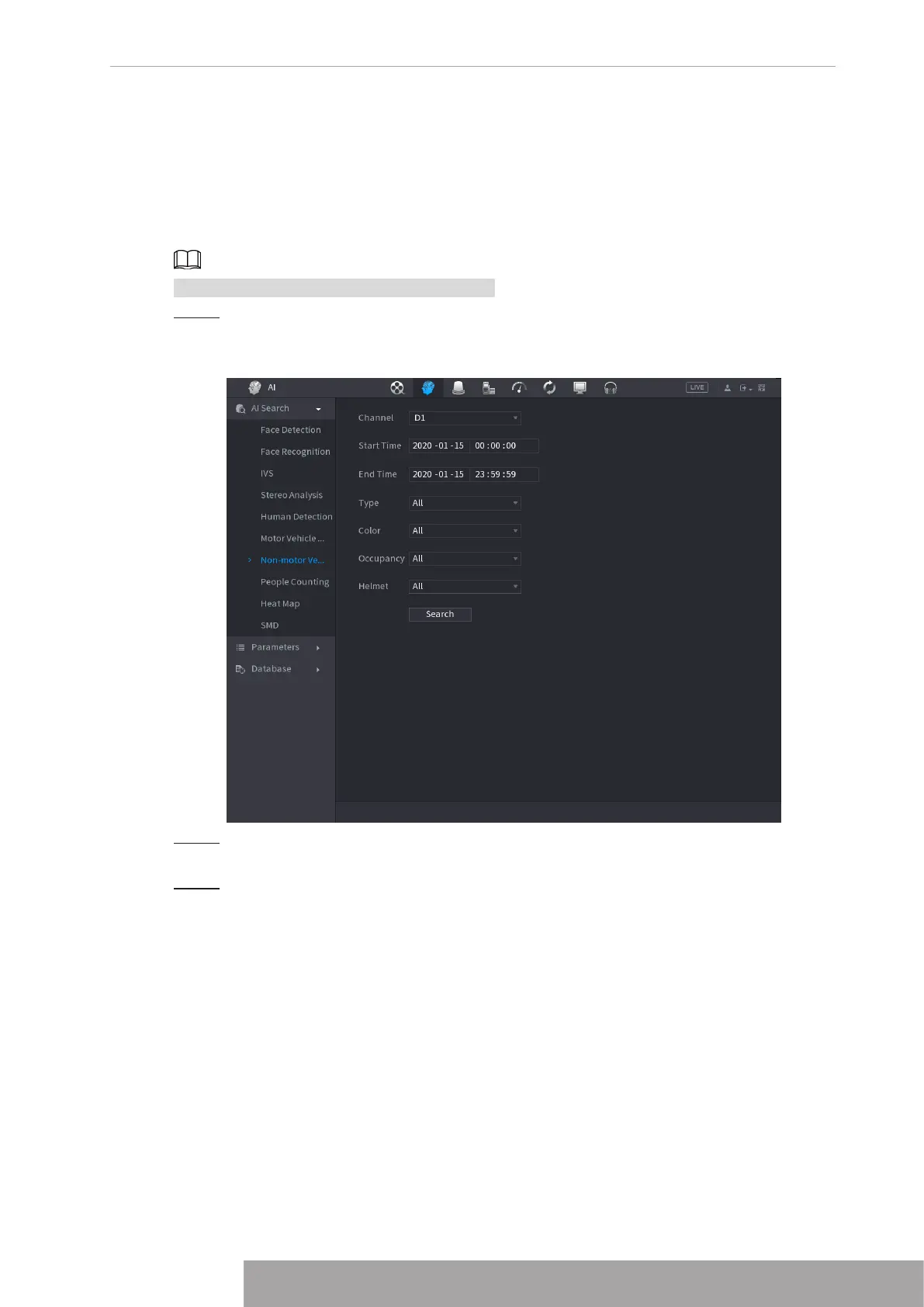
1.7.1.7 Non-motor Vehicle Detection
You can search according to the non-motor vehicle parameters and search the alarm record
during the specified period.
This function is for some series products only.
Step 1 Select
Main Menu
>
AI
>
AI Search
>
Non-Motor Vehicle Detection
.
The
Non-Motor Vehicle Detection
interface is displayed. See Figure 4-127.
Figure 4-127
Step 2 Select the channel and the time, and then select one or multiple features from
Type
,
Color
,
Occupancy
, or
Helmet
.
Step 3 Click
Search
.
The search result is displayed. See Figure 4-128.
Copyright © NSS Sp. z o.o.
117 User‘s Manual



 To Next Page