1.17.3 Broadcast
System can broadcast to the camera, or broadcast to a channel group.
Step 1 Select
Mani Menu
>
AUDIO
>
Broadcast
.
The
Broadcast
interface is displayed. See Figure 4-298.
Figure 4-298
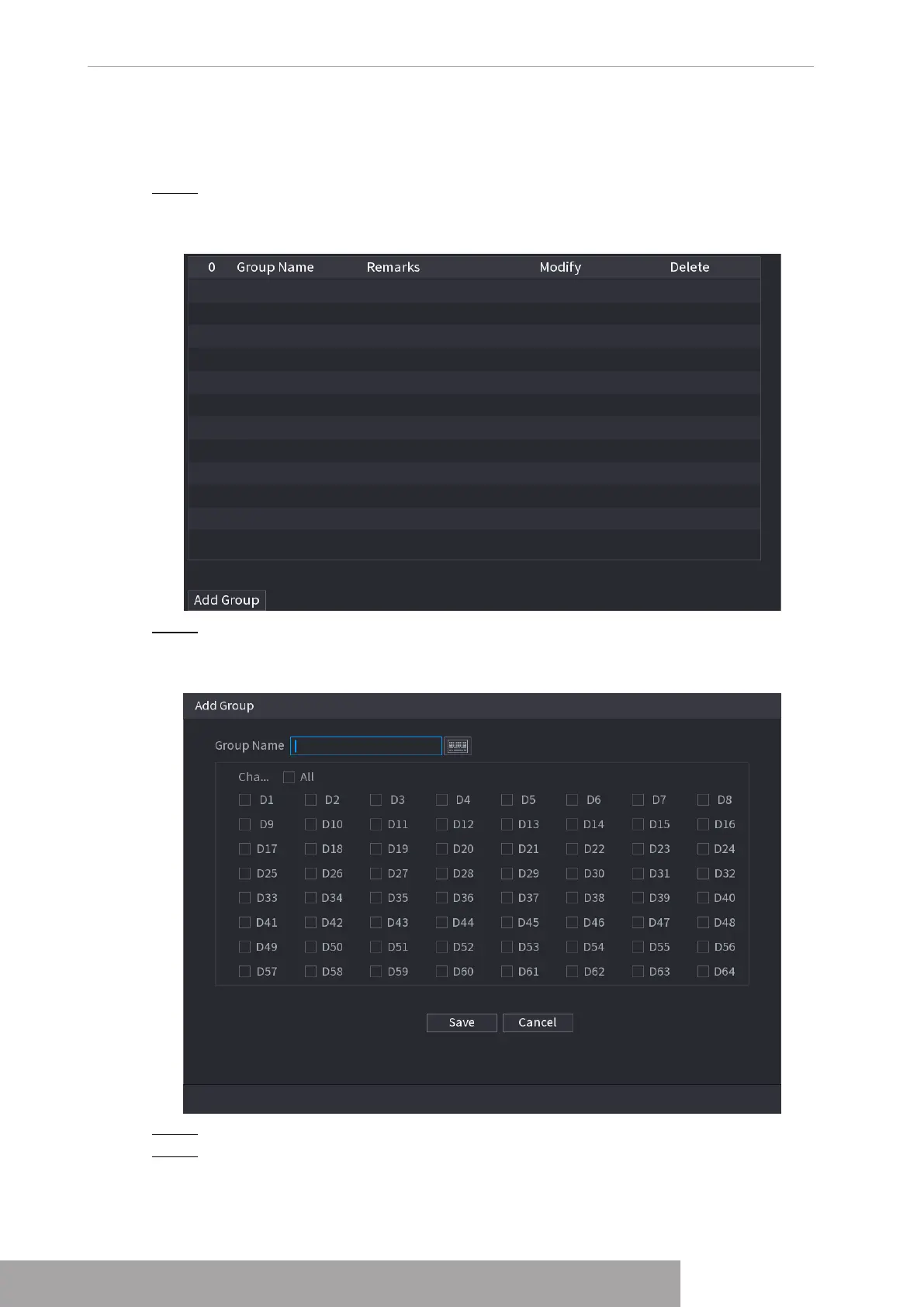
Step 2 Click
Add Group
.
The Add Group interface is displayed. See Figure 4-299.
Figure 4-299
Step 3 Input group name and select one or more channels.
Step 4 Click
Save
to complete broadcast group setup.
Copyright © NSS Sp. z o.o.
User‘s Manual 286



 To Next Page