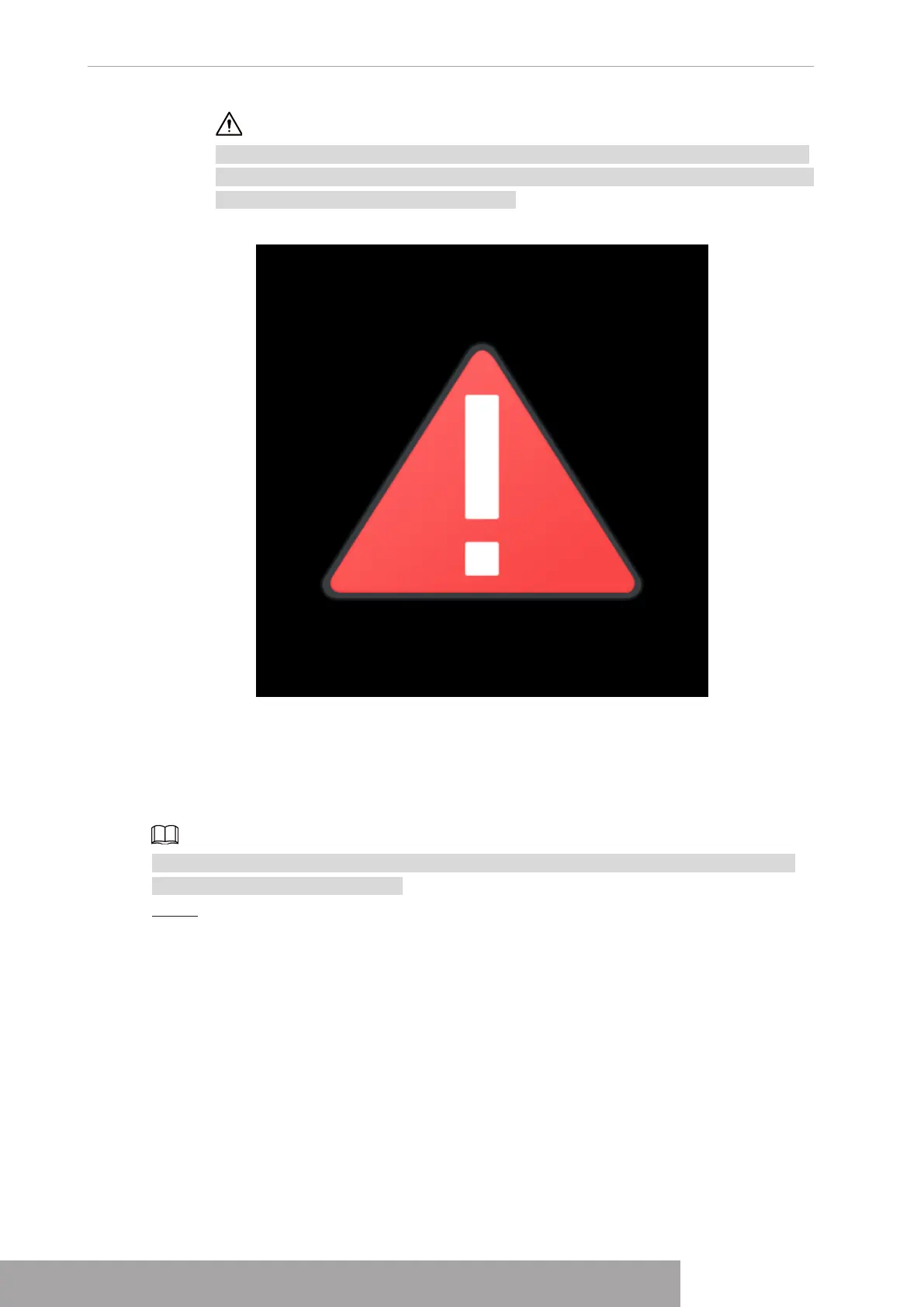
The device will verify license during booting up. If the verification failed, the following
icon will be shown on the screen, contact the after-sale service for further information.
This function is available on select models.
Figure 4-1
1.1.2 Device Initialization
If it is your first time to use the device, set a login password of
admin
(system default user).
You can select to use unlock pattern to login or not at your own choosing.
For your device safety, keep your login password of
admin
well after the initialization steps,
and change the password regularly.
Step 1 Boot up NVR.
The
Device Initialization
interface is displayed. See Figure 4-2
Copyright © NSS Sp. z o.o.
User‘s Manual 2



 To Next Page