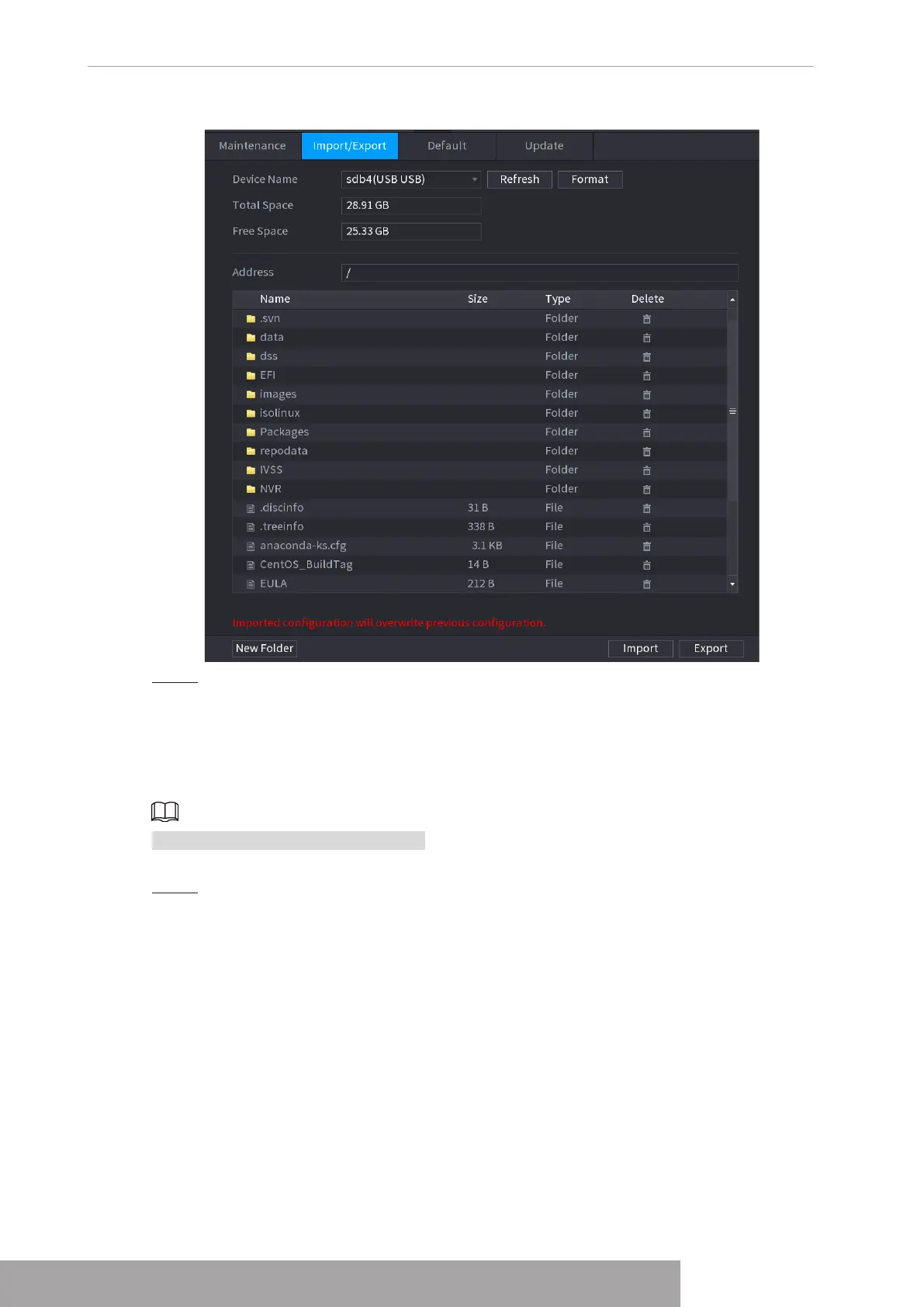
Figure 4-217
Step 4 Click
Export
.
There is a folder under the name style of "Config_[YYYYMMDDhhmmss]".
Double-click this folder to view the backup files.
1.10.4.3 Default
This function is for admin account only.
You can select the settings that you want to restore to the factory default.
Step 1 Select
Main Menu
>
MAINTAIN
>
Manager
>
Default
.
The
Default
interface is displayed. See Figure 4-218.
Copyright © NSS Sp. z o.o.
User‘s Manual 210



 To Next Page