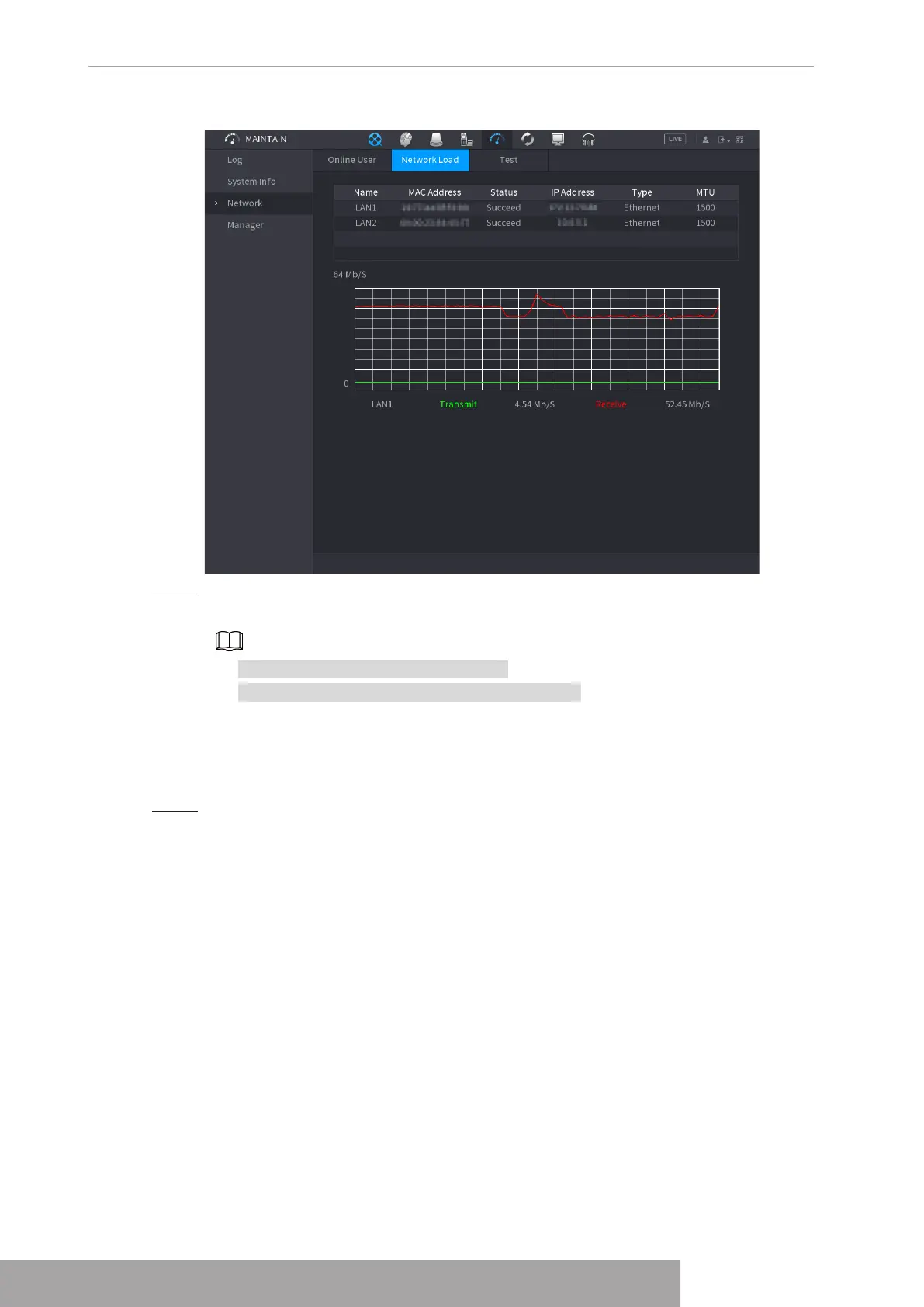
Figure 4-213
Step 2 Click the LAN name that you want to view, for example,
LAN1
.
The system displays the information of data sending speed and receiving speed.
● System displays LAN1 load by default.
● Only one LAN load can be displayed at one time.
1.10.3.3 Network Test
You can test the network connection status between the Device and other devices.
Step 1 Select
Main Menu
>
MAINTAIN
>
Network
>
Test
.
The
Test
interface is displayed. See Figure 4-214.
Copyright © NSS Sp. z o.o.
User‘s Manual 206



 To Next Page