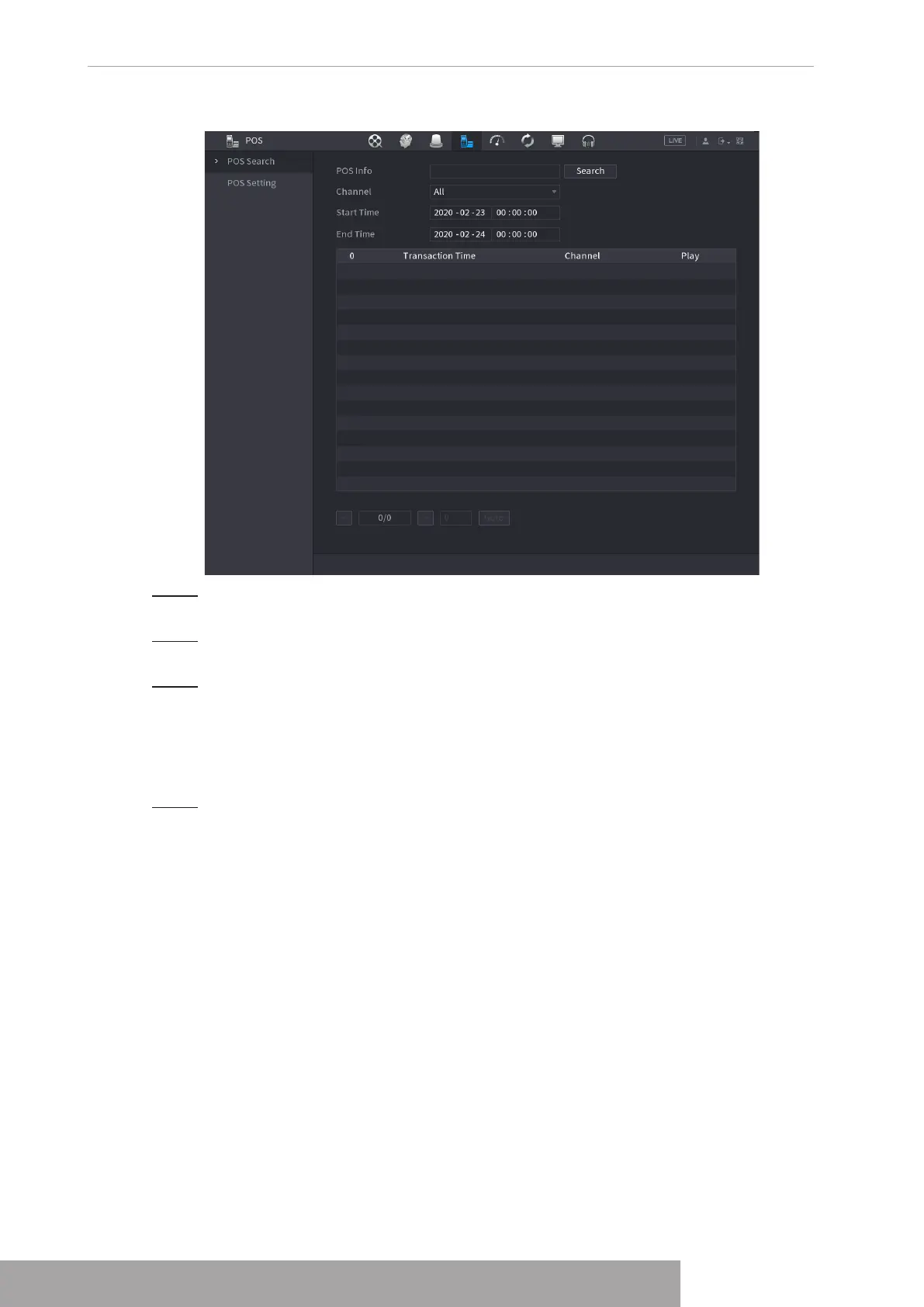
Figure 4-203
Step 2 In the
POS Search
box, enter the information such as transaction number on your
receipt, amount, or product name.
Step 3 In the
Start Time
box and
End Time
box, enter the time period that you want to
search the POS transaction information.
Step 4 Click
Search
.
The searched transaction results display in the table.
1.9.2 Settings
Step 1 Select
Main Menu
>
POS
>
POS Setting
.
The
POS Setting
interface is displayed. See Figure 4-203.
Copyright © NSS Sp. z o.o.
User‘s Manual 196



 To Next Page