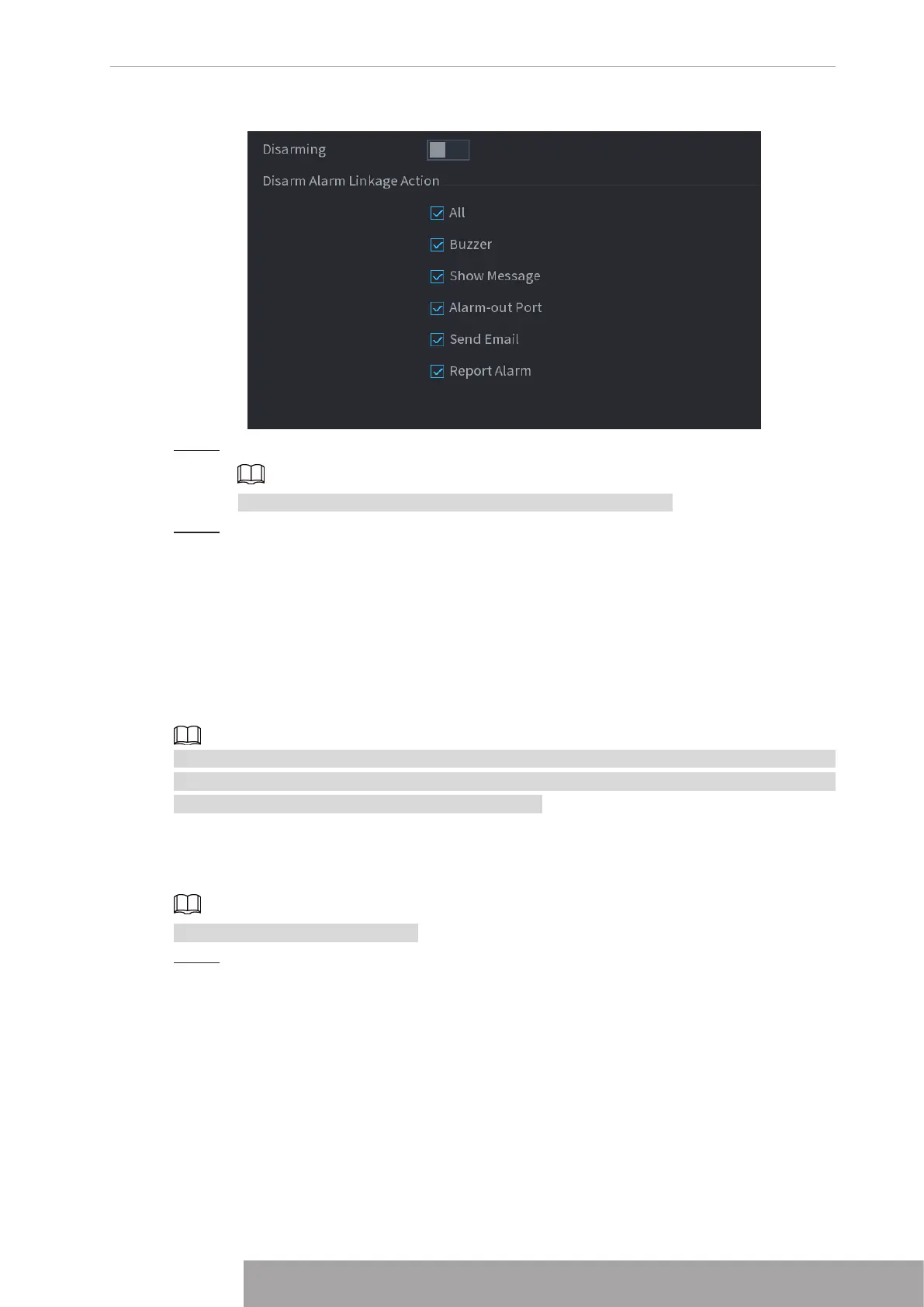
Figure 4-202
Step 3 Select alarm linkage actions to disarm.
All alarm linkage actions will be disarmed when you select
All
.
Step 4 Click
Apply
.
1.9 POS
You can connect the Device to the POS (Point of Sale) machine and receive the information
from it. This function applies to the scenarios such as supermarket POS machine. After
connection is established, the Device can access the POS information and display the overlaid
text in the channel window.
Playing POS information in the local playback and viewing the POS information in the live view
screen support single-channel mode and four-channel mode. Displaying monitoring screen and
playing back in the web support multi-channel mode.
1.9.1 Search
The system supports fuzzy search.
Step 1 Select
Main Menu
>
POS
>
POS Search
.
The
POS Search
interface is displayed. See Figure 4-203.
Copyright © NSS Sp. z o.o.
195 User‘s Manual



 To Next Page