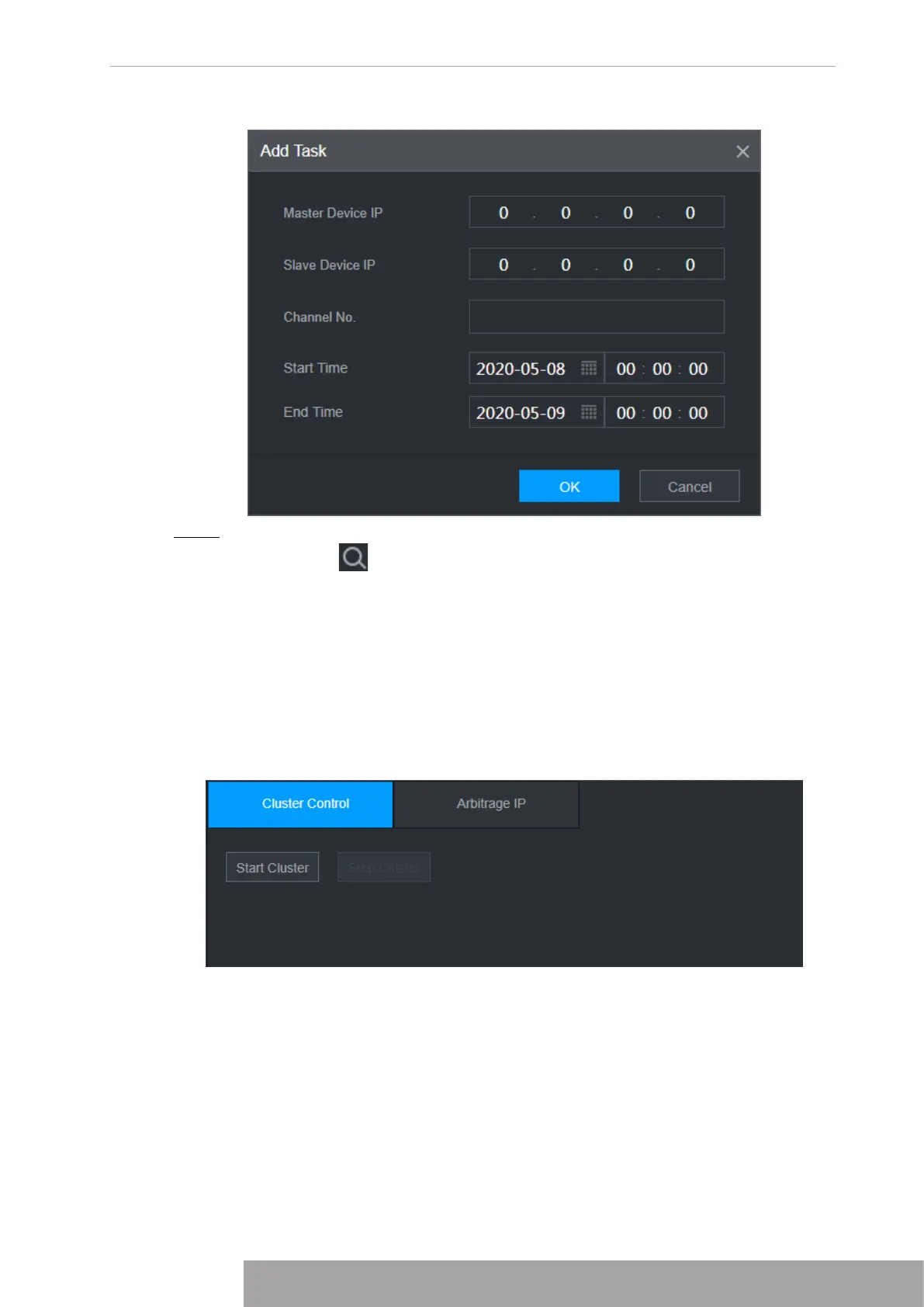
Figure 5-8
Step 4 Click
OK
.
You can click to view the transfer information.
2.4.5 Cluster Control
2.4.5.1 Cluster Control
From
SETTING
>
Cluster Service
>
Cluster Control
, you can go to the
Cluster Control
interface. It is to enable/disable cluster. See Figure 5-9.
Figure 5-9
You can see the corresponding prompt if you successfully enabled cluster service.
2.4.5.2 Arbitrage IP
When there is only two NVRs in the cluster, you can set the arbitration IP to change the cluster
accordingly. The arbitration IP is the IP address of other device/PC/gateway that can connect to
the NVR.
From
SETTING
>
Cluster Service
>
Arbitrage IP
, you can see the following interface. See
Figure 5-10.
Copyright © NSS Sp. z o.o.
299 User‘s Manual



 To Next Page