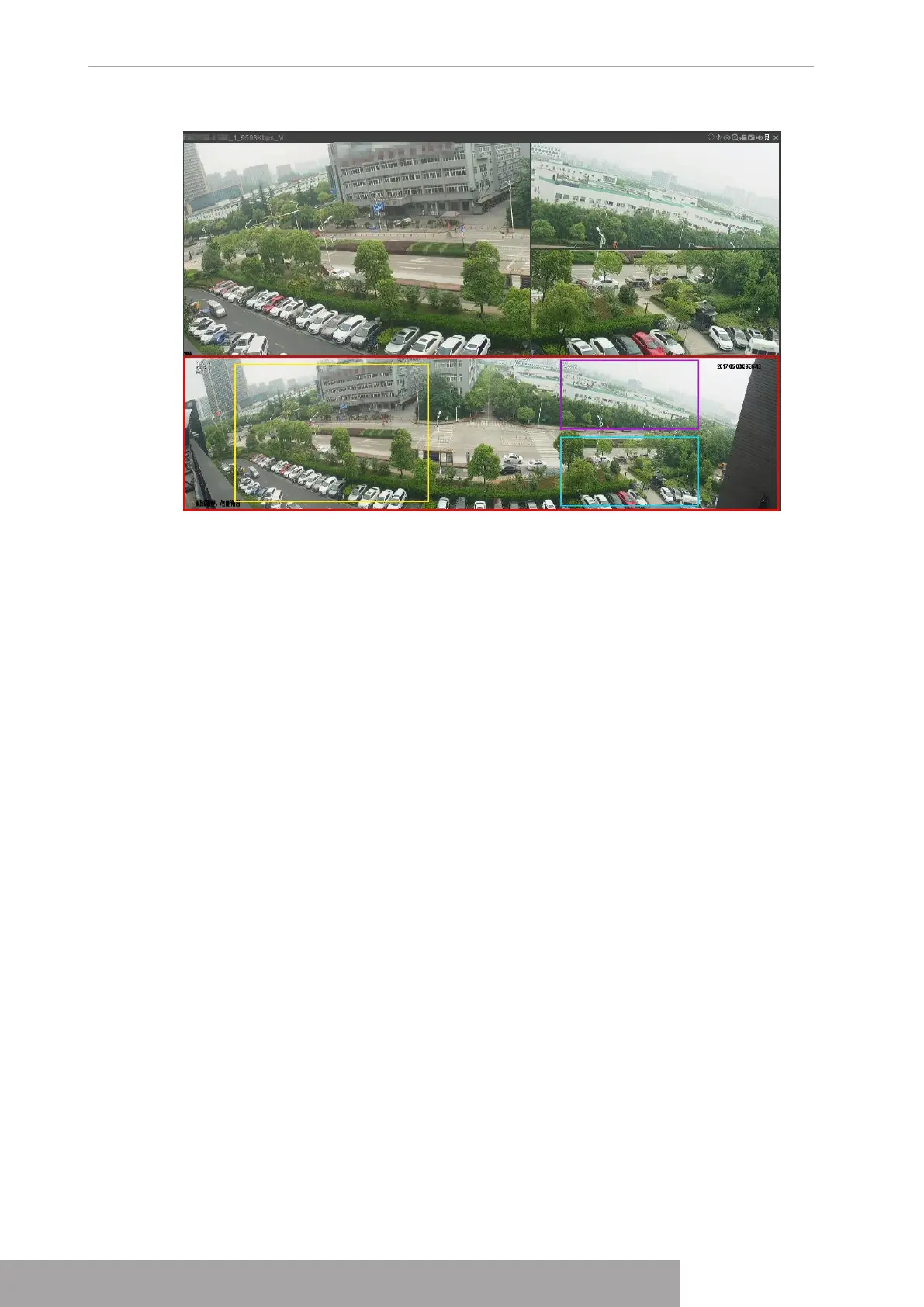
Figure 4-89
1.3.10 Quick Operation Bar
You can quickly access to the function modules on function tiles and setting menu through
shortcut icons on quick operation bar.
This topic uses
ALARM
and
CAMERA
as examples to show you how to quickly access other
modules.
Shortcut Icons on Function Titles
Click
ALARM
to enter the
ALARM
interface.
Copyright © NSS Sp. z o.o.
User‘s Manual 82



 To Next Page