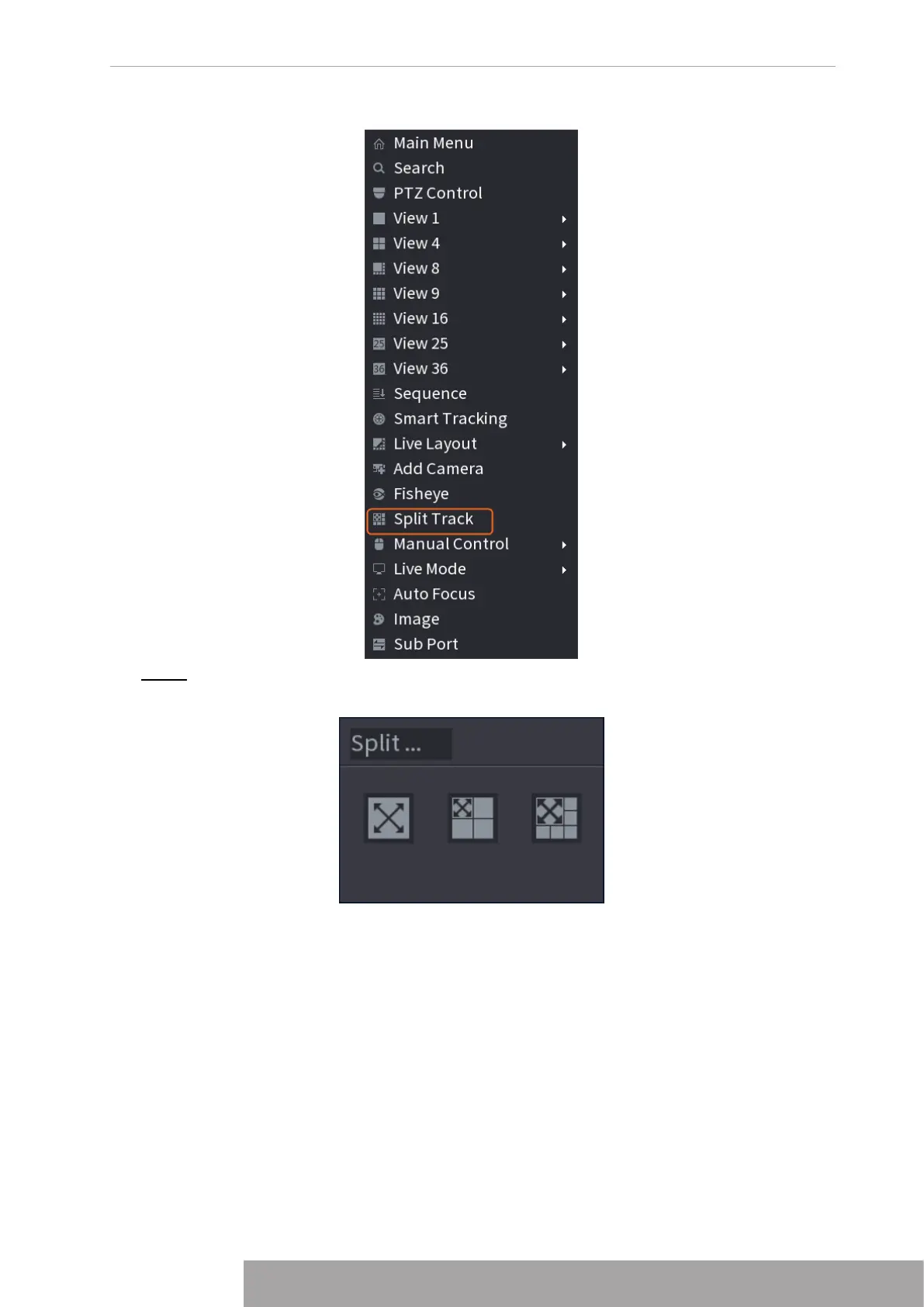
Figure 4-87
Step 2 Select a split mode.
Figure 4-88
Split mode includes full screen, 1 main screen + 3 split screens and 1 main screen + 5
split screens.
● You can move the rectangles with color to adjust the videos displayed on split
screens.
● You can scroll the mouse wheel in split screens to zoom in or out the video.
Copyright © NSS Sp. z o.o.
81 User‘s Manual



 To Next Page