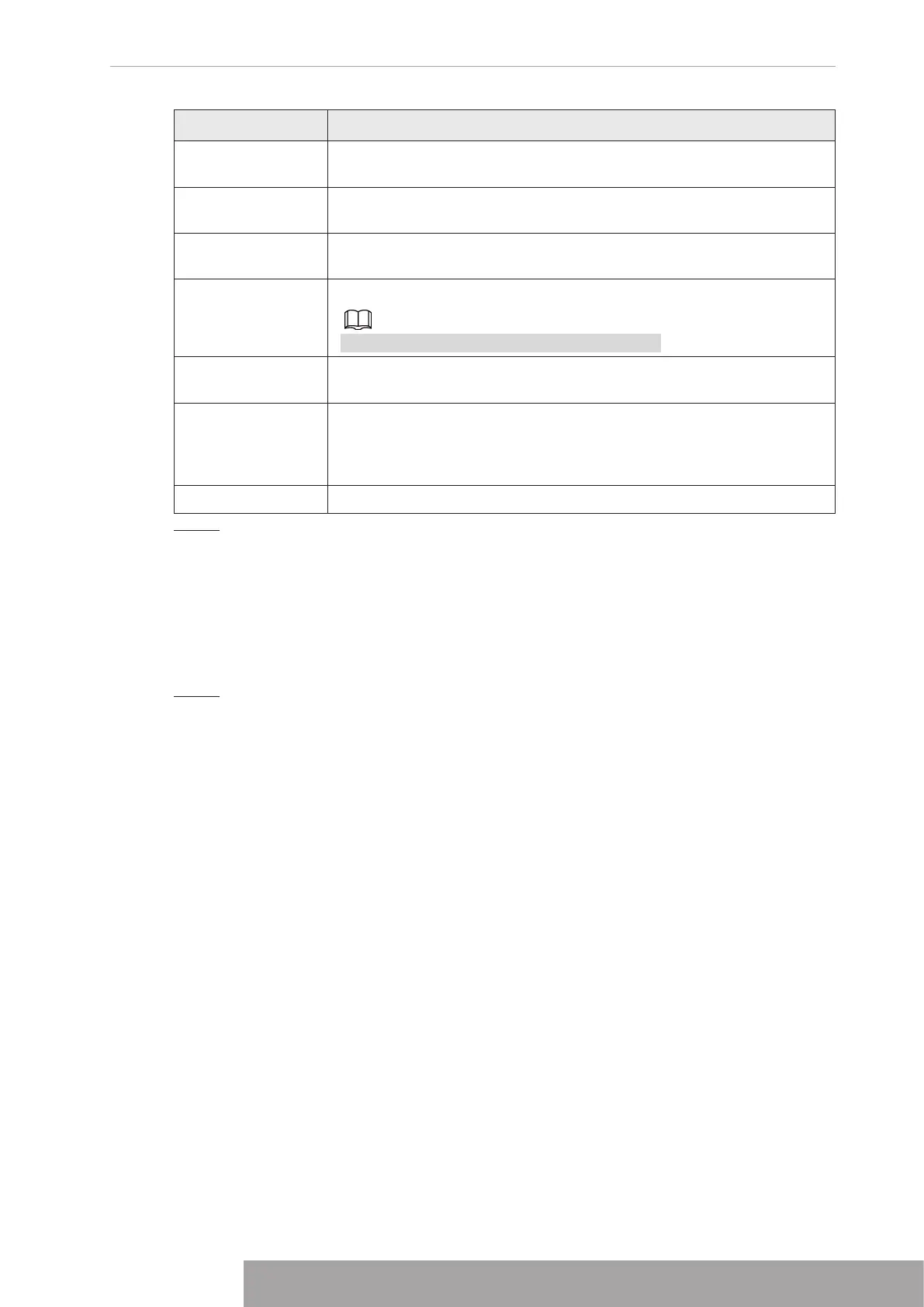
Parameter Description
Time Title/Channel
Title
Select the check box and the date and time of the system will be
displayed in the preview screen.
Image
Enhancement
Select the check box to optimize the preview image edges.
SMD Preview
Select the check box to display the SMD previews in the live view
interface.
AI Rule
Select the check box to display the AI rules in the live view interface.
This function is for some series products only.
Original Ratio
Click
Setting
and select the channel to restore the corresponding
channel image to the original scale.
Live Audio
Configure audio input on live view. You can select
Audio 1
,
Audio 2
,
and
Mixing
. For example, if you select
Audio 1
for
D1
channel, the
sound of audio input port 1 of camera is playing. If you select
Mixing
,
the sound of all audio input ports are playing.
Resolution Support 1920×1080, 1280×1024(default), 1280×720.
Step 3 Click
Apply
.
1.16.2 Tour
You can configure a tour of selected channels to repeat playing videos. The videos display in
turn according to the channel group configured in tour settings. The system displays one
channel group for a certain period and then automatically changes to the next channel group.
Step 1 Select
DISPLAY
>
Tour Setting
>
Main Screen
.
The
Tour
interface is displayed. See Figure 4-291.
Copyright © NSS Sp. z o.o.
279 User‘s Manual



 To Next Page