● Enter edit view interface, device automatically switches to the max split amount
mode.
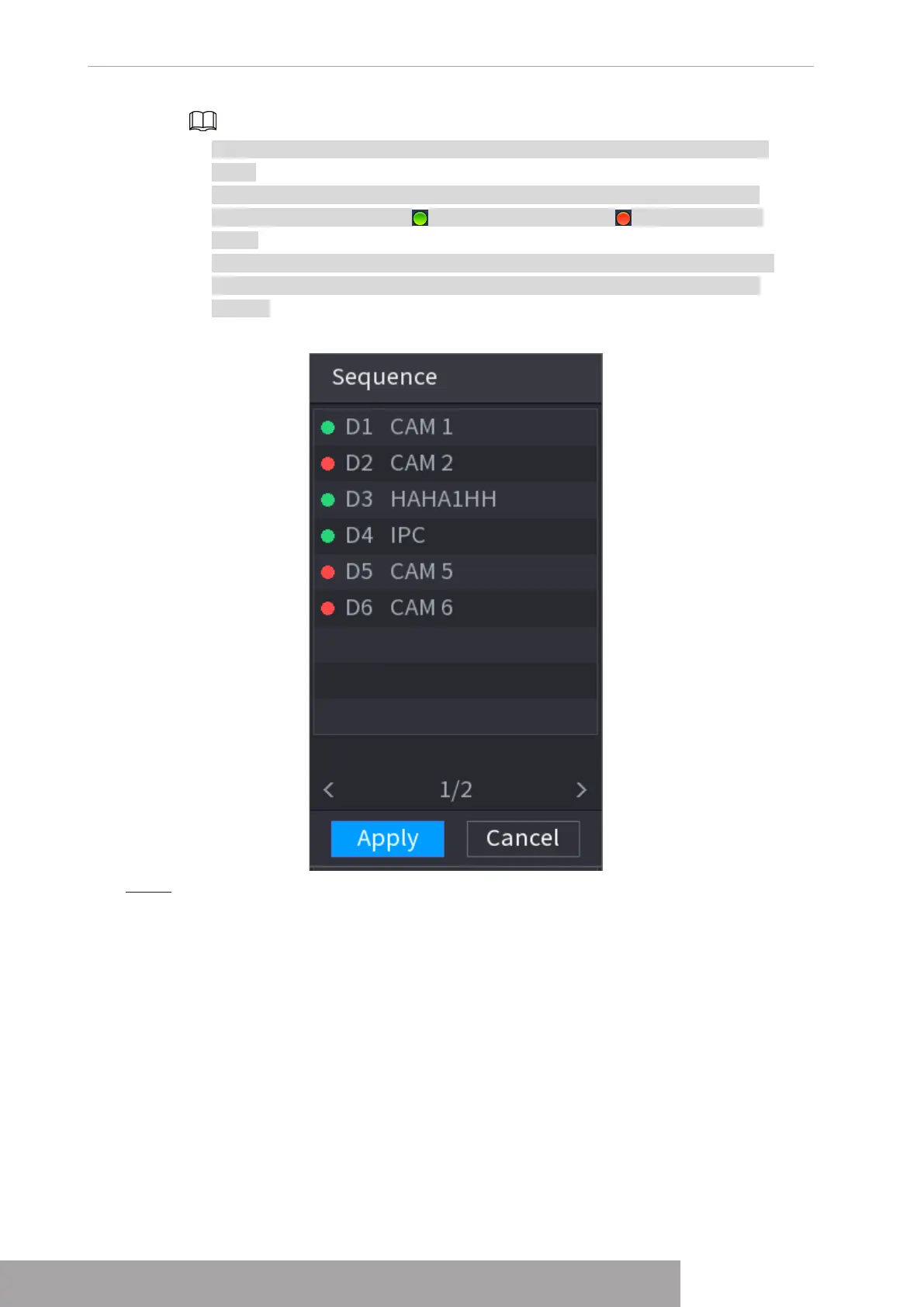
● The channel list on the edit view interface displays the added camera channel
number and channel name. means camera is online. means camera is
offline.
● In case the channel amount has exceeded the device max split amount, the edit
view interface can display the max screen number amount and current screen
number.
Figure 4-75
Step 2 On the edit view interface, drag the channel to the desired window, or drag on the
preview window to switch the position.
Check the channel number at the right bottom corner to view the current channel
sequence. See Figure 4-76.
Copyright © NSS Sp. z o.o.
User‘s Manual 72



 To Next Page