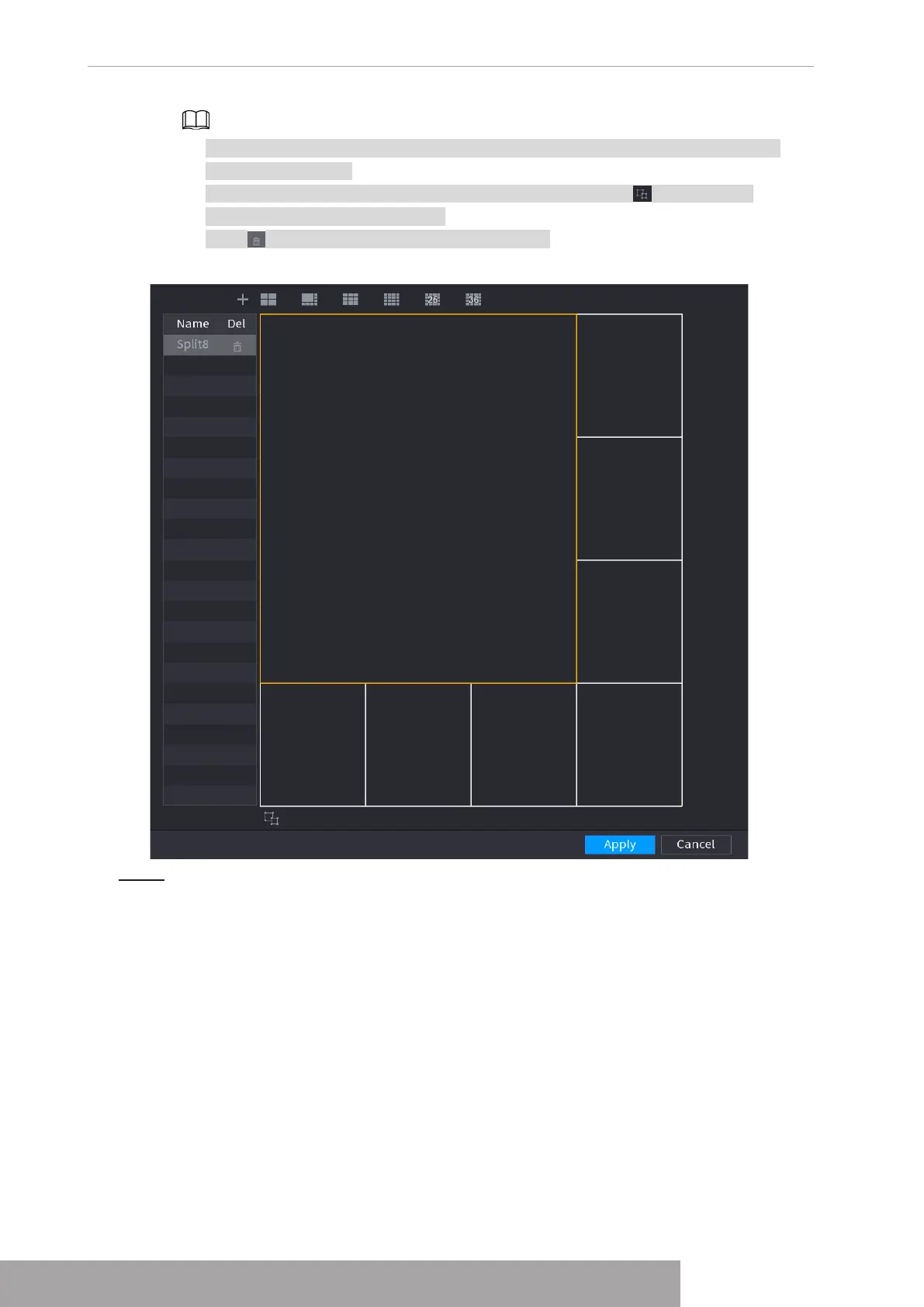
● After merge the window, system adopts the remaining window amount as the new
name such as Split6.
● Select the window you want to merge (red highlighted), click to cancel the
merge to restore the basic mode.
● Click to delete the customized window mode.
Figure 4-293
Step 3 Click
Apply
to exit.
After the setup, you can go to the preview window, right click mouse and then select
Custom Split. See Figure 4-294.
Copyright © NSS Sp. z o.o.
User‘s Manual 282



 To Next Page