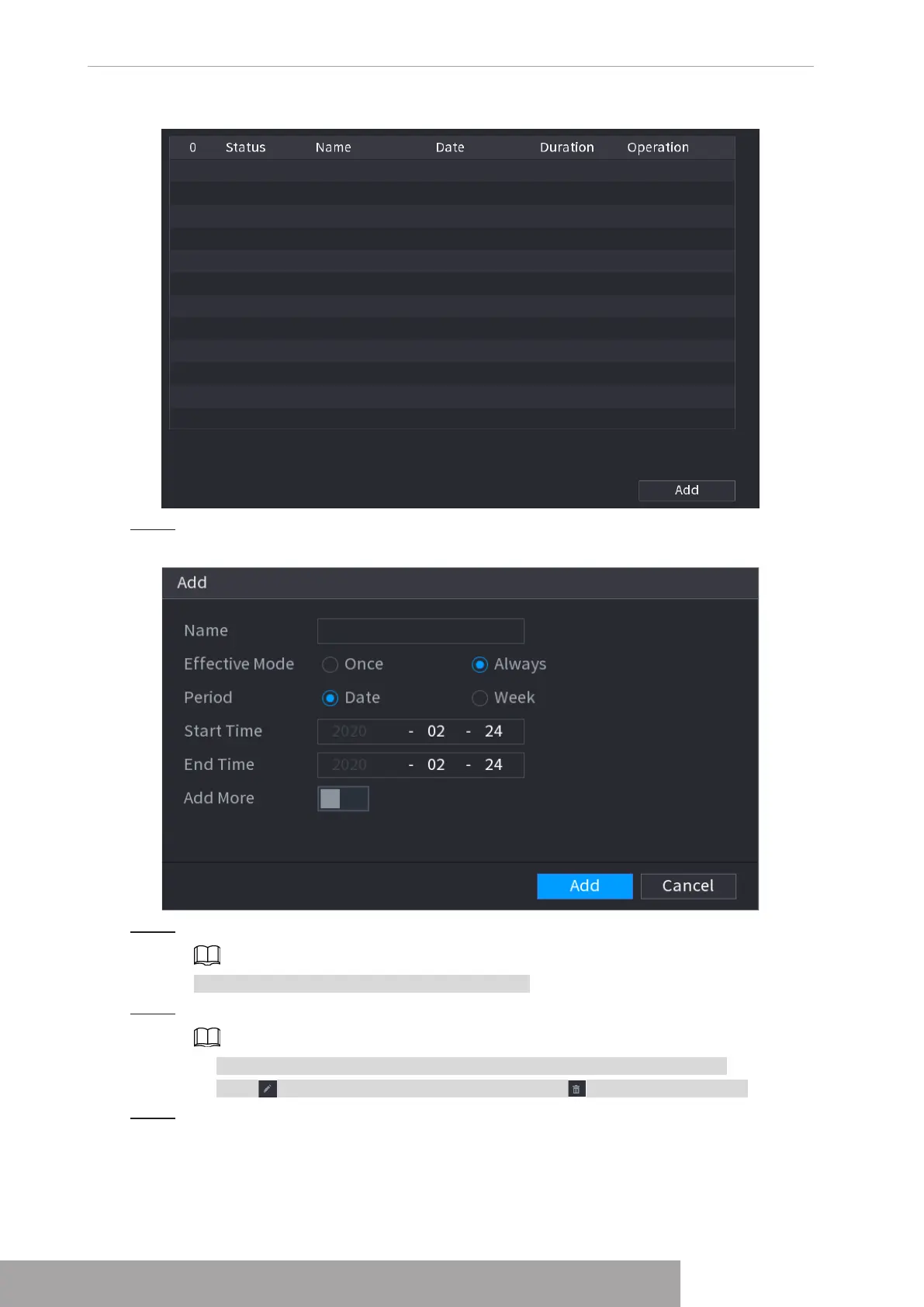
Figure 4-19
Step 2 Click
Add Holidays
, the
Add Holidays
interface is displayed. See Figure 4-20.
Figure 4-20
Step 3 Set holiday name, repeat mode and holiday mode.
Click
Add more
to add new holiday information.
Step 4 Click
Add
, you can add current holiday to the list.
● Click the drop-down list of the state; you can enable/disable holiday date.
● Click to change the holiday information. Click to delete current date.
Step 5 Click
Next
to save settings.
Copyright © NSS Sp. z o.o.
User‘s Manual 18



 To Next Page