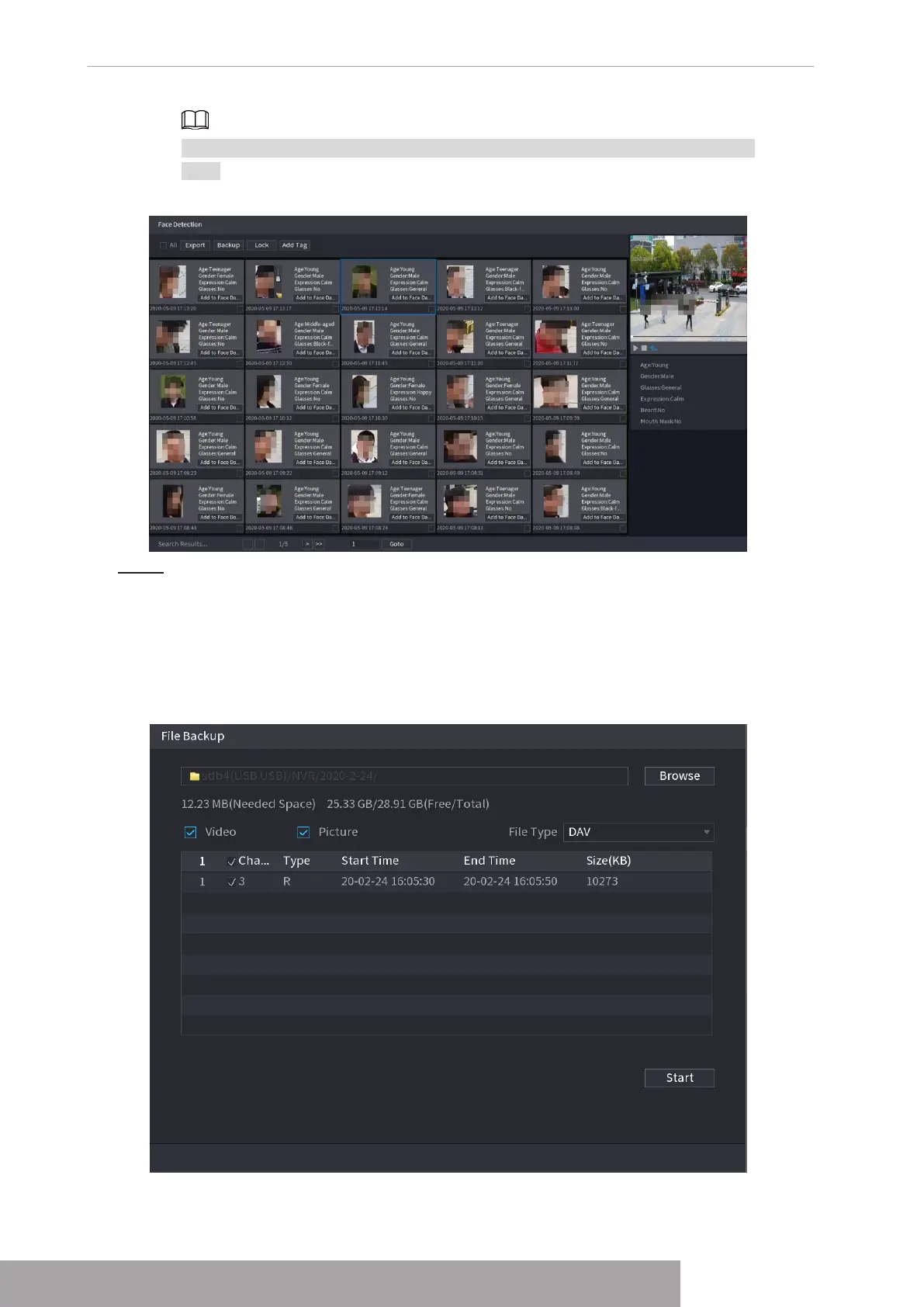
For privacy reason, the human face in the image is pixelated. The actual image is
clear.
Figure 4-116
Step 3 Select the face that you want to play back.
The picture with registered information is displayed.
You can also do the following operations to the recorded files.
● Click
Export
to export results in Excel format.
● To back up the recorded files to the external storage device, select files, click
Backup
, select the save path and file type, and then click
Start
. See Figure 4-117.
Figure 4-117
Copyright © NSS Sp. z o.o.
User‘s Manual 106



 To Next Page