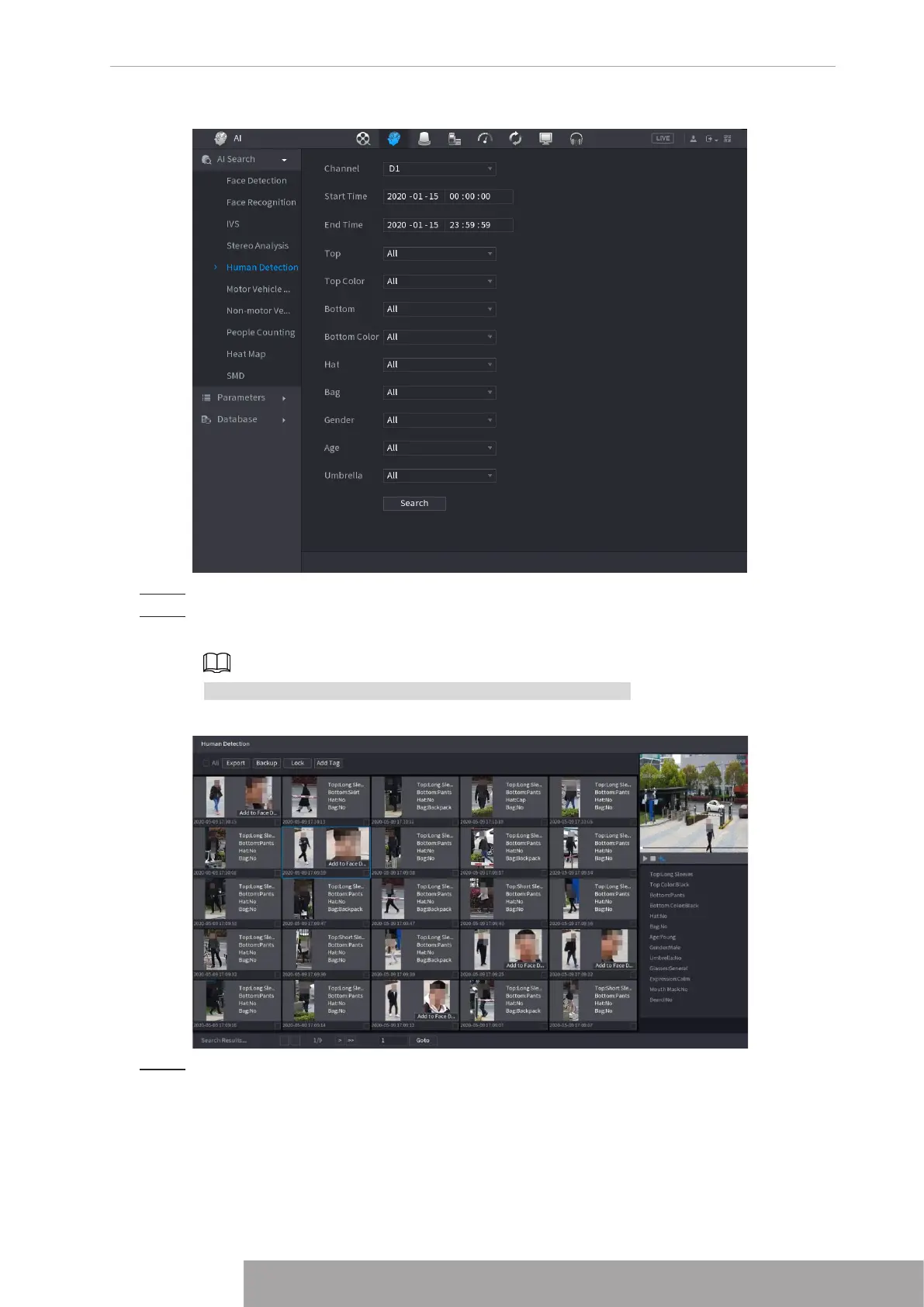
Figure 4-124
Step 2 Select a channel, start time, end time, and set corresponding parameters.
Step 3 Click
Search
.
The search result is displayed. See Figure 4-125.
For privacy reason, the human face in the image is pixelated.
Figure 4-125
Step 4 Select one or multiple results, and do the following operations as needed.
● Click
Export
to export results in Excel format.
● To back up the recorded files to the external storage device, select files, click
Backup
, select the save path and file type, and then click
Start
.
● To lock the files to make it unable to be overwritten, select the files, and then click
Lock
.
● To add a tag to the file, select the files and then click
Add Tag
.
Copyright © NSS Sp. z o.o.
115 User‘s Manual



 To Next Page