Parameter Description
Filter target
Click to filter the target. Check the blue wireframe and adjust
the size of the area with the mouse.
Each rule can set 2 target filters (maximum size and minimum
size), that is, when the passing target is smaller than the minimum
target or larger than the maximum target, no alarm will be
generated. The maximum size should not be smaller than the
minimum size.
3) Click and hold the left mouse key to draw an area for people counting.
4) Click
OK
.
Step 3 Click in both
Parameters
and
Trigger
columns, and configure parameters.
Table 4-48
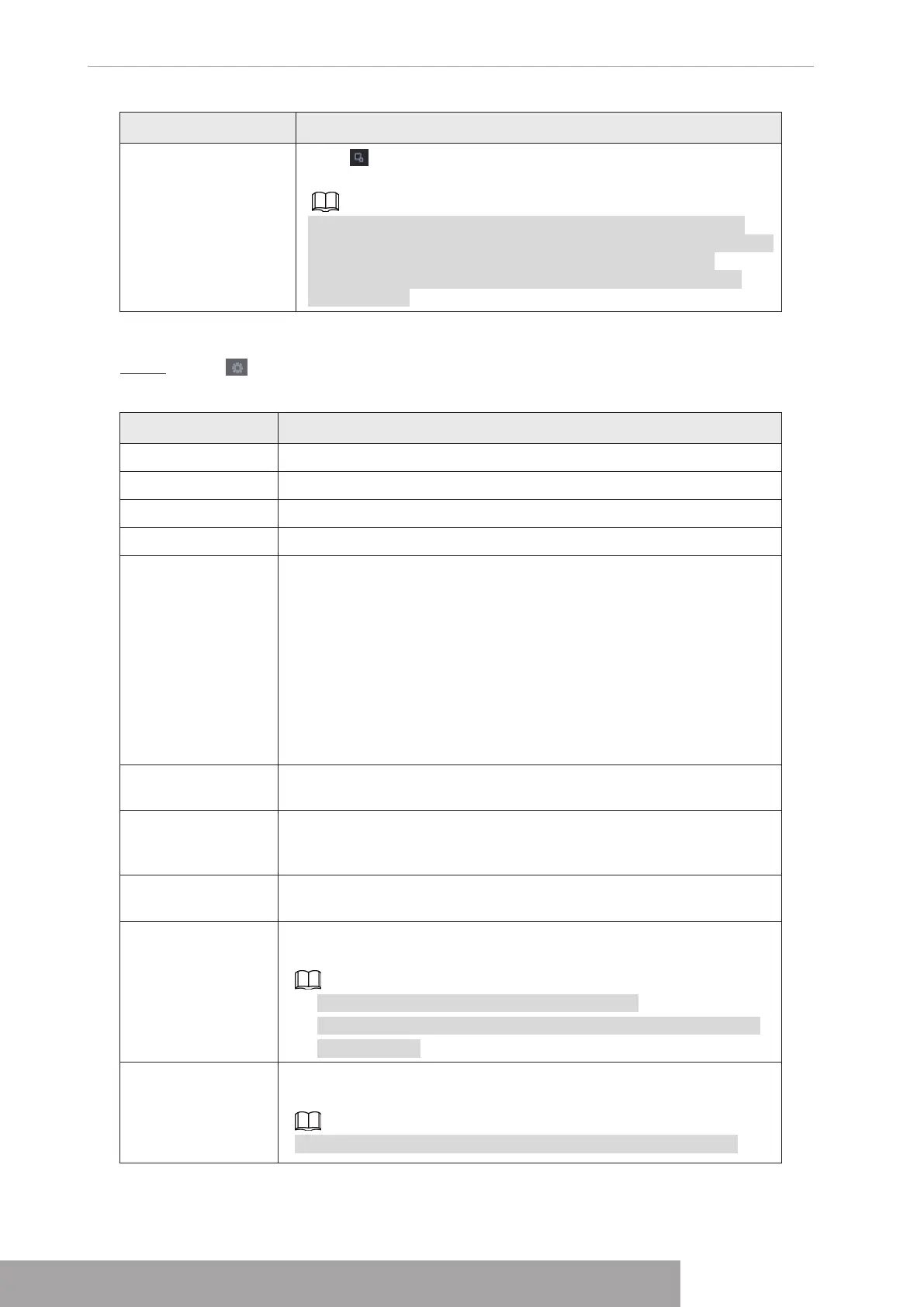
Parameter Description
Channel Select a channel from the dropdown list.
Enable Check the box to enable the function.
Rule Type Select a people counting rule type.
Rule
Click
RULE
to set statistics region, name, direction.
Alarm
Click
Setting
to set alarm parameters.
OSD Overlay: Check the box here; you can view the people amount
on the surveillance video.
Entry No.: You can set people entry amount. System can generate an
alarm once the amount has exceeded the threshold.
Exit No.: You can set people exit amount. System can generate an
alarm once the amount has exceeded the threshold.
Remaining No.: You can set people staying amount in the zone.
System can generate an alarm once the amount has exceeded the
threshold.
Period
Configure the period and in the set time range, the corresponding
configuration item will be linked to start the alarm.
Alarm Out
The alarm device (such as lights, sirens, etc.) is connected to the
alarm output port. When an alarm occurs, the NVR device transmits
the alarm information to the alarm device.
Latch
When the alarm ends, the alarm extended for a period of time. The
time range is from 0 seconds to 300 seconds.
Alarm Upload
Select the check box. When an alarm occurs, the NVR device
uploads an alarm signal to the network (including the alarm center).
● This function is for some series products only.
● You need to set the alarm center first. For details, see "1.11.13
Alarm Center".
Send Email
Select the check box. When an alarm occurs, the NVR device sends
an email to the set mailbox to notify the user.
You need to set the email first. For details, see "1.11.10 Email".
Copyright © NSS Sp. z o.o.
User‘s Manual 150



 To Next Page