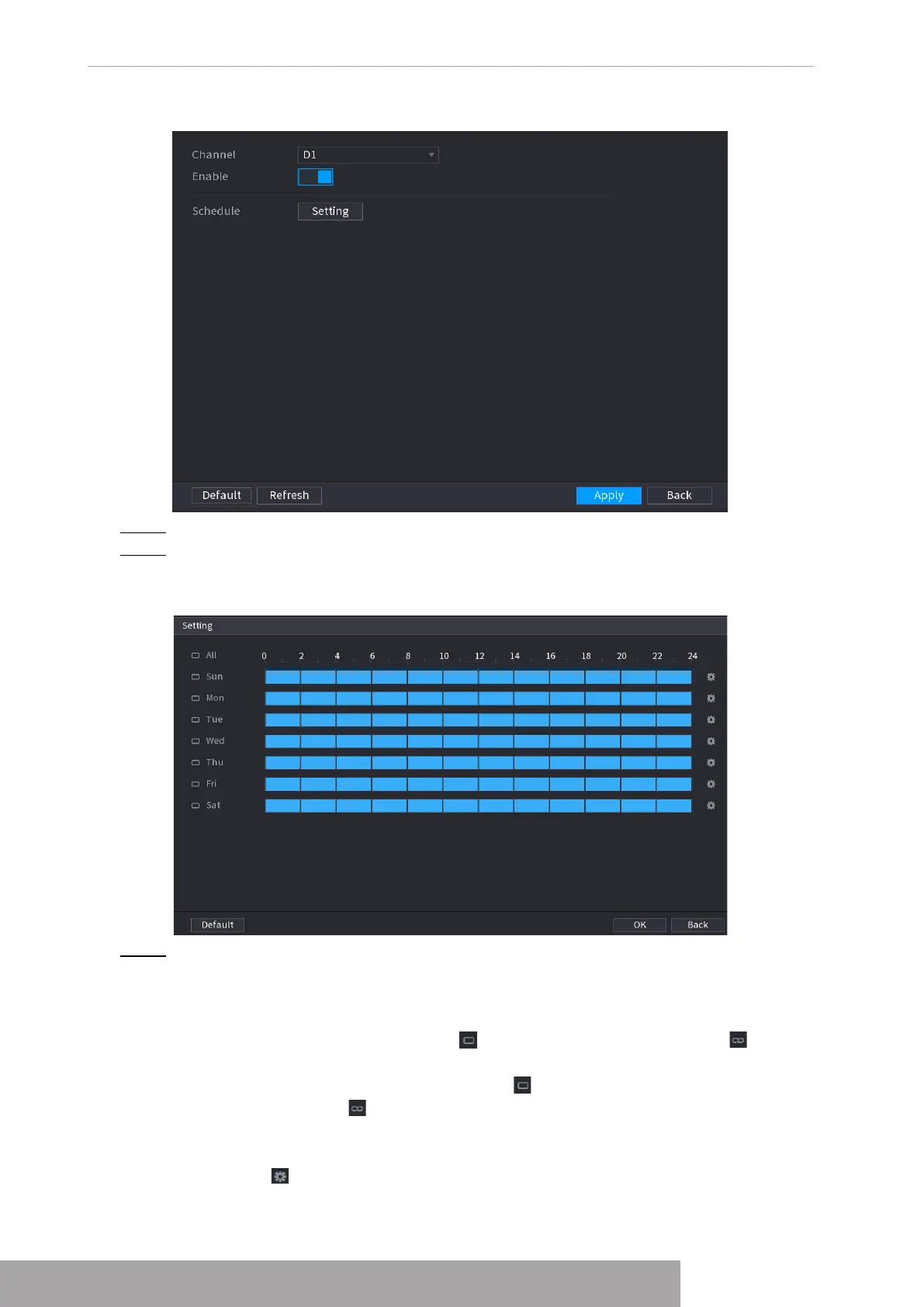
Figure 4-163
Step 2 Select a channel number and then check the box to enable the function.
Step 3 Click
Setting
.
The
Setting
interface is displayed. See Figure 4-164.
Figure 4-164
Step 4 Set arm/disarm period. There are two modes for you to set the period so that the
system can detect the specified zone.
● Define the period by drawing.
Select the corresponding date and then use mouse to drag the bar to set period.
◇
Define for the whole week: Click next to
All
, all the icon switches to , you
can define the period for all the days simultaneously.
◇
Define for several days of a week: Click before each day one by one, the
icon switches to . You can define the period for the selected days
simultaneously.
● Define the period by editing.
1. Click of the corresponding date, and then set the period on the pop-up
interface. Click
OK
to save.
Copyright © NSS Sp. z o.o.
User‘s Manual 154



 To Next Page