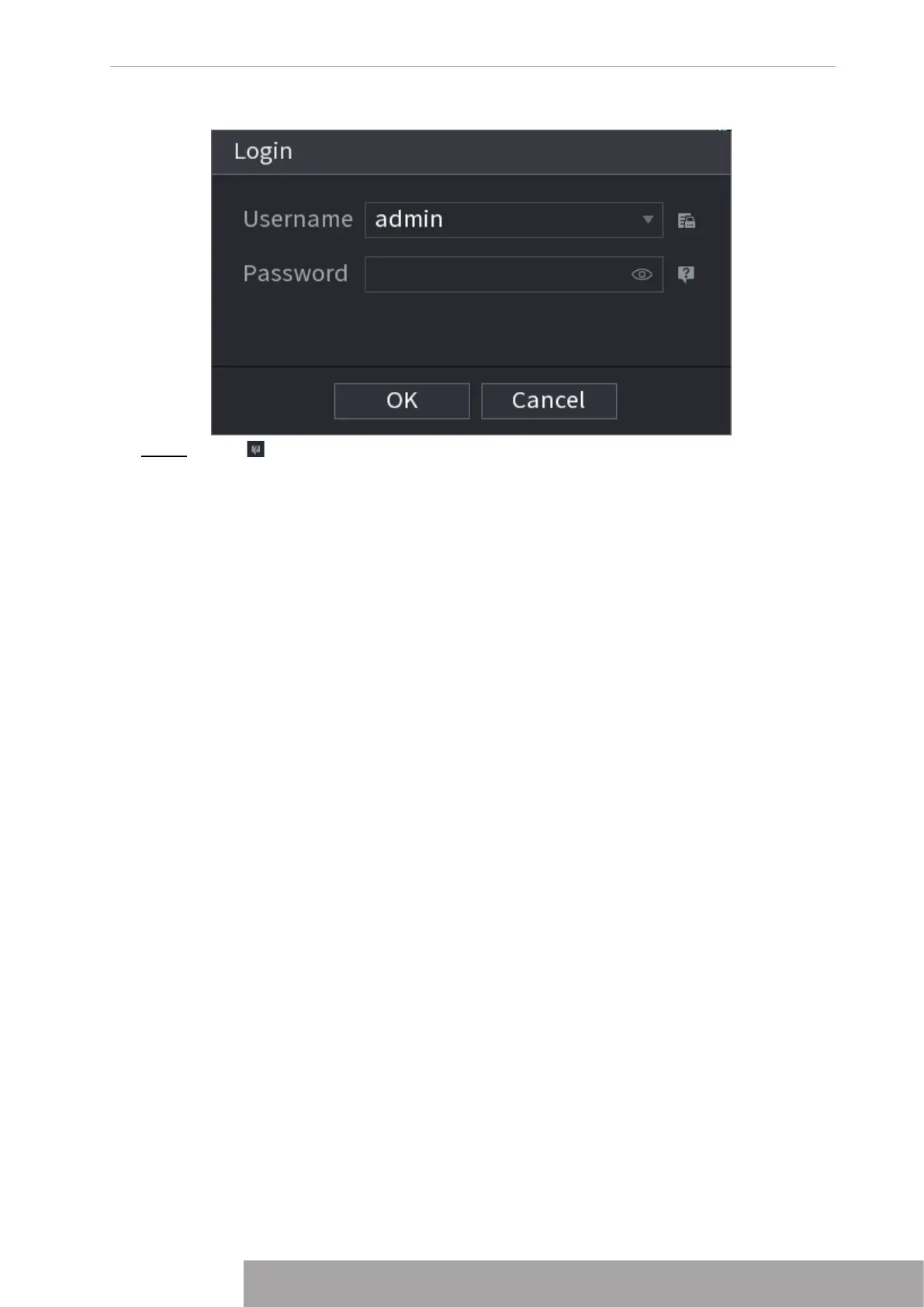
Figure 4-8
Step 2 Click .
● If you have set the reserved email address, the
Prompt
interface is displayed. See
Figure 4-9. Click
OK
.
● If you did not set the reserved email address, the email entering interface is
displayed. See Figure 4-8. Enter the email address.
Copyright © NSS Sp. z o.o.
9 User‘s Manual



 To Next Page