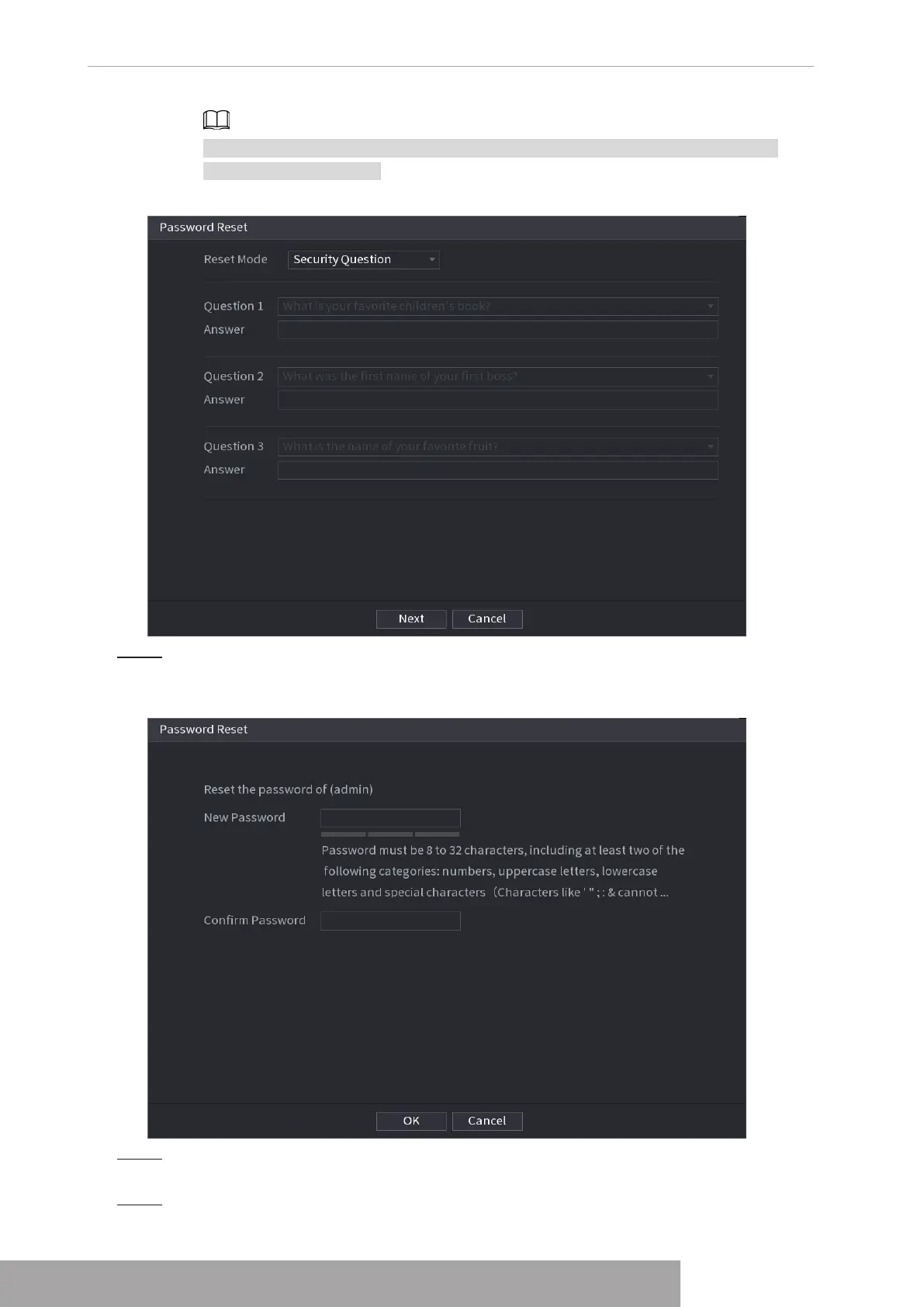
If you did not configure the security questions before, in the
Reset Type
list, there
is no
Security Question
.
Figure 4-12
Step 5 Click
Next
.
The
Reset Password
interface is displayed. See Figure 4-13.
Figure 4-13
Step 6 In the
New Password
box, enter the new password and enter it again in the
Confirm
Password
box.
Step 7 Click
OK
. The password resetting is complete.
Copyright © NSS Sp. z o.o.
User‘s Manual 12



 To Next Page