297
of the main device.
Procedure
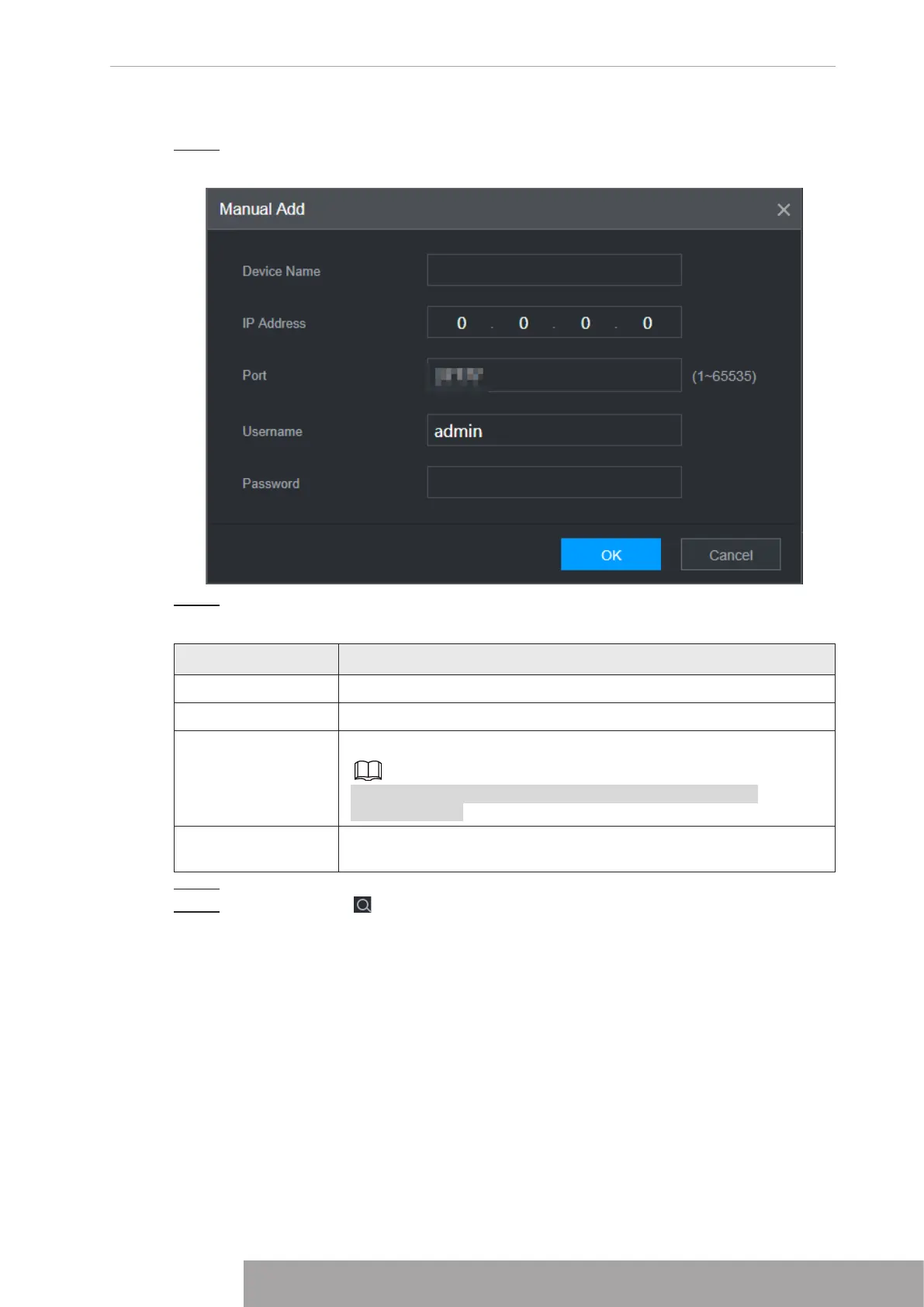
Step 1 Click
Manual Add
.
Figure 5-5
Step 2 Configure parameters.
Table 5-2
Parameter Description
Device Name This parameter is user defined.
IP Address Enter the IP address of the NVR.
Port
Set the TCP port number of the server. The default vaule is 37777.
You can view the current TCP port number in
SETTING
>
Network
>
Port
Username/Passwor
d
Enter the username and password of the NVR.
Step 3 Click
OK
.
Step 4 (Optional) Click to view event occurrence time, name, operation and reason.
Copyright © NSS Sp. z o.o.
297 User‘s Manual



 To Next Page