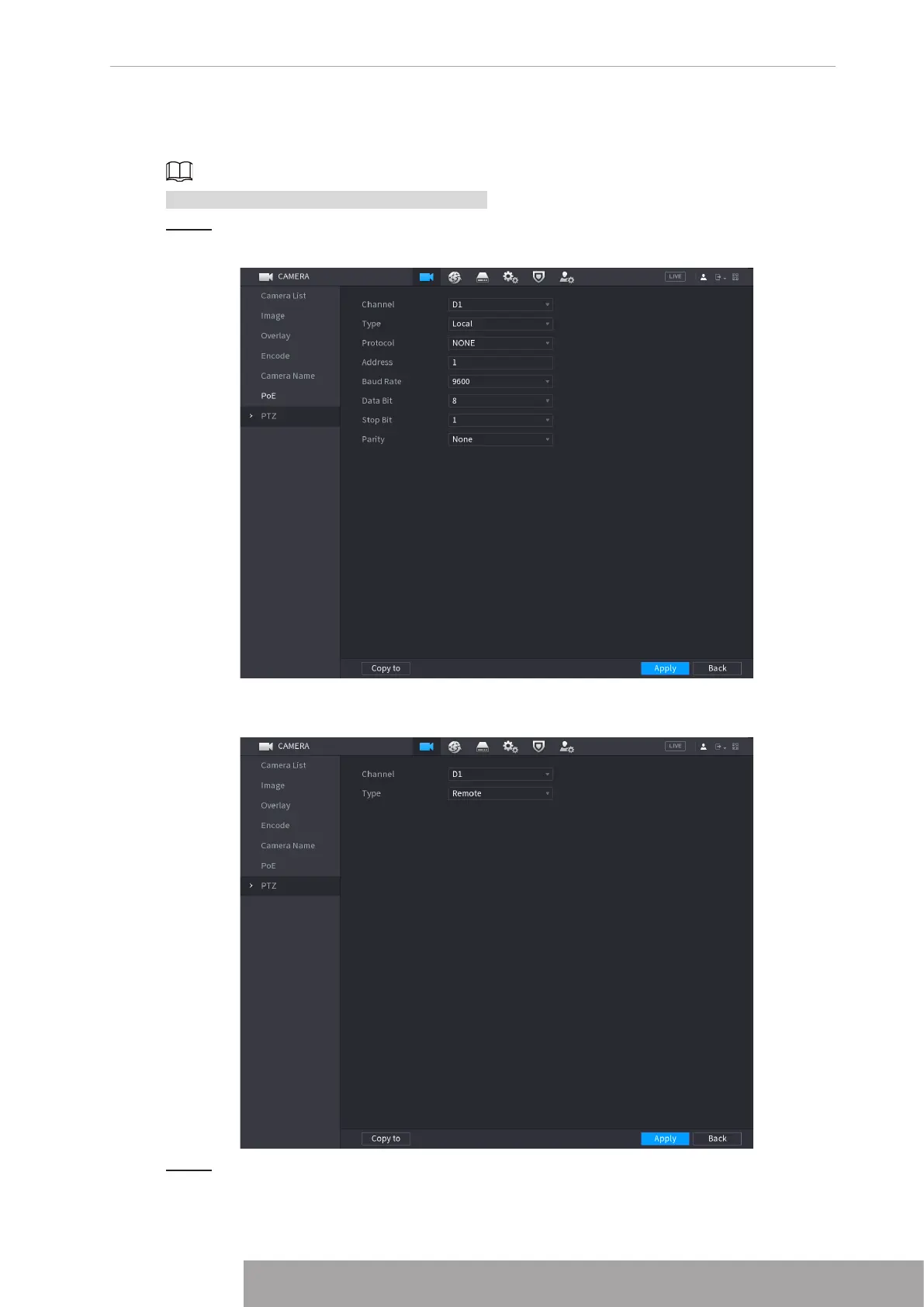
● Local: The PTZ device connects to the NVR via the cable.
● Remote: The PTZ device connects to the NVR via the network.
This function is for some series products only.
Step 1 Select
Main menu
>
Camera
>
PTZ
.
The PTZ interface is displayed. See Figure 4-92 or Figure 4-93.Figure 4-92
Figure 4-93
Step 2 Configure parameters. See Table 4-26.
Copyright © NSS Sp. z o.o.
85 User‘s Manual



 To Next Page