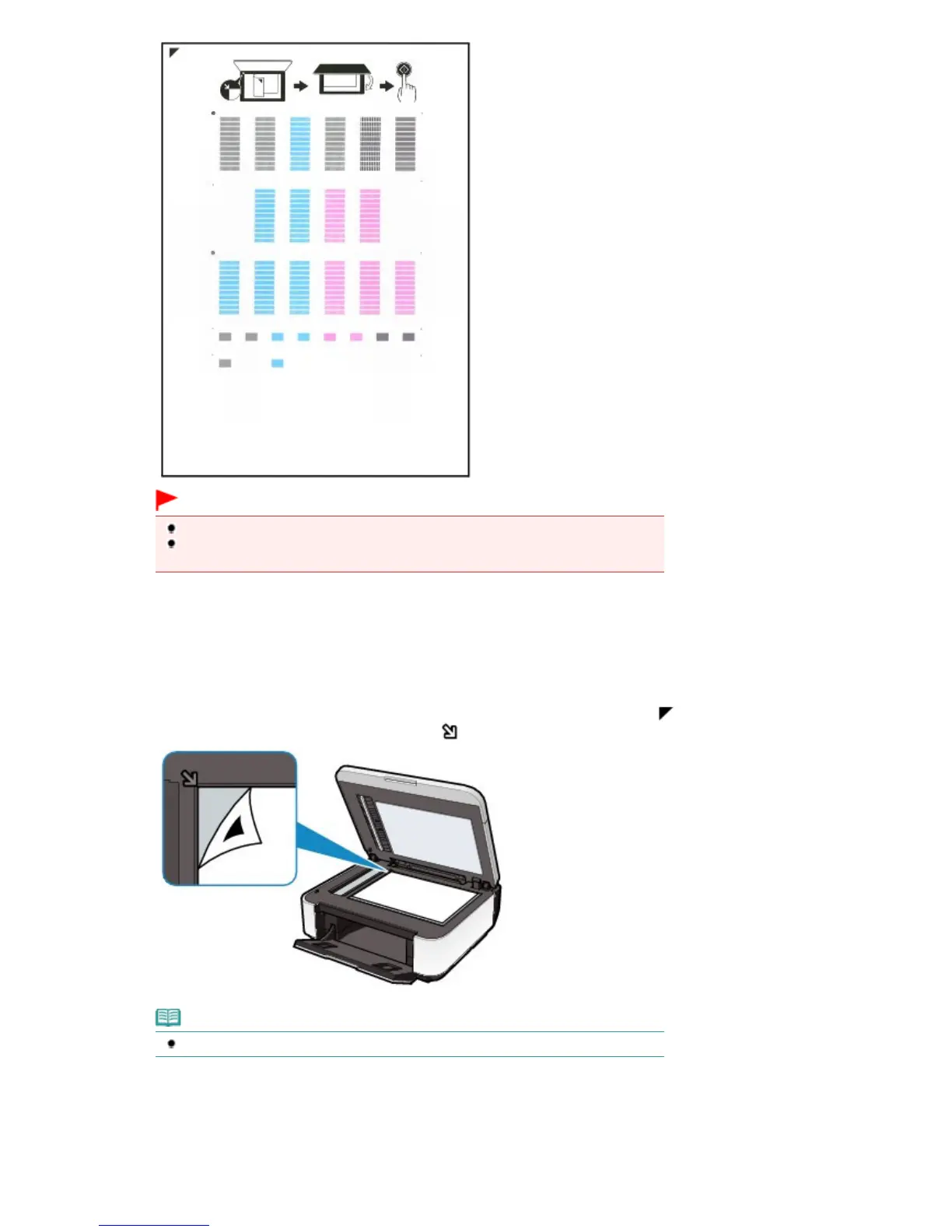
Important
Do not touch any printed part on the print head alignment sheet.
Be careful not to get the print head alignment sheet dirty. If the sheet is stained or
(3)
When the message "Are the patterns fine?" appears, confirm that the pattern is
printed correctly, select Yes, then press the
OK
button.
5.
Scan the print head alignment sheet to adjust the print head position.
(1)
Load the print head alignment sheet on the Platen Glass.
Load the print head alignment sheet WITH THE PRINTED SIDE FACING DOWN and align the mark
on the
upper left corner of the sheet with the alignment mark
.
Note
The print head alignment sheet cannot be scanned if it is loaded in the ADF.
(2)
Close the Document Cover gently, and press the
Color
or
Black
button.
The machine starts scanning the print head alignment sheet, and the print head position will be adjusted
automatically.
When adjusting the print head position is completed, remove the print head alignment sheet on the Platen
Glass.
Seite 105 von 922 SeitenAligning the Print Head















 To Next Page