Note
This function is available only when the Movie Print window is displayed via Solution Menu EX.
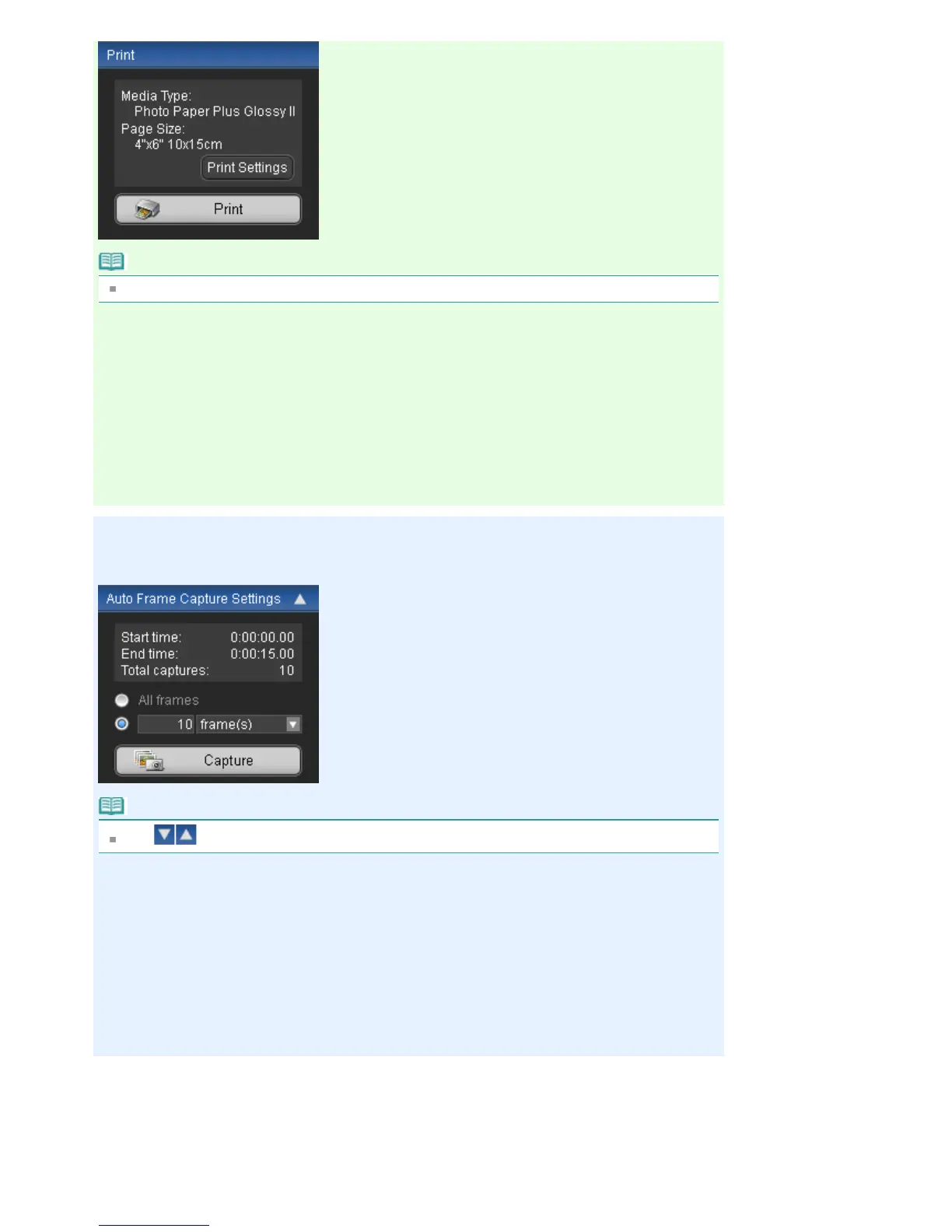
Media Type
Displays the media type specified in the Print Settings dialog box.
Page Size
Displays the paper size specified in the Print Settings dialog box.
Print Settings
Displays the Print Settings dialog box in which you can make the basic print settings (select printer/
media, etc.).
Print
Starts printing the still images selected in the Captured frame(s) area.
Auto Frame Capture Settings Area
You can capture multiple still images according to the settings.
Note
Use
(Down arrow/Up arrow) to show/hide the Auto Frame Capture Settings area.
Start time/End time
Displays the start/end time of the time range from which to capture still images.
Total captures
Displays the number of still images to be captured.
Capture Method
Select from All frames, frame(s), sec. int. and frame int..
Capture
Captures still images according to the settings.
You can capture up to 150 frames at a time from one video.
Select Video
Displays the Select Video dialog box.
Select a folder, then select the video from which you want to capture still images.
Save
Saves the still images selected in the Captured frame(s) area.
Exit
Seite 220 von 922 SeitenVideo Frame Capture/Movie Print Window















 To Next Page