Click to close the Video Frame Capture/Movie Print window.
(2) Preview Area
The video selected in the Select Video dialog box appears in Preview.
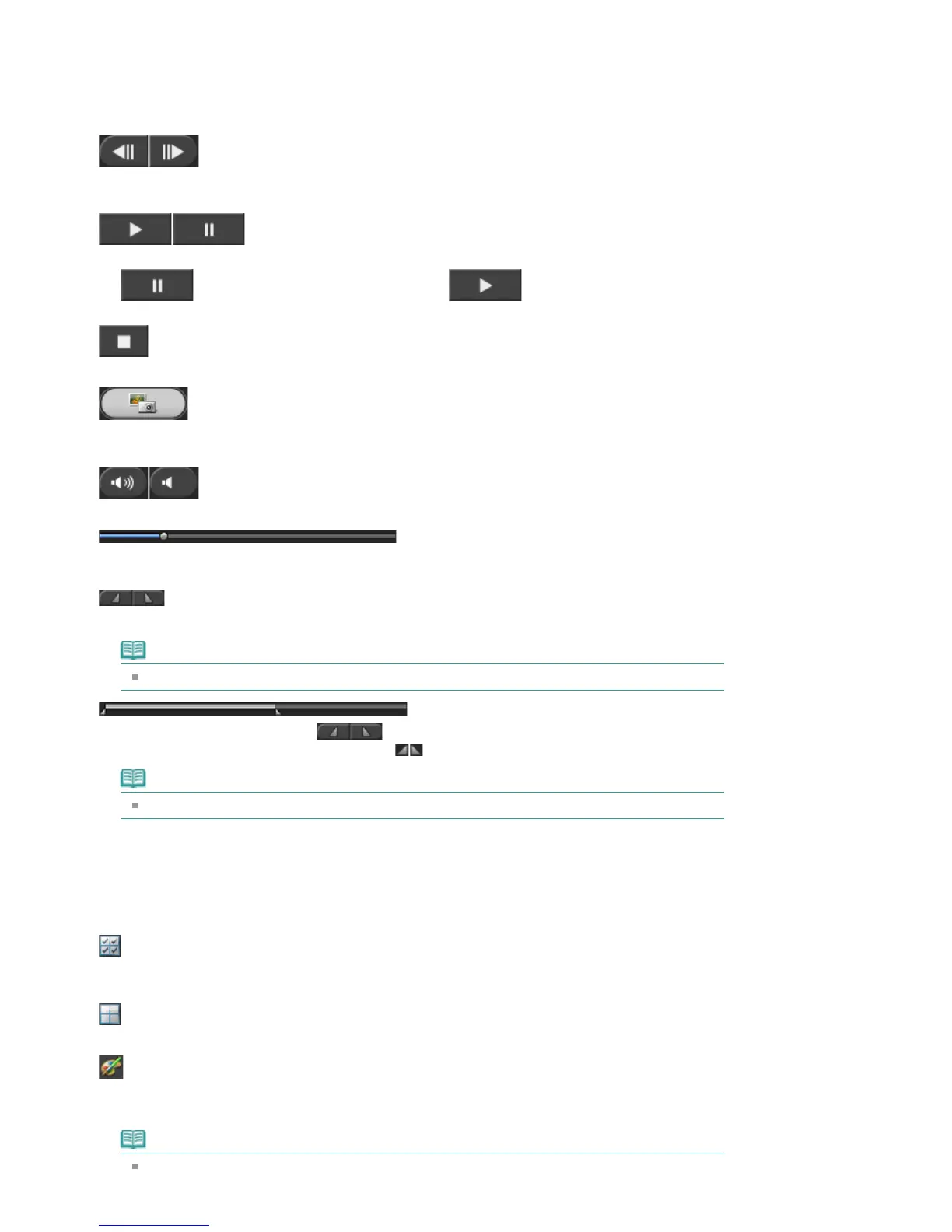
(Frame backward/Frame advance)
Click to reverse/advance one frame and pause.
You can also click during playback to reverse/advance one frame and pause.
(Playback/Pause)
Plays or pauses the video.
(Pause) appears while a video plays, and
(Playback) appears while a video
is stopped.
(Stop)
Stops the video.
(Capture)
Captures the current frame and displays the still image in the Captured frame(s) area.
You can also capture during playback.
(Mute/Clear mute)
Switches audio OFF/ON.
Playback Slider
Displays the video playback progress.
Current playback time is displayed to the left of the slider.
(Set start time/Set end time)
Set the start/end time of the time range from which to capture still images automatically.
Note
These buttons are displayed only when the Auto Frame Capture Settings area is displayed.
Time Range Slider
Displays the time range set with
(Set start time/Set end time).
You can also set the start/end time by moving (Start/End point) located below the slider.
Note
This slider is displayed only when the Auto Frame Capture Settings area is displayed.
(3) Captured Frame(s) Area
Displays the thumbnails of the captured still images.
Double-click a thumbnail image to display the Zoom In window in which you can check the details of the
image.
(Select all frames)
Selects all the images displayed in the Captured frame(s) area.
When you select an image, a checkmark appears in its checkbox.
(Clear all check-marks)
Cancels all image selections in the Captured frame(s) area.
(Correct image)
Displays the Correct Captured Frames window in which you can correct all the images selected in
the Captured frame(s) area.
Note
When a frame in which the subject or camera has moved significantly is captured, the image
may not be corrected properly.
Seite 221 von 922 SeitenVideo Frame Capture/Movie Print Window















 To Next Page