Advanced Guide
>
Printing from a Computer
>
Printing with the Bundled Application Software
>
Other
Settings
> Setting Calendar Display
A100
Setting Calendar Display
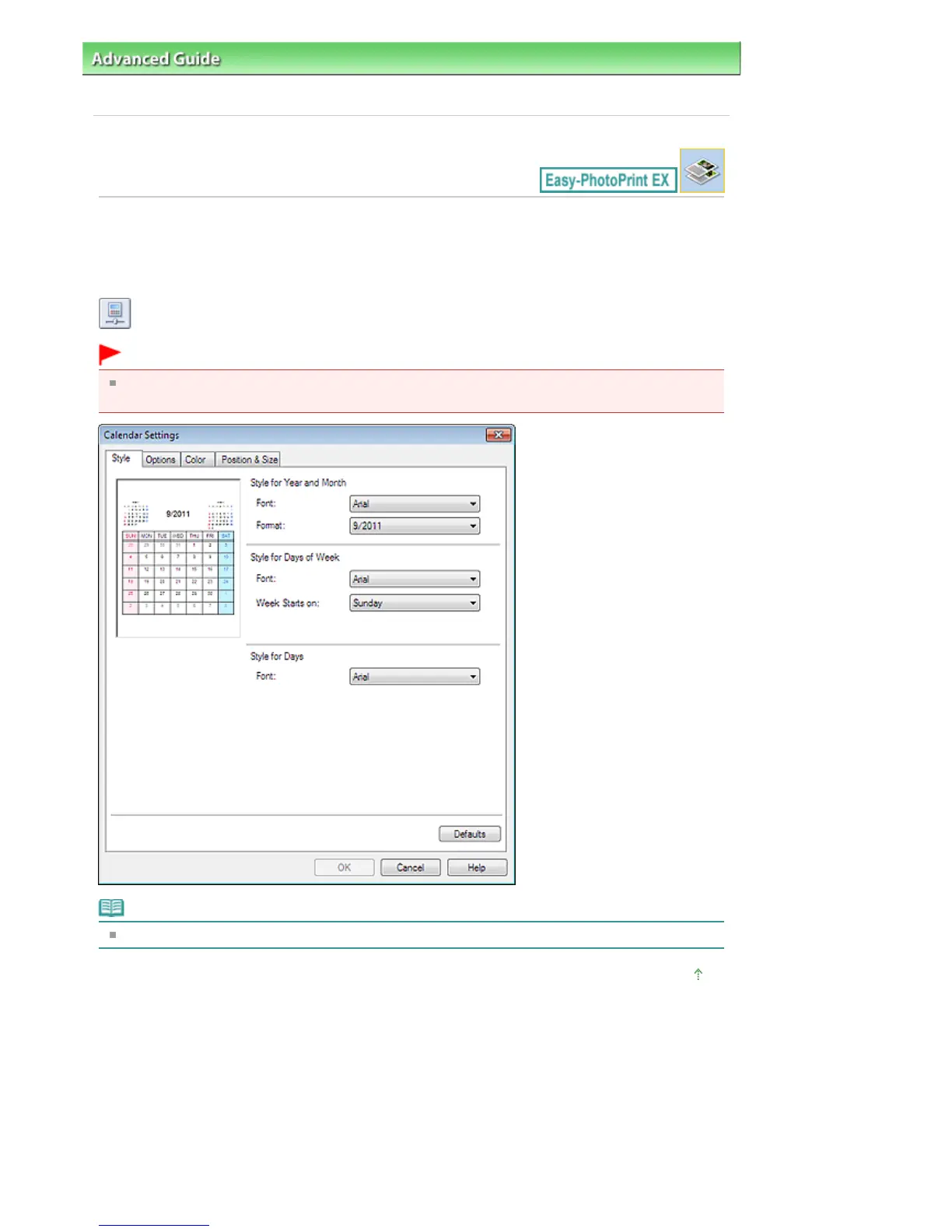
You can customize the calendar display (fonts, lines, colors, position, size, etc.).
Click Settings... in the Page Setup screen of Calendar, or select a calendar in the Edit screen and click
(Setup Calendar) to display the Calendar Settings dialog box.
Important
The Position & Size tab is displayed only when the Calendar Settings dialog box is displayed from
the Edit screen.
Note
See Help for details on the Calendar Settings dialog box.
Page top
Seite 267 von 922 SeitenSetting Calendar Display















 To Next Page