4.
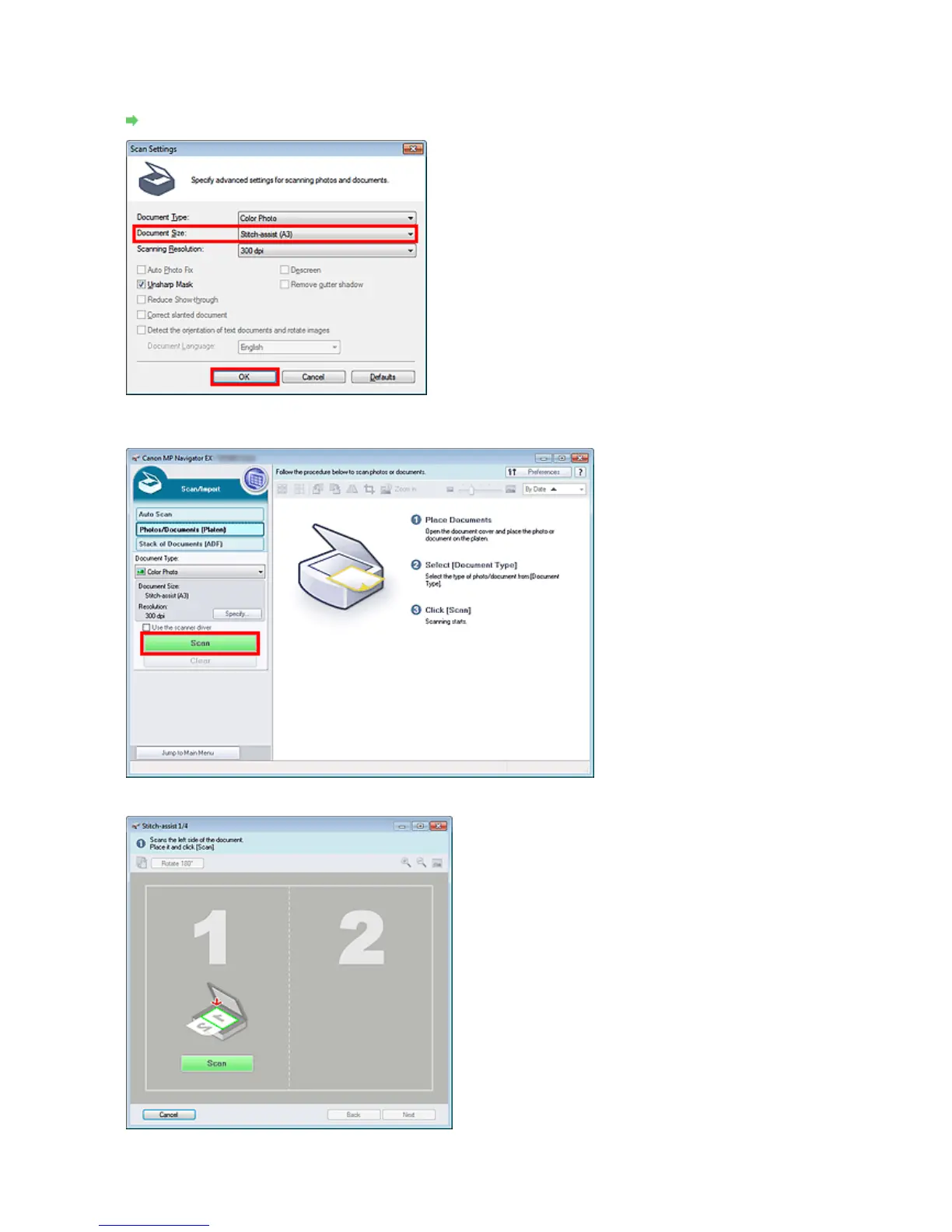
Click Specify....
Select Stitch Assist for Document Size, then specify the scanning resolution as required.
When setting is completed, click OK.
Scan Settings Dialog Box (Photos/Documents)
5.
Click Scan.
The Stitch-assist window opens.
6.
Place the left half of the document face-down on the Platen.
Seite 403 von 922 SeitenScanning Images Larger than the Platen (Stitch Assist)















 To Next Page