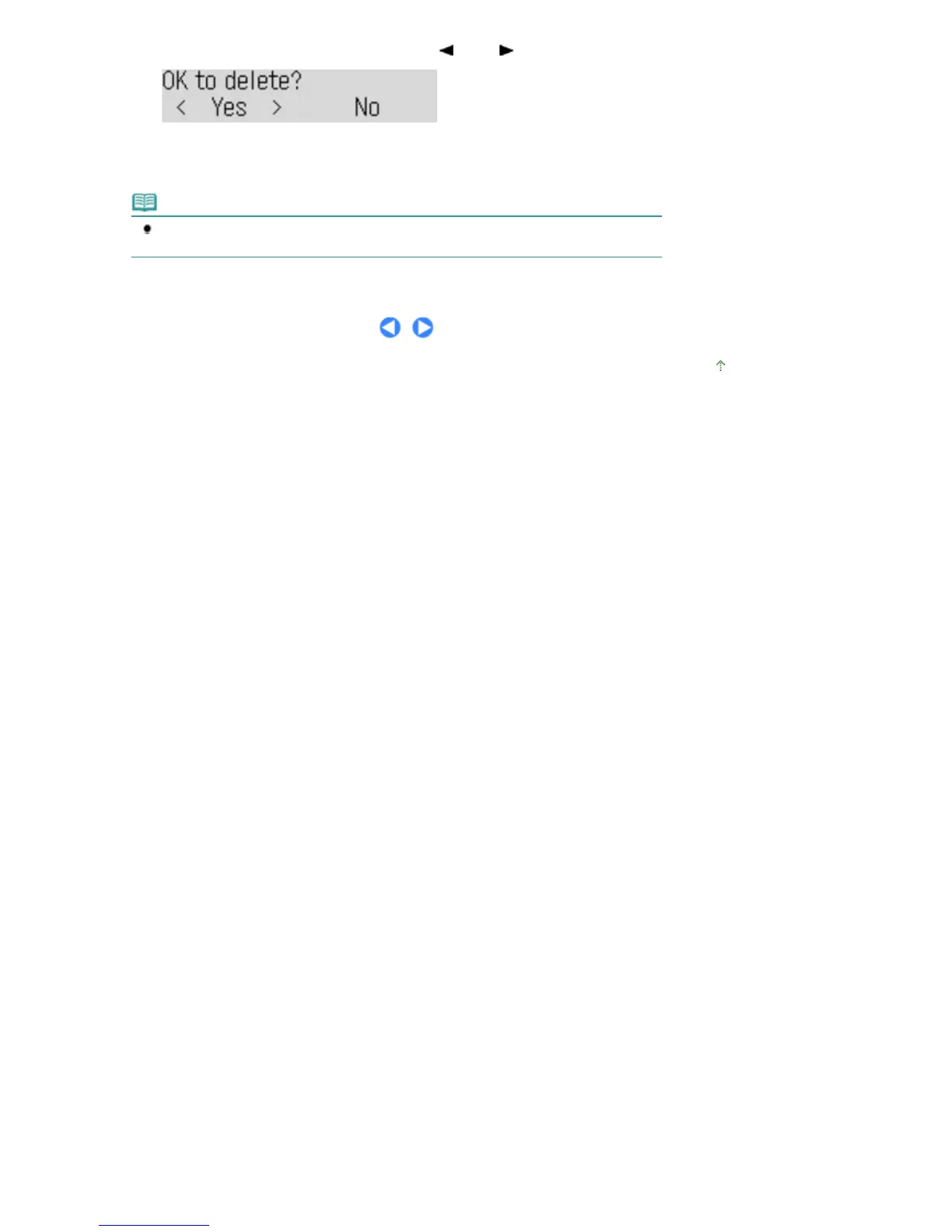
(3)
To delete the printed document, use the
(-) or (+) button to select Yes.
To keep the document in the memory, select No.
(4)
Press the
OK
button.
Note
The deletion confirmation screen will appear each time after one document is printed. Repeat
the same procedure until all documents are printed.
Page top
Seite 44 von 922 SeitenReceiving Faxes















 To Next Page