Advanced Guide
Troubleshooting
Contents
>
Scanning > Using Various Scan Functions
C042
Using Various Scan Functions
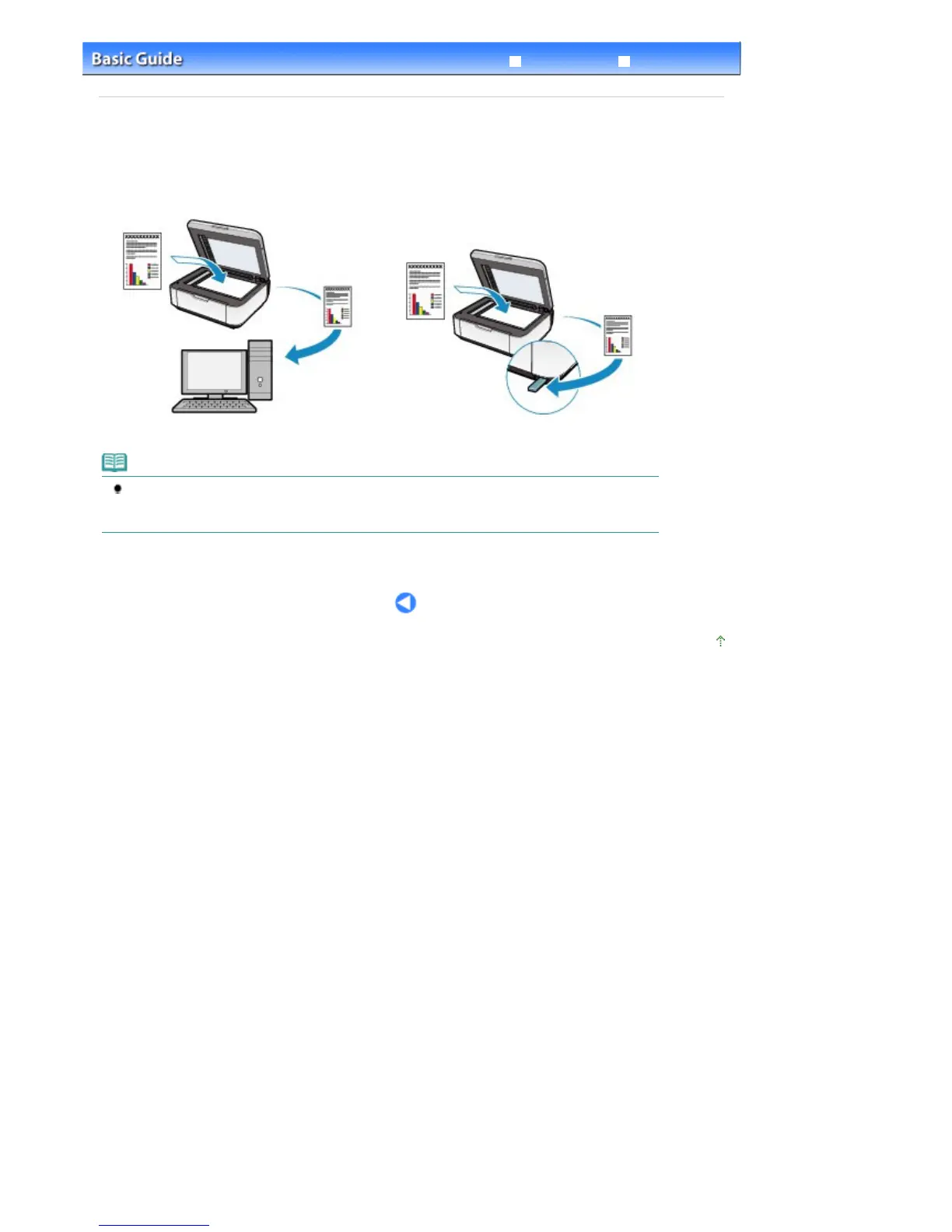
You can save scanned data also on the USB flash drive inserted into the machine by selecting USB flash
drive in Save to in the scan mode.
For details, refer to the on-screen manual:
Advanced Guide
.
PC
USB flash drive
Note
If you select PC in Save to and specify other than Auto scan for Document type, you can save
scanned data on the computer according to the settings you specified for Scan size, Data format
(PDF/JPEG/TIFF/Compact PDF), and Scan resolution available by pressing the
Settings
button.
Page top
Seite 57 von 922 SeitenUsing Various Scan Functions















 To Next Page