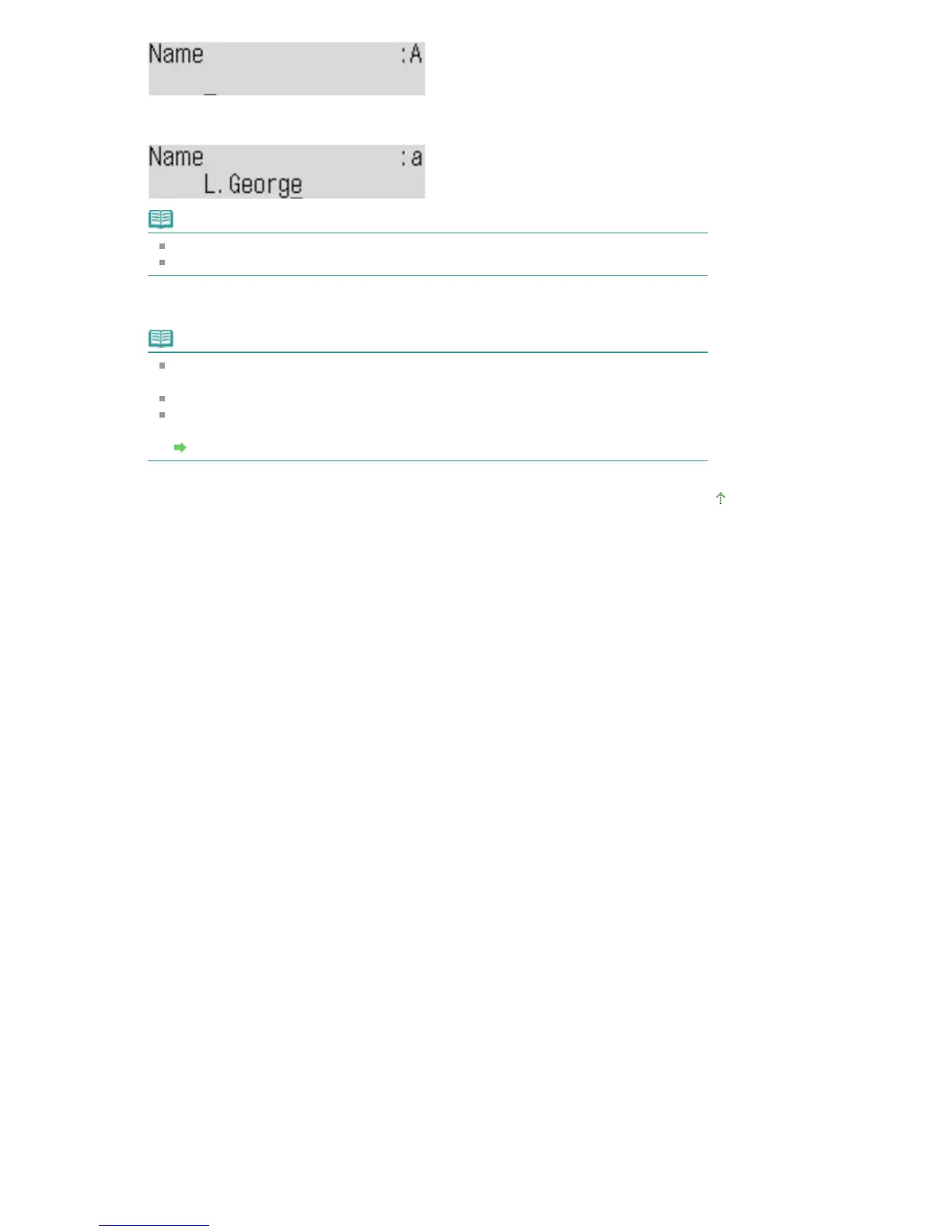
11.
Use the Numeric buttons to enter the recipient's name.
Note
You can enter the name up to 16 characters, including spaces.
For details on how to enter or delete characters, refer to Preparing for Faxing
.
12.
Press the
OK
button to finalize registration.
Note
To register another recipient's number and name to the coded speed dial, repeat steps
6 to 12.
To return to the Fax standby screen, press the
Stop
button.
You can check the recipient's numbers and names you have registered by printing the
list of the coded speed dial codes.
Printing a List of the Registered Destinations
Page top
Seite 656 von 922 SeitenRegistering Recipients to Coded Speed Dial















 To Next Page