Advanced Guide
>
Faxing
>
Registering Recipients for Speed Dialing
>
Registering Recipients Using the
Operation Panel of the Machine
> Registering Recipients for Group Dial
F005
Registering Recipients for Group Dial
If you register two or more registered coded speed dial codes to a group dial, you can send the same
document successively to all recipients registered to the group dial.
1.
Make sure that the machine is turned on.
2.
Press the
FAX
button.
The Fax standby screen is displayed.
3.
Press the
Menu
button.
The Fax settings screen is displayed.
4.
Use the button to select TEL no. registration, then press the
OK
button.
5.
Use the button to select Group dial, then press the
OK
button.
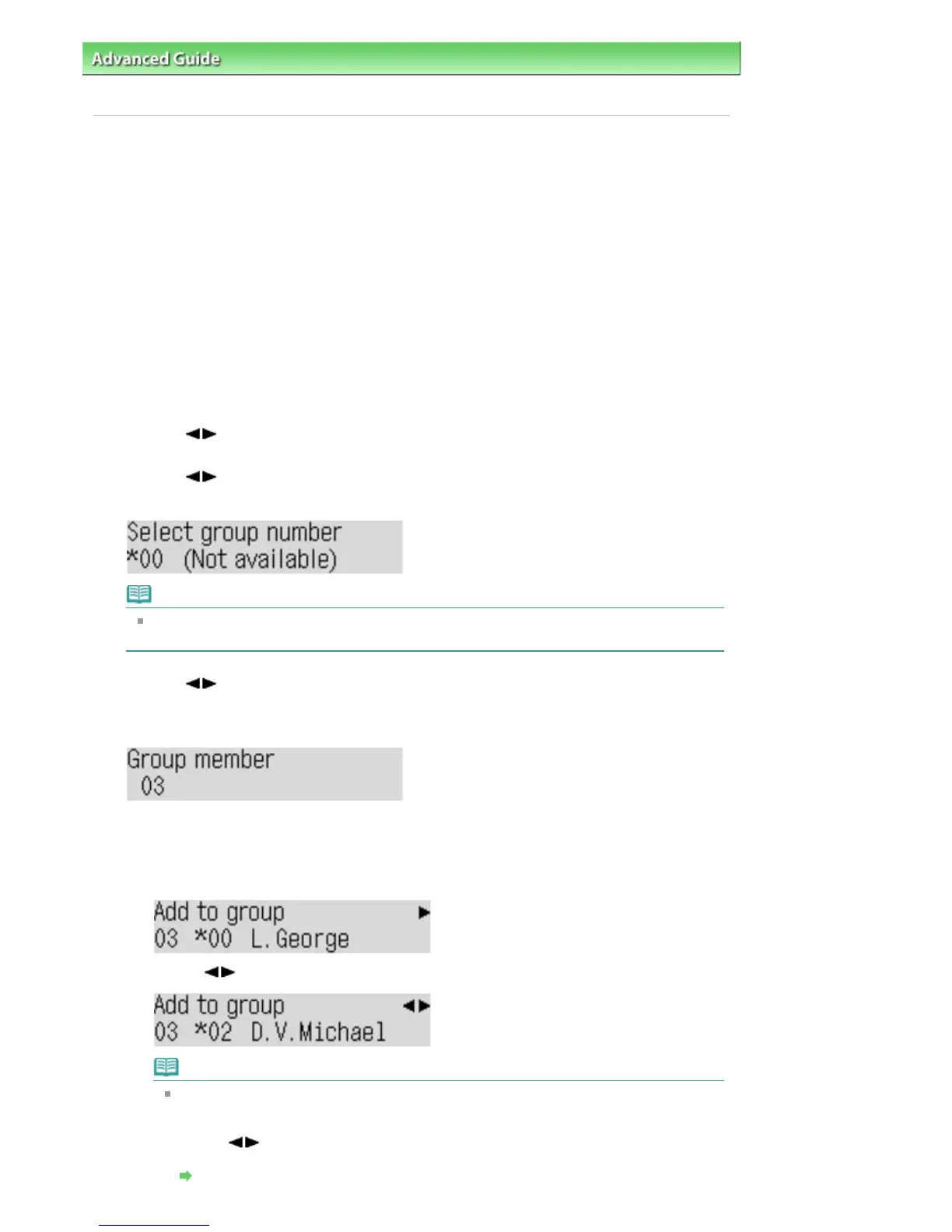
The screen to select a group dial code is displayed.
Note
If you select a code already used as a coded speed dial, (Not available) is displayed. If you
select a code already used as a group dial, the registered group name is displayed.
6.
Use the
button or the Numeric buttons to select an unoccupied coded speed
dial code, then press the
OK
button.
The Group member screen is displayed.
7.
Register the members.
1.
Press the
Coded Dial
button.
The screen to select a coded speed dial code is displayed.
2.
Use the
button to select a coded speed dial code to register to the group dial.
Note
When Enter first letter is displayed on the LCD, you can search the recipient's name by
sorting in alphabetical order.
Use the Numeric buttons to enter the first letter of the recipient's name you want to search,
use the
button to select a coded speed dial code to register to the group dial, then
press the
OK
button.
Searching a Registered Recipient by Name
Seite 657 von 922 SeitenRegistering Recipients for Group Dial















 To Next Page