Advanced Guide
Troubleshooting
Contents
> Printing from Your Computer
> Printing Web Pages (Easy-WebPrint EX)
C054
Printing Web Pages (Easy-WebPrint EX)
Easy-WebPrint EX provides quick and easy printing of web pages.
You can print web pages automatically resized to fit the paper width without cutting off the sides of pages,
or preview and select the desired web pages to print.
Easy-WebPrint EX requires Internet Explorer 7 or later.
Important
It is unlawful to reproduce or edit the copyrighted work of another person without permission from
the copyright holder, except for personal use, use within the home, or other use within the limited
scope as defined by the copyright. Additionally, reproducing or editing photographs of people may
infringe on portrait rights.
Note
For information on installing or starting Easy-WebPrint EX, see
Easy-WebPrint EX
.
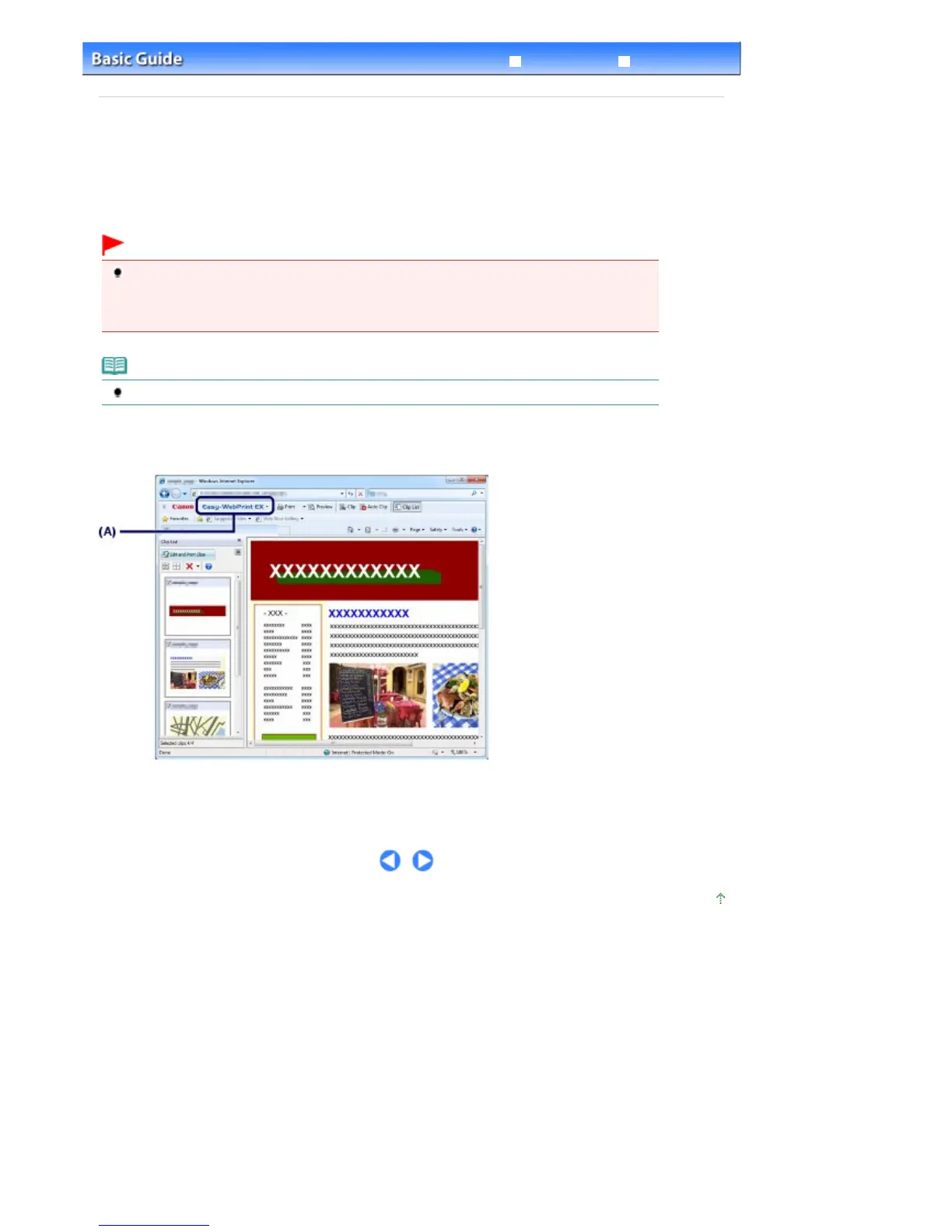
The clip function, for example, allows you to clip desired parts of web pages and edit them to print.
For details on operating Easy-WebPrint EX, refer to the online help.
Click Easy-WebPrint EX (A) on the toolbar, then select Help from the pull-down menu to view the online
help.
Page top
Seite 66 von 922 SeitenPrinting Web Pages (Easy-WebPrint EX)















 To Next Page