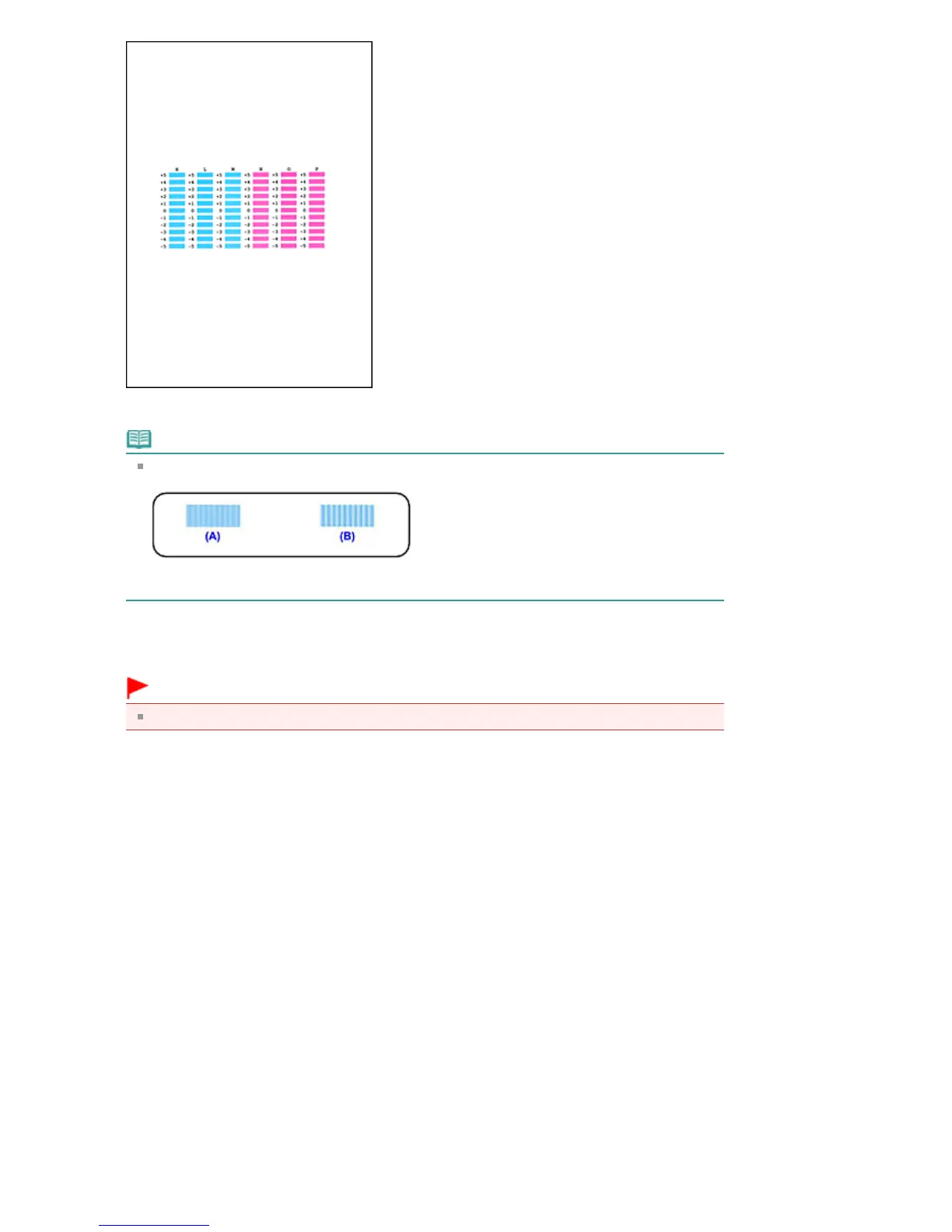
When you have entered all the necessary values, click OK.
Note
If it is difficult to pick the best pattern, pick the setting that produces the least noticeable vertical
(A) Less noticeable vertical white streaks
(B) More noticeable vertical white streaks
11.
Confirm the displayed message and click OK
The third pattern is printed.
Important
Do not open the Scanning Unit (Cover) while printing is in progress.
12.
Check the printed pattern
Enter the numbers of the patterns with the least noticeable horizontal stripes in the associated
boxes.
Even if the patterns with the least noticeable horizontal stripes are clicked in the preview window,
their numbers are automatically entered in the associated boxes.
Seite 735 von 922 SeitenAligning the Print Head Position















 To Next Page