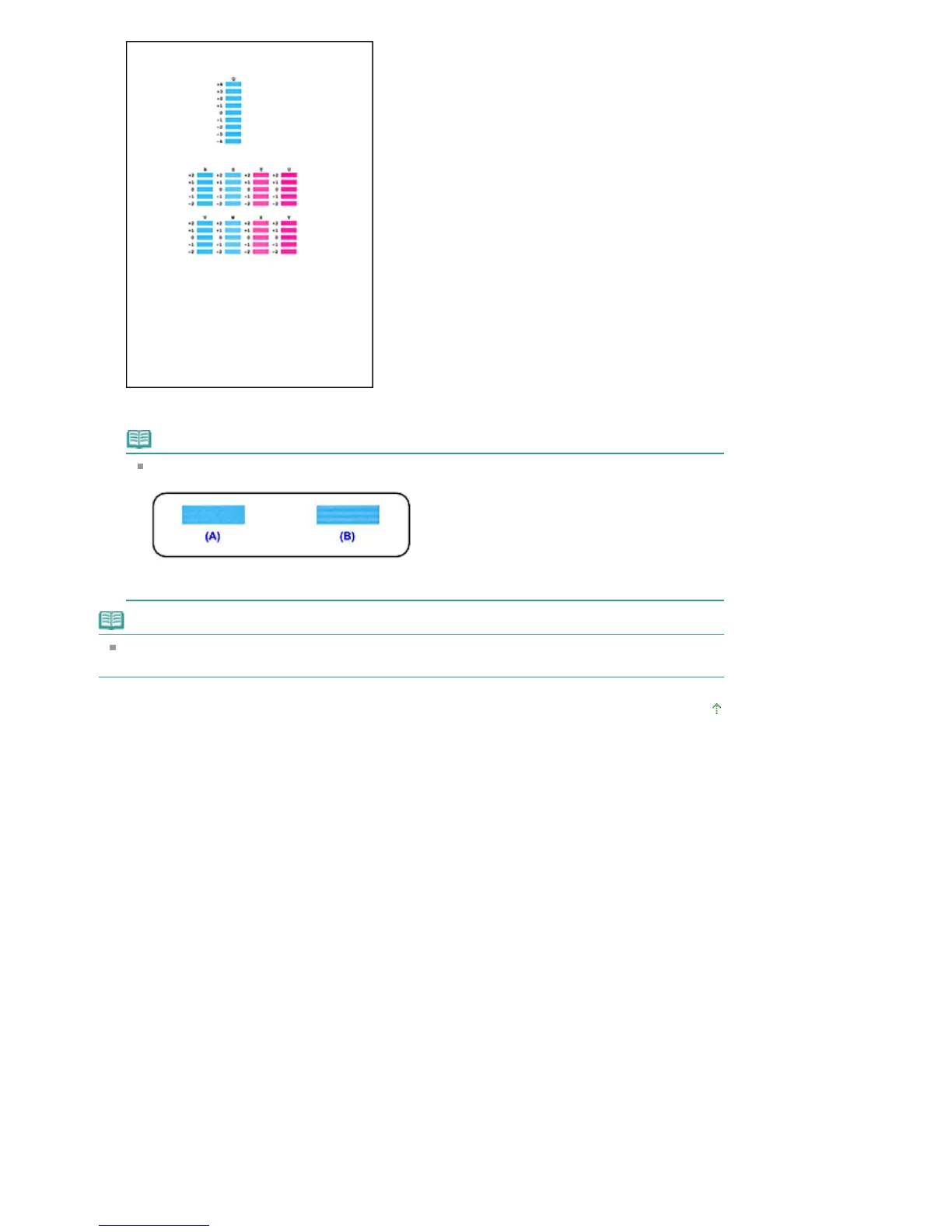
When you have entered all the necessary values, click OK.
Note
If it is difficult to pick the best pattern, pick the setting that produces the least noticeable
horizontal white stripes.
(A) Less noticeable horizontal white stripes
(B) More noticeable horizontal white stripes
Note
To print and check the current setting, open the Start Print Head Alignment dialog box, and click
Print Alignment Value.
Page top
Seite 736 von 922 SeitenAligning the Print Head Position















 To Next Page