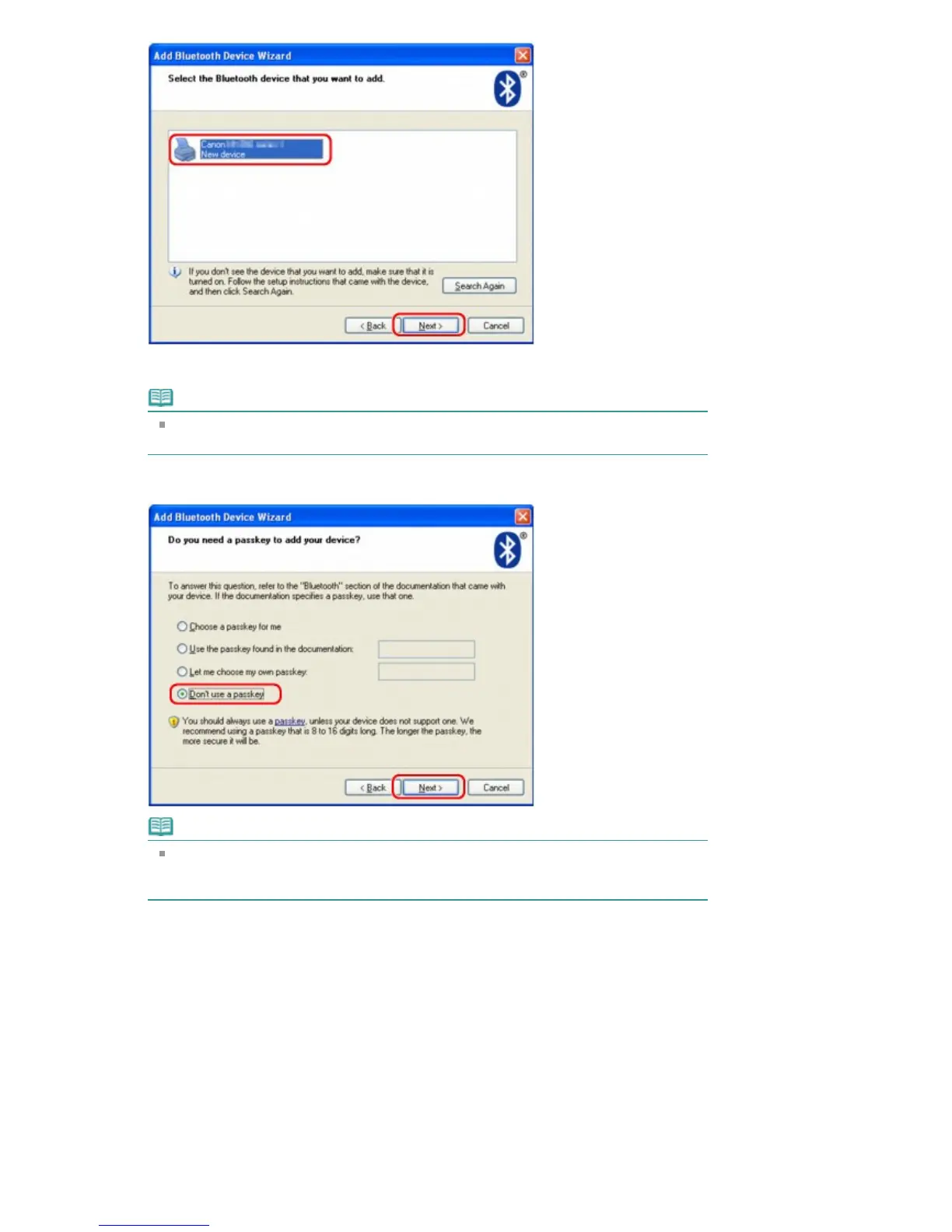
Select the same device name as that checked under Checking the Device Name of the
Printer
.
Note
If the device name is not displayed, see Check 3: Is the printer name which you want to
register displayed in the Printer List?
.
6.
Select Don't use a passkey, and then Next.
Note
If you set a passkey on the printer, select Use the passkey found in the documentation
and input the passkey then click Next.
For more information about a passkey, see
Bluetooth settings Screen
.
7.
Click Finish.
Seite 755 von 922 SeitenRegistering the Printer















 To Next Page