Instructions for use Primus Infinity Empowered SW 4.5n 103
Operation
Synchronized volume-controlled ventilation
Synchronization is activated by entering a value for
the trigger sensitivity. This can be defined via the
soft key extra settings.
Some settable values are limited or mutually exclu-
sive so that specific combinations of therapy set-
tings are not possible, e.g., TINSP 6.9 s at Freq.
100/min
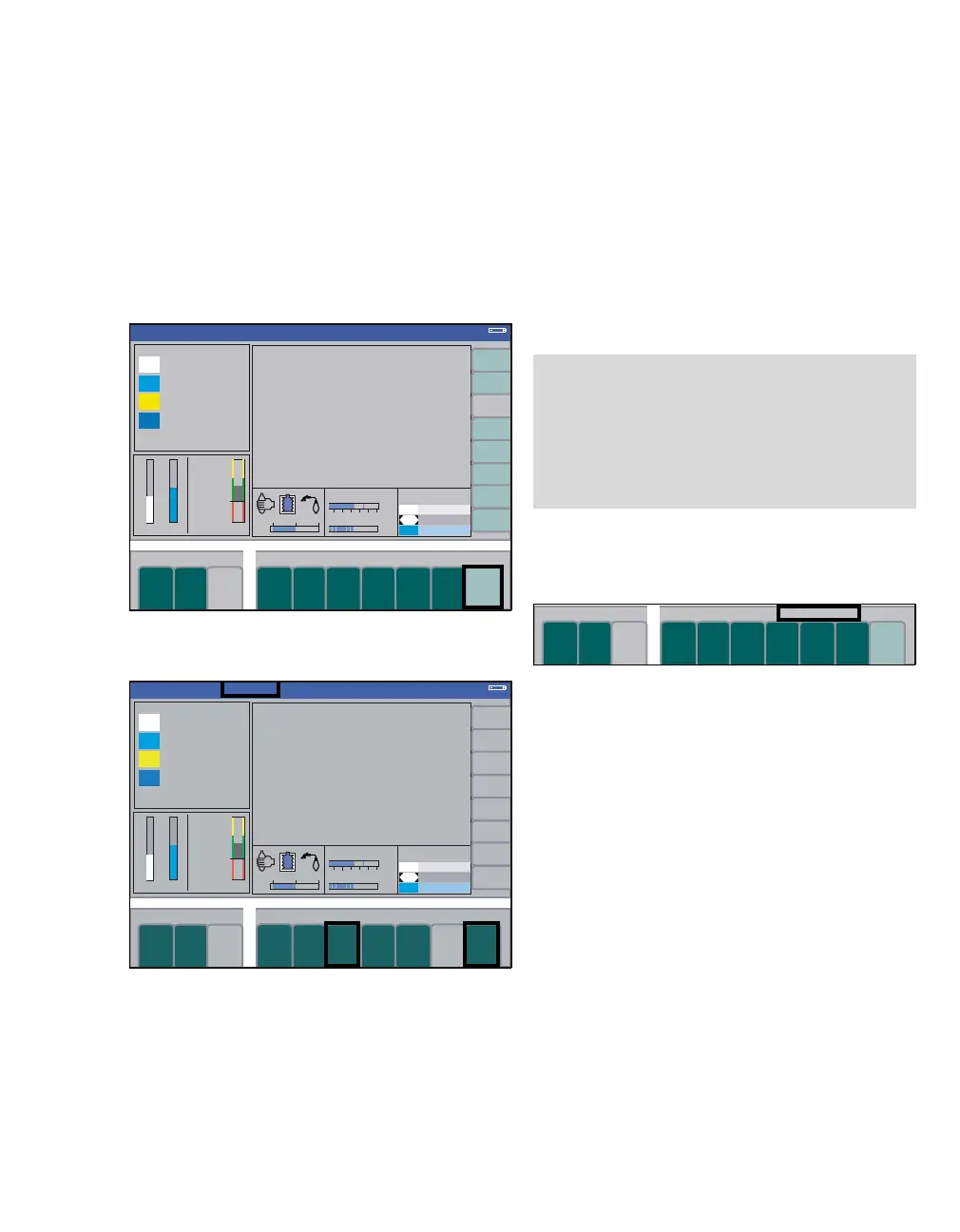
1 Press the soft key extra settings (A). The trig-
ger sensitivity soft key Trigger (B) is displayed.
2 Press the soft key Trigger (B). The last value
set appears as default value when the key is ac-
tivated.
3 Set and confirm the trigger sensitivity with the
rotary knob. When finally confirmed, the indica-
tion sync. in the status area (C) of the ventila-
tion mode lights up steadily instead of flashing.
A mandatory breath triggered by the patient is rep-
resented in the pressure waveform and in the flow
waveform by a continuous vertical black line (trig-
ger indicator). The active window for the breath trig-
gered by the patient corresponds to the last 25 % of
the applicable expiratory time.
4 Press the soft key extra settings (D) again, the
actual trigger status is shown above the keys for
the ventilation parameters (E).
320381
A
Volume
Volume
sync.
C
B
D
NOTE
A triggered VT will be corrected by the volume
which the patient spontaneously inhaled prior to
beginning volume-controlled ventilation. Inde-
pendent of that, at least 50 % of the set respira-
tory volume will always be applied to ensure ade-
quate volume ventilation.
320
E












 To Next Page