Operation
96
Instructions for use Primus Infinity Empowered SW 4.5n
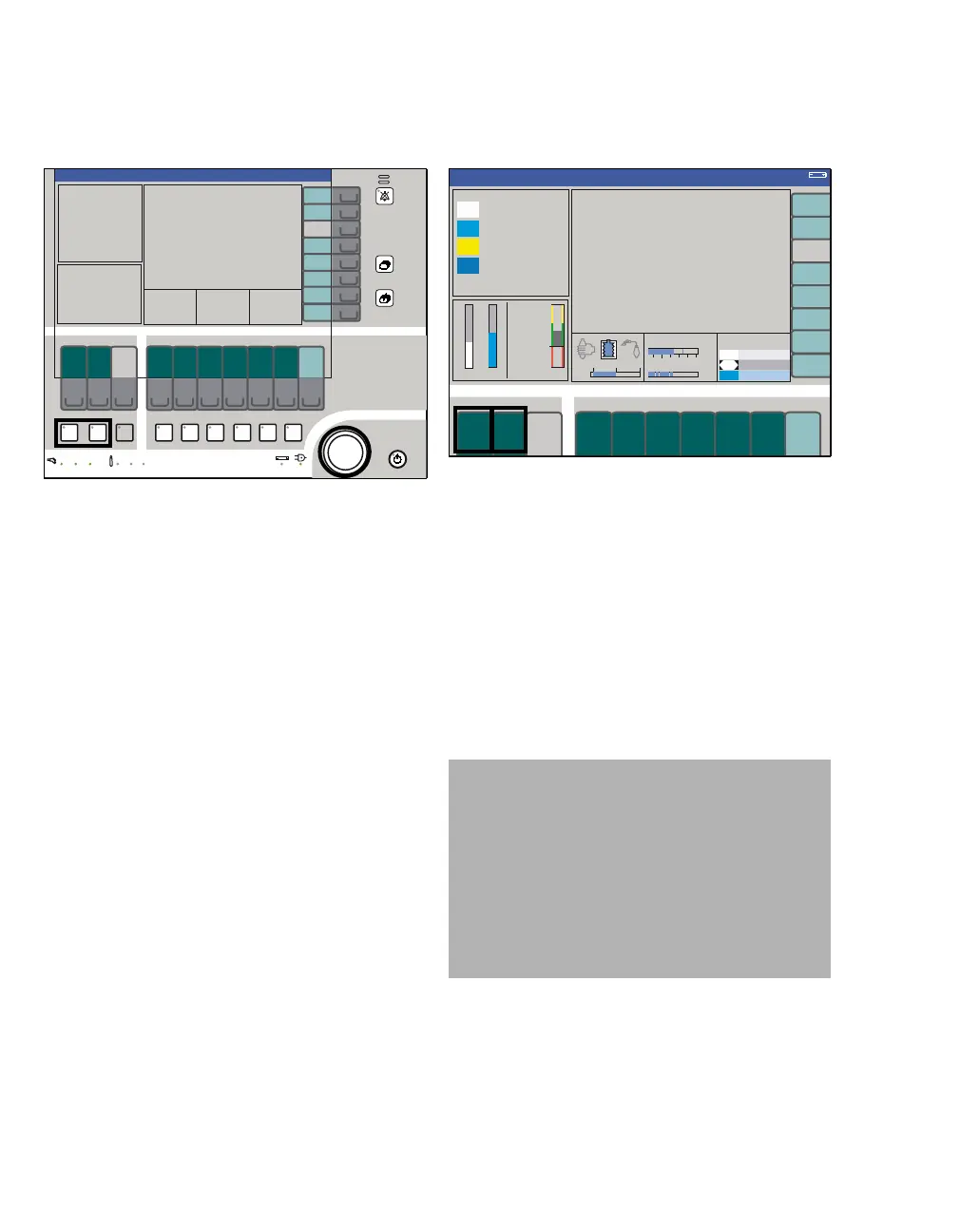
Selecting the carrier gas
1 Press the hard key N2O or Air (A).
The green LED in the key flashes.
2 Push the rotary knob to confirm (B). The green
LED lights continuously.
The selected fresh gas components are displayed
on the screen.
Setting the O2 concentration
1 Press the soft key O2 (A).
The key field appears yellow.
2 Set and confirm the O2 concentration using the
rotary knob.
Setting the fresh-gas flow
1 Press the soft key flow L/min (B).
The key field appears yellow.
2 Set and confirm the fresh-gas flow using the ro-
tary knob.
301
A
B
377
CAUTION
Risk of patient injury
The use of minimum flow or low flow settings may
lead to the accumulation of metabolic products
(hypoxic gas mixtures) in the breathing system.
To avoid this risk, use a suitable soda lime such
as, e.g., Drägersorb Free, or set higher fresh-gas
flows. Always use the patient-gas measurement
module of the anesthesia machine.
A B












 To Next Page