Instructions for use Primus Infinity Empowered SW 4.5n 157
Monitoring
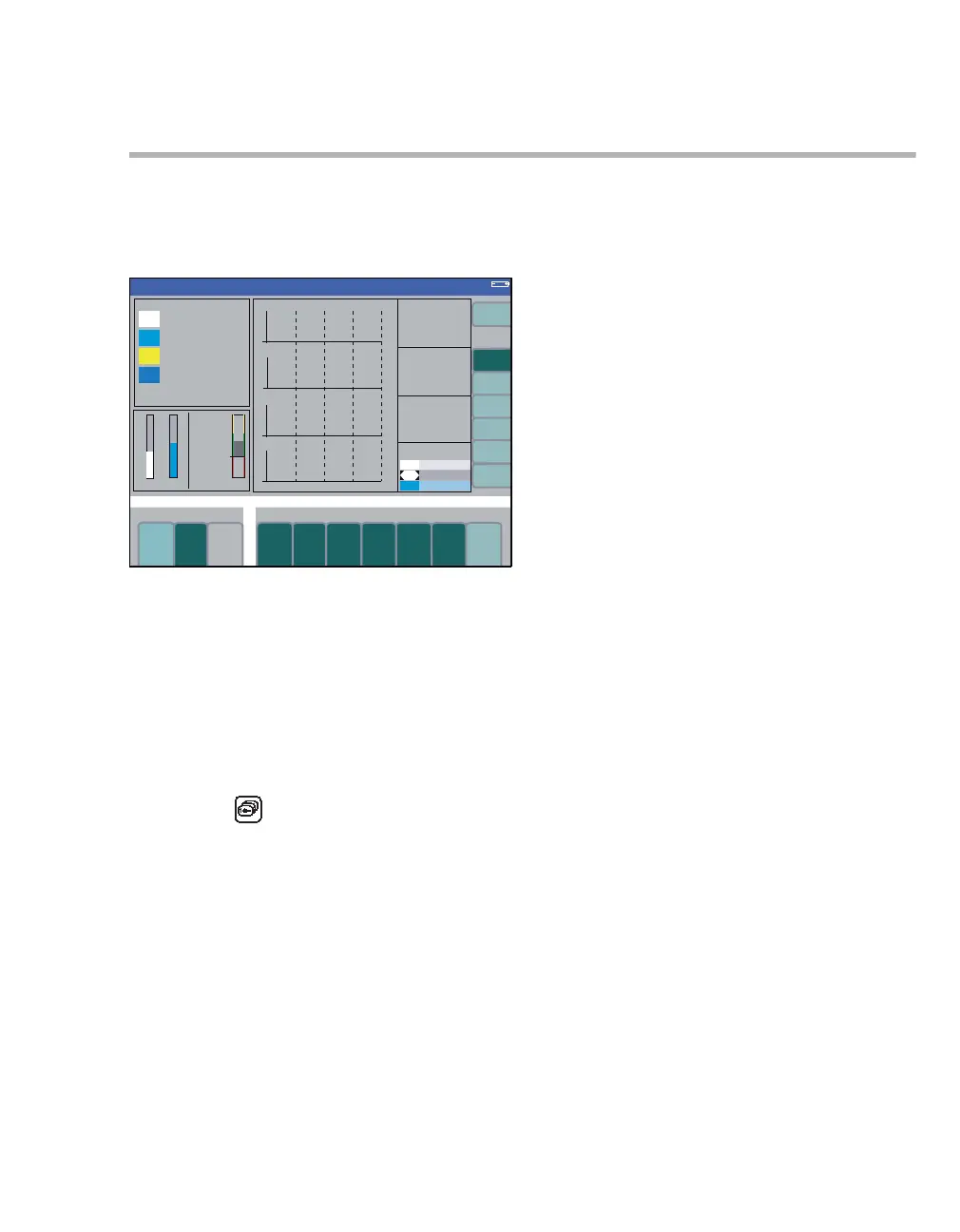
Selecting the trend screen
Displays the measured values over an interval be-
ginning with the start of the measurement.
Maximum storage time: 8 hours.
The following display combinations can be se-
lected:
A agents
B MV / C
PAT CO2 / O2
C Recruitment (optional)
CPAT / PEEP Trend / MV*CO2 Trend /
O2 Uptake trend
D SpO
2 pulse (optional)
z Press the key repeatedly until the trend
screen is displayed. The trend page agents (A)
is displayed first.
Selecting other display combinations
z Press the required soft key:
– MV / C
PAT CO2 / O2 (B),
– Recruitment (C)
or
– SpO
2 pulse (D)
The SpO
2 pulse soft key does not appear if the
SpO
2 measuring function is not available.
The trends for MV and compliance are scaled ac-
cording to the settings in the configuration menu.
The trend for inspiratory and expiratory values is
represented by bar graphs. The expiratory value is
always indicated by a black line.
The trends for agents, N
2O and O2 are displayed
with the relevant color coding.
331
Volume
A
B
C
D












 To Next Page