Instructions for use Primus Infinity Empowered SW 4.5n 169
Configuration
D Optional parameters
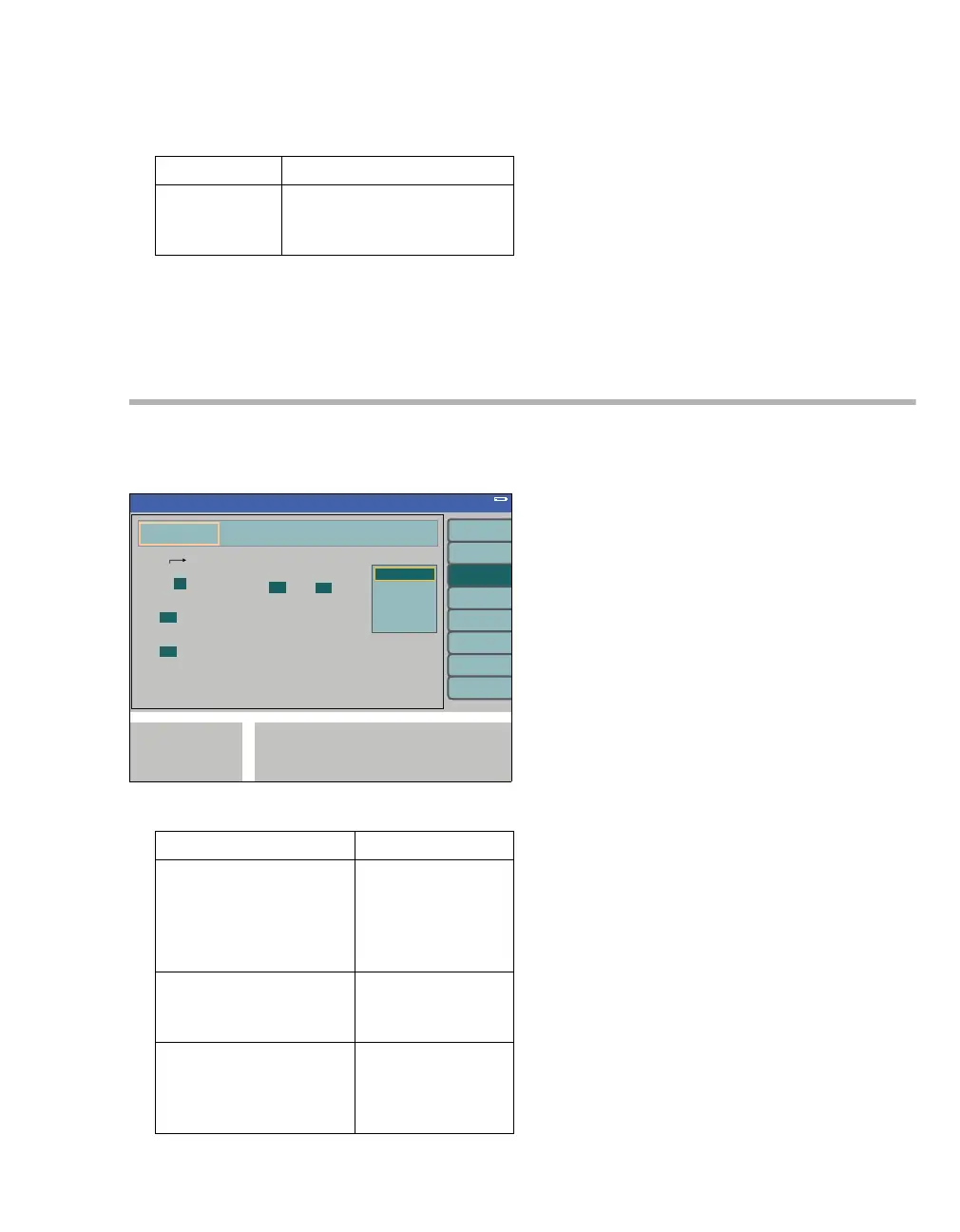
Interfaces/logbook
The menu interfaces logbook contains the follow-
ing submenus:
A logbook entries triggered by:
B COM 1 MEDIBUS
1.2, 9.6 kBaud
Factory setting 9.6 kBaud
C COM 2 MEDIBUS
1.2, 9.6 kBaud
Factory setting 1.2 kBaud
– baud rate(k)
Data transmission rate (variable, see in-
structions for use for the equipment to be
connected).
D Select MEDIBUS
Select the MEDIBUS communication protocol:
– MEDIBUS V4
–MEDIBUS.X.
Factory setting: MEDIBUS V4
For detailed information on MEDIBUS.X and
MEDIBUS V4, refer to the specific instructions for
use (9037426 and 9052608).
The interfaces can be adapted in line with the
equipment to be connected.
E MEDIBUS default configuration:
parity, data bits, stop bits
These values cannot be configured; this is informa-
tion only.
The logbook stores up to 600 entries. If the logbook
is full and new entries are to be stored, the logbook
deletes the oldest entries.
Parameter Factory setting
SpO
2: yes/no Automatic setting
Option available: yes
Option not available: no
For a detailed description of SpO
2 monitoring,
see page 160.
343
Triggered by Factory setting
time interval (min): 1, 2,
5, 10 min
Entries are made after a
fixed time interval in min-
utes.
5min
warning alarms: yes/no
Entries are made when a
warning is issued.
yes
caution alarms: yes/no
Entries are made when a
caution message is is-
sued.
yes
Standby Conf.
A
BC
E
D












 To Next Page