Configuration
166
Instructions for use Primus Infinity Empowered SW 4.5n
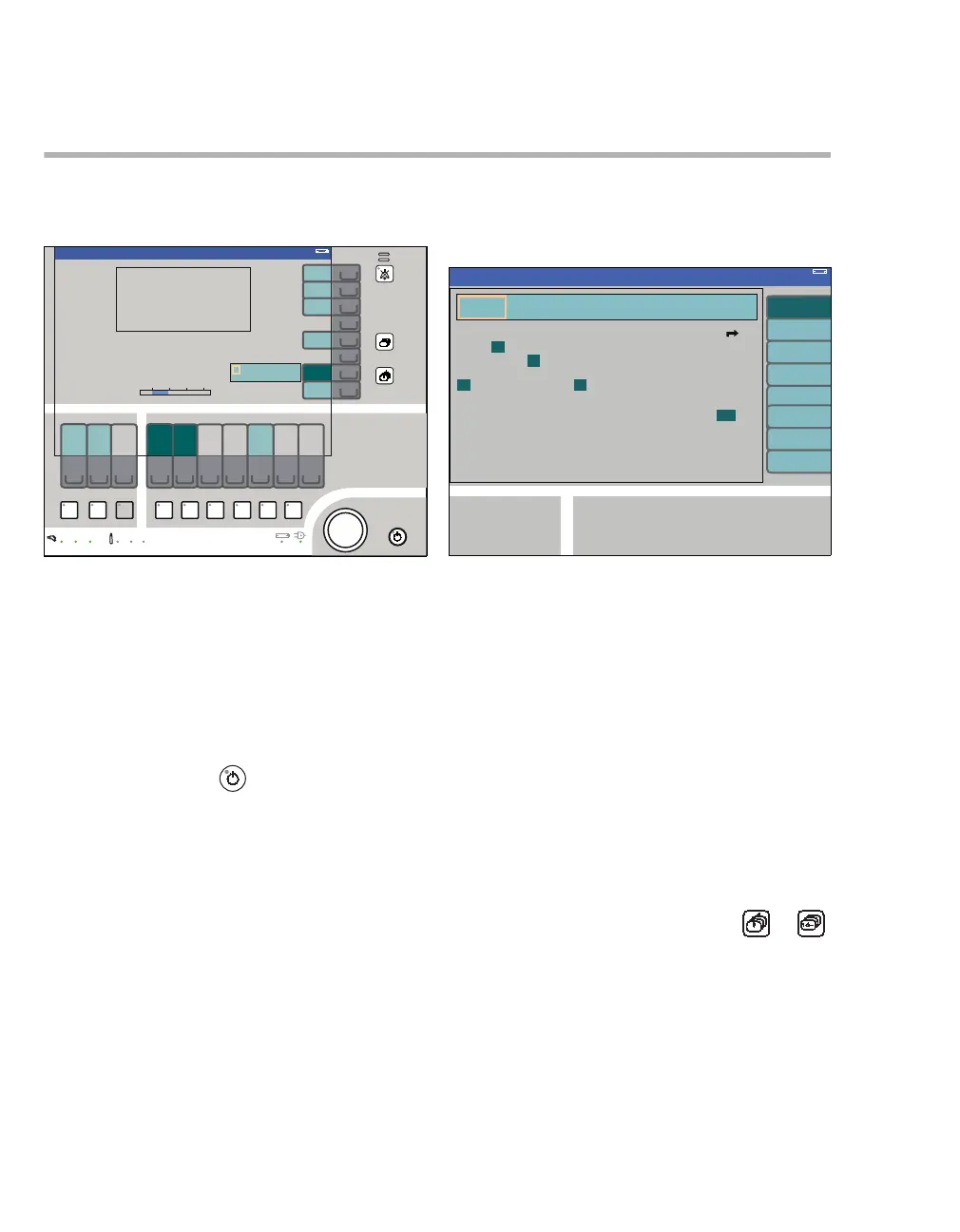
Configuring the default settings
Default settings describe the settings which the
workstation starts with when it is switched on.
The default settings for ventilation, fresh-gas deliv-
ery, and monitoring can be activated while in
Standby by pressing the soft key restore default
settings (A).
Changes in default settings become active immedi-
ately.
The default settings can be configured in Standby
as follows:
1 Press Standby key (B) and confirm by
pushing the rotary knob (C).
2 Press the soft key default config. (D).
The operator is requested to enter a four-digit pass-
word in order to prevent unauthorized changes to
the basic functions. This password is allocated
when commissioning the workstation.
If desired, the function can be disabled by
DrägerService or a new password set.
3 Select and confirm the figures successively
from the line displayed (E) via the rotary knob.
The password is represented by asterisks
(****) below the line of numbers.
The menu Standby Conf. for selecting the default
values is displayed when the password has been
entered correctly.
The default values are adopted automatically when
the menu is displayed.
Default settings are selected in the same way as
described in the operating concept, see page 35.
The following settings can be selected via the verti-
cal soft keys:
– basic settings audible signals (F)
– parameters (G)
– interfaces logbook (H)
– screen layout (I)
– alarm limits (J)
– ventilator and gas delivery (K)
– system information (L)
Exiting the Standby configuration:
z Press soft key exit (M) or hard key or .
340
Standby
Standby
A
B
D
E
C
341
F
G
H
I
J
K
L
Standby Conf.
M












 To Next Page