Monitoring
160
Instructions for use Primus Infinity Empowered SW 4.5n
To delete the logbook
Logbook and trend memory are deleted simultane-
ously!
The logbook will be maintained even after switching
off the Primus Infinity Empowered completely. It
can only be deleted by using the delete trend func-
tionality in Standby, see page 158.
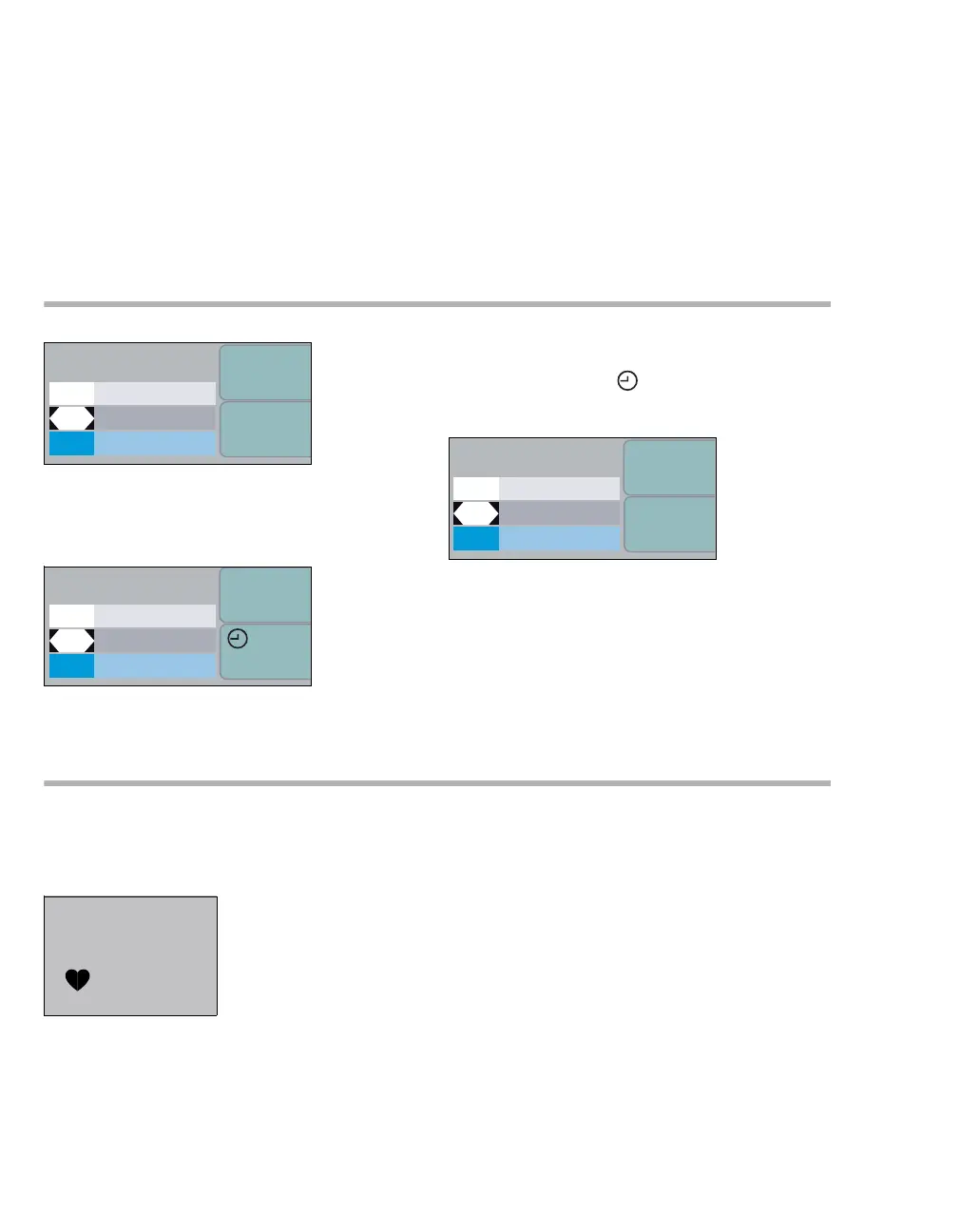
Using the timer function
To start the timer (e.g. "00:00"):
z Press the soft key start timer in any operating
mode.
To stop the timer:
z Press the soft key stop.
The measured time is displayed.
To reset the timer to "00:00":
z Press the soft key reset.
SpO2 measurement (optional)
The SpO2 module displays the SpO2-value as well
as the corresponding upper and lower alarm limits
and the pulse rate.
Selecting a sensor
Only OxiMax sensors or Durasensors from Nellcor
must be used (see separate list of accessories).
The OxiMax modules implemented in Primus
Infinity Empowered are only compatible with the
OxiMax sensors (purple probe or white probe for
MAX FAST).
360360
config.
start timer
O
2
AIR
N
2O
config.
stop
00:17
O2
AIR
N
2O
360
config.
delete
00:17
O
2
AIR
N
2O
383
99
67
99
92
SpO2












 To Next Page