Instructions for use Primus Infinity Empowered SW 4.5n 137
Alarms
Displaying and setting alarm limits
Alarms can be displayed and set from all three ba-
sic screens (standard, data, and trend screens)
during operation.
There are standard alarm limits configured for the
ventilation modes which may be used as is, see
"Configuring the default settings" on page 166 or
adjusted individually for the patient concerned.
For this purpose, the alarm limits menu can be se-
lected in Standby via the soft key alarm limits.
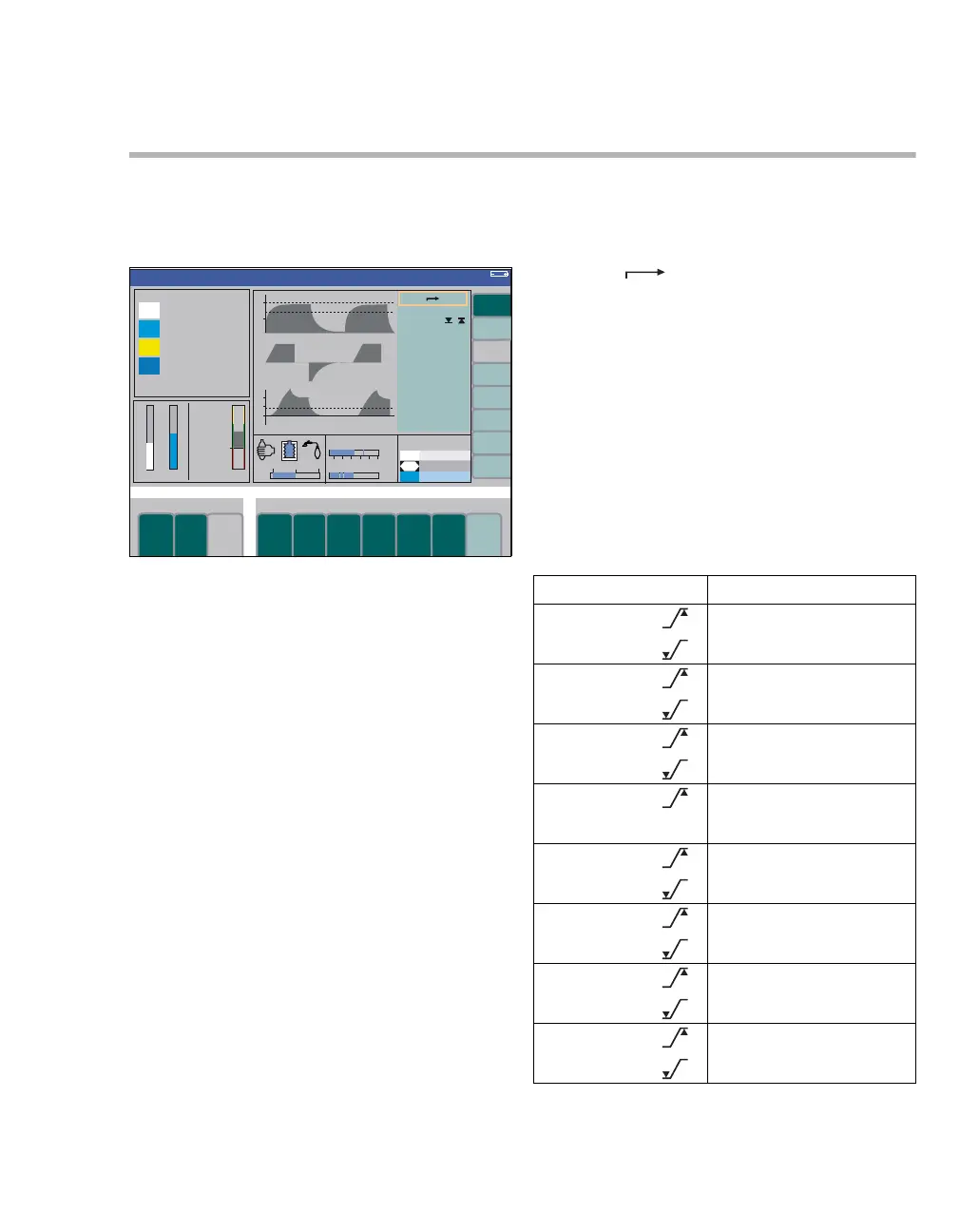
To call up alarm limits during operation:
z Press the soft key alarm limits (A).
Display (example):
The current measured values and their alarm limits
are grouped on the right (B).
The curves with the alarm limits represented by
dashed lines (C) are displayed on the left.
The upper alarm limit (40 hPa (cmH
2O)) and the
lower alarm limit (8 hPa (cmH2O)) are assigned to
the measured value PAW (25 hPa (cmH2O)).
A disabled alarm limit (example etCO
2) is indicated
by two dashes ("– –").
To set an alarm limit:
z Place the cursor on the alarm limit by turning
the rotary knob and push to confirm.
The alarm limit is highlighted in yellow.
z Set the new value by turning the rotary knob
and push to confirm.
The new alarm limit is now active. The cursor re-
turns to the symbol.
Opening the alarm limits menu automat-
ically
The alarm limits menu is opened automatically
whenever an alarm limit is violated.
This can be disabled in the menu Standby Conf.,
see page 171.
Setting ranges of the alarm limits during opera-
tion
338
Volume
C
B
etCO2
38
--
50
P
AW
25 8
40
A
Alarm Setting ranges
SpO
2
[%]
51 to 99; – –
50 to 98
Pulse
[1/min]
21 to 250
20 to 249
etCO
2
[mmHg]
1 to 75
0 to 74
inCO
2
[mmHg]
1 to 10
MV
[L/min]
0.1 to 20.0
0 to 19.9
inO
2
[Vol%]
19 to 99; – –
18 to 98
inHal
[Vol%]
0.1 to 8.4
0 to 8.3
inIso
[Vol%]
0.1 to 8.4
0 to 8.3












 To Next Page