Monitoring
142
Instructions for use Primus Infinity Empowered SW 4.5n
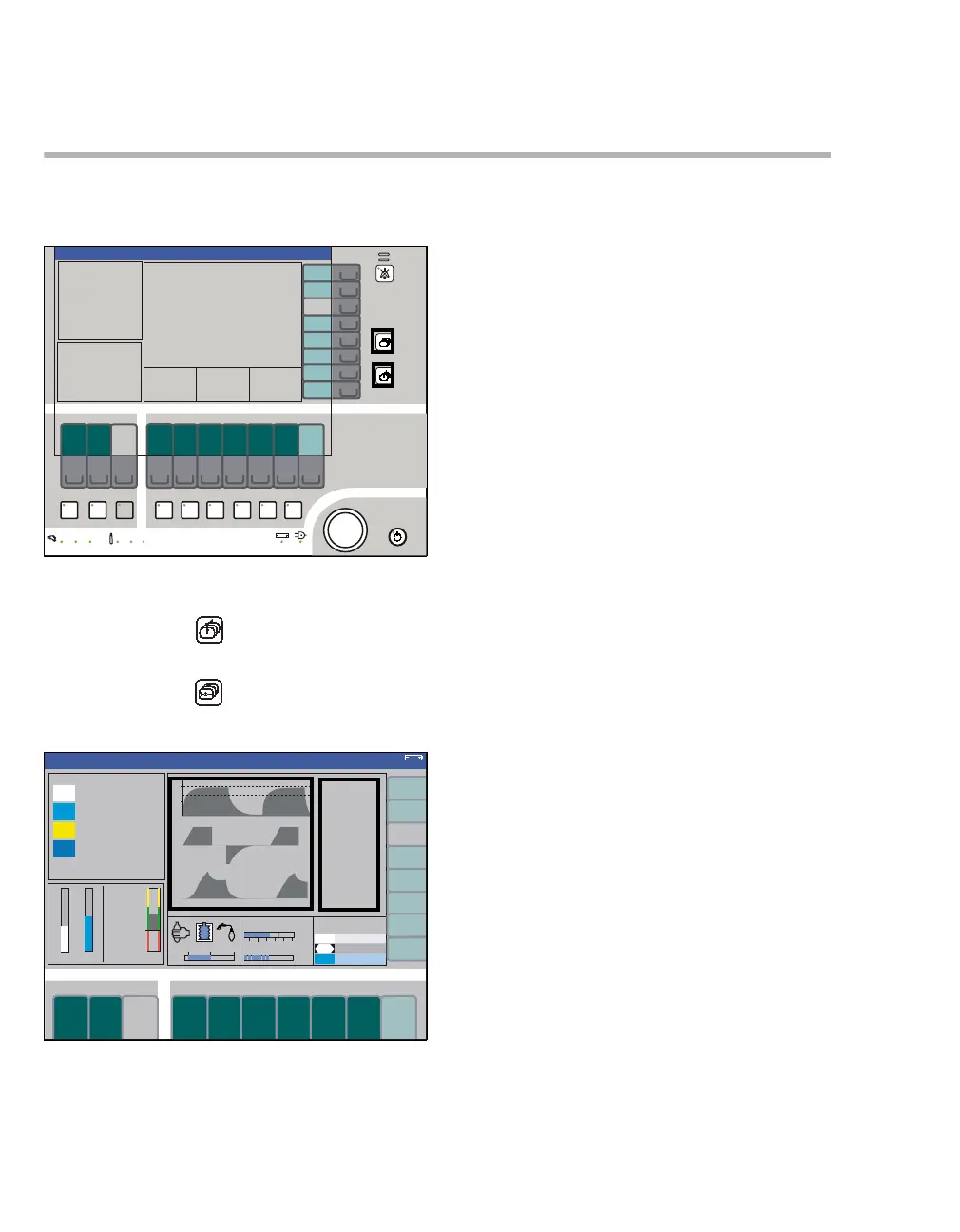
Selecting the standard screen
The standard screen is automatically displayed
whenever a ventilation mode is selected.
This screen can always be selected during opera-
tion:
z By pressing the key (B),
or
z By pressing the key (A) repeatedly.
Display (example):
The most important parameters are grouped to-
gether on the right (C) and left sides of the screen.
The three curves are displayed in the middle (D)
(for other standard screens, see page 156).
301363
B
A
Volume
C
D












 To Next Page