Configuration
170
Instructions for use Primus Infinity Empowered SW 4.5n
When the Primus Infinity Empowered is switched
off, all logbook entries are saved and are available
upon the next start-up of the Primus Infinity
Empowered.
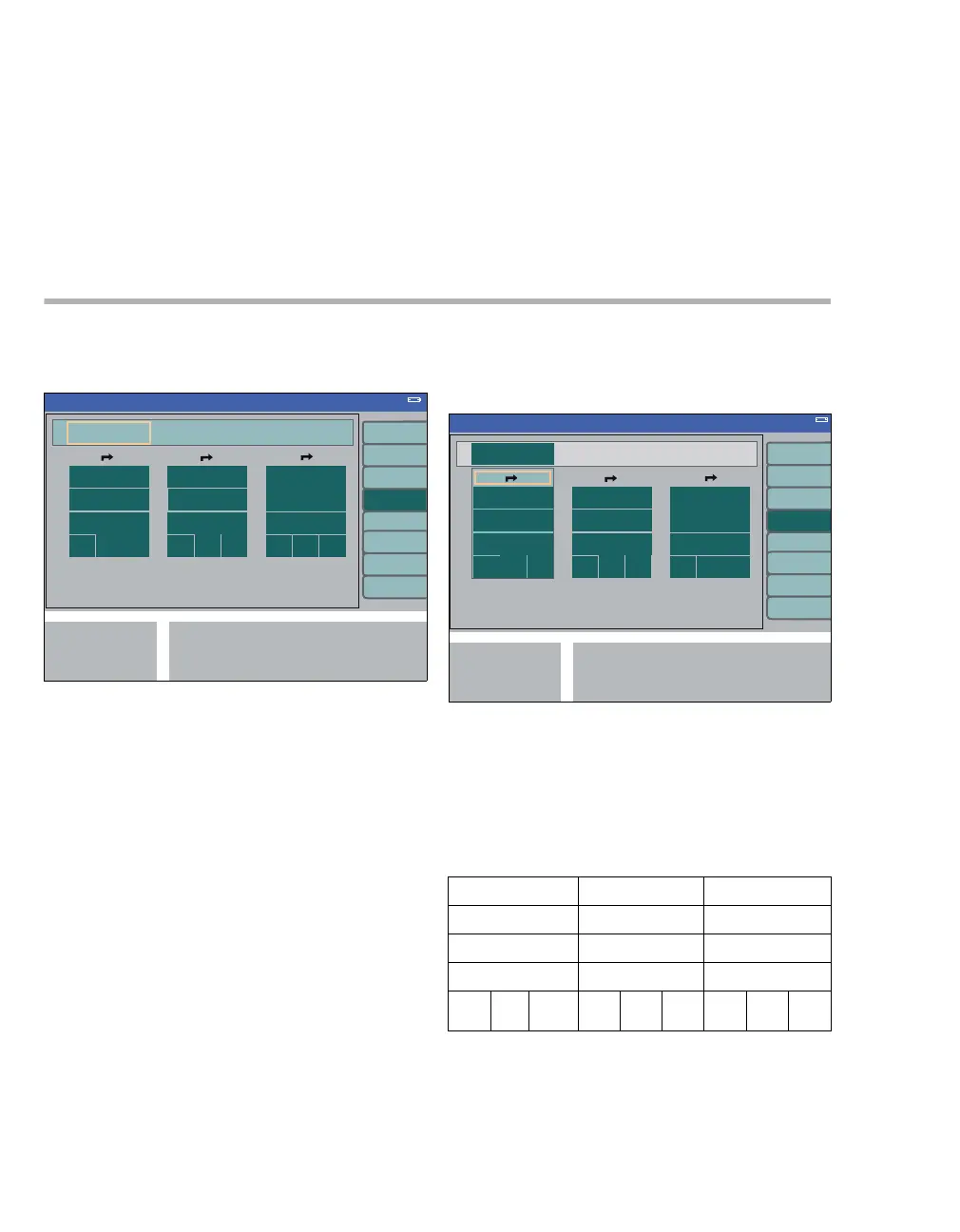
Screen layout
The screen layout menu contains three default
layouts for the home screen:
A Layout 1
B Layout 2
C Layout 3
The layouts comprising the following elements can
be freely configured:
– Three curves with the associated numerical
modules.
The available curves are displayed when a
curve module is selected.
– Three modules which may be assigned param-
eter or status displays.
The available modules are displayed when a
module is selected.
Each curve/module can also be configured as be-
ing blank.
Each curve/module can only be displayed once. If
a curve/module is selected twice, the preceding se-
lection automatically becomes "blank".
1 Select and confirm a layout (D) via the rotary
knob.
2 Select a module (E) via the rotary knob. Change
and confirm the selection via the rotary knob.
Factory settings for layout
344
Standby Conf.
ABC
345
layout 1 layout 2 layout 3
CO
2 CO2 CO2
flow / MV O2 agent
P
AW PAW PAW
vent. VT
Vol
Gas
supply
vent. V
T
Vol
MV vent. V
T
Vol
MV
Standby Conf.
D
E












 To Next Page