Maintenance
244
Instructions for use Primus Infinity Empowered SW 4.5n
Proceed as follows:
1 Pull the old water trap off to the front.
For disposal of the old water trap follow the cor-
responding instructions for use of the water trap
WaterLock and Infinity ID WaterLock 2 and
comply with the hospital’s hygiene require-
ments.
2 Push the new water trap into place until it en-
gages.
Replacing the O2 sensor
The O2 sensor can be replaced when the workstation
is switched on or off. If you replace the sensor with
the device off, perform a self test in order to trigger a
new calibration.
Replacement of O2 sensors is not necessary in con-
junction with consumption-free O
2 measurement (op-
tional).
The O
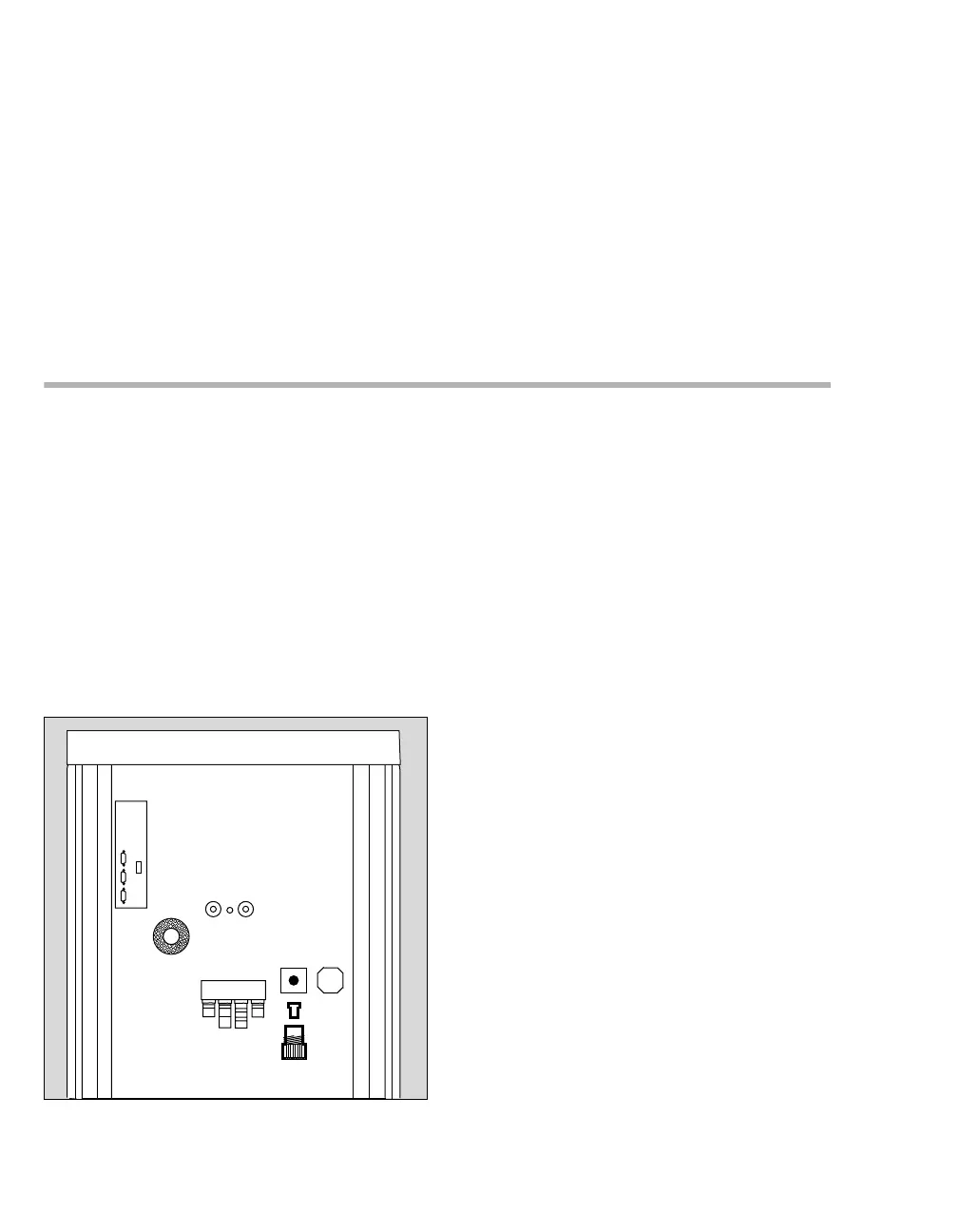
2 sensor is located on the rear of the device.
It must be replaced if
– the message O
2 SENSOR FAIL is displayed or
– the sensor can no longer be calibrated.
Proceed as follows:
1 Loosen screw (A).
2 Remove the spent O
2 sensor (B) from the screw
and insert the new O
2 sensor into the screw.
Screw the screw back into place.
z Dispose of the spent O
2 sensor, refer to the in-
structions for use.
065
A
B












 To Next Page