Alarms
136
Instructions for use Primus Infinity Empowered SW 4.5n
Flow apnea alarms in HLM mode
In the standby configuration, MV alarms and flow
apnea alarms can be configured to be inactive in
HLM mode (see page 171). When leaving HLM
mode, MV alarm limits and flow apnea alarms are
activated again:
– If the MV alarm limits have been changed dur-
ing HLM mode, these settings are kept.
– If the MV alarm limits have not been changed
during HLM mode, the original settings are re-
stored.
Enabling/disabling SpO2 alarms (optional)
SpO2 alarms can also be enabled and disabled dur-
ing operation, see page 180.
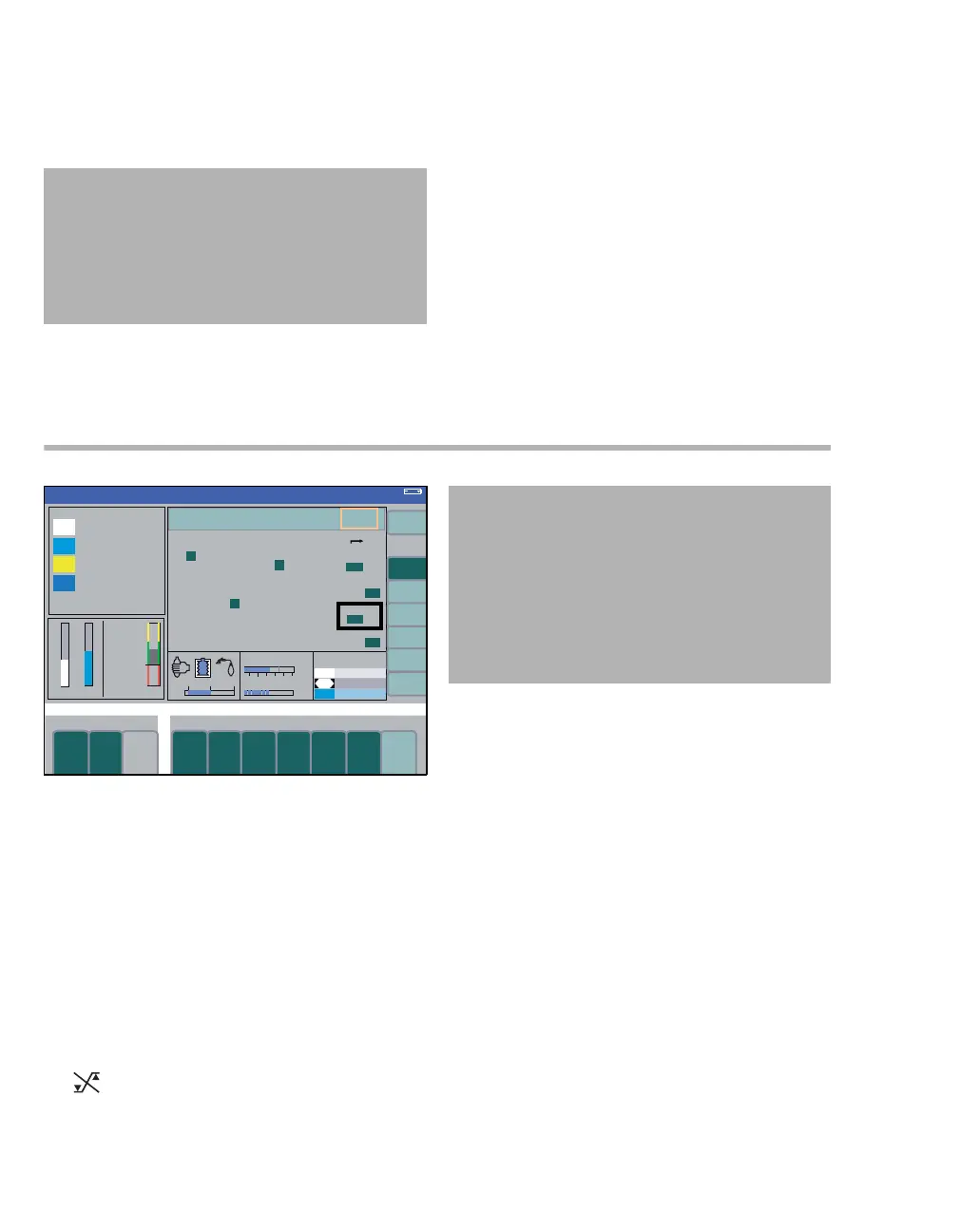
1 Press the soft key config. on the standard or
data screen. The submenu volumes/ alarms is
opened (A).
2 Select and confirm the column alarms on/off
(B) via the rotary knob.
3 Select and confirm the line SpO
2 (C) via the ro-
tary knob.
4 Select and confirm on or off via the rotary knob.
Suppressed alarm limits are identified by the sym-
bol in the parameter field.
CAUTION
Risk of insufficient monitoring
If the setting MV alarms in HLM? is set to no, MV
alarms and flow apnea monitoring are deacti-
vated.
Special attention is required.
337
B
C
Volume
A
CAUTION
Risk of inadequate monitoring
National and international standards require a
minimum monitoring with some alarm functions.
These standards may not be met if the alarm func-
tion of the SpO2 monitoring parameter is disabled.
Only disable this monitoring parameter after con-
sulting national and/or international standards.












 To Next Page