Monitoring
156
Instructions for use Primus Infinity Empowered SW 4.5n
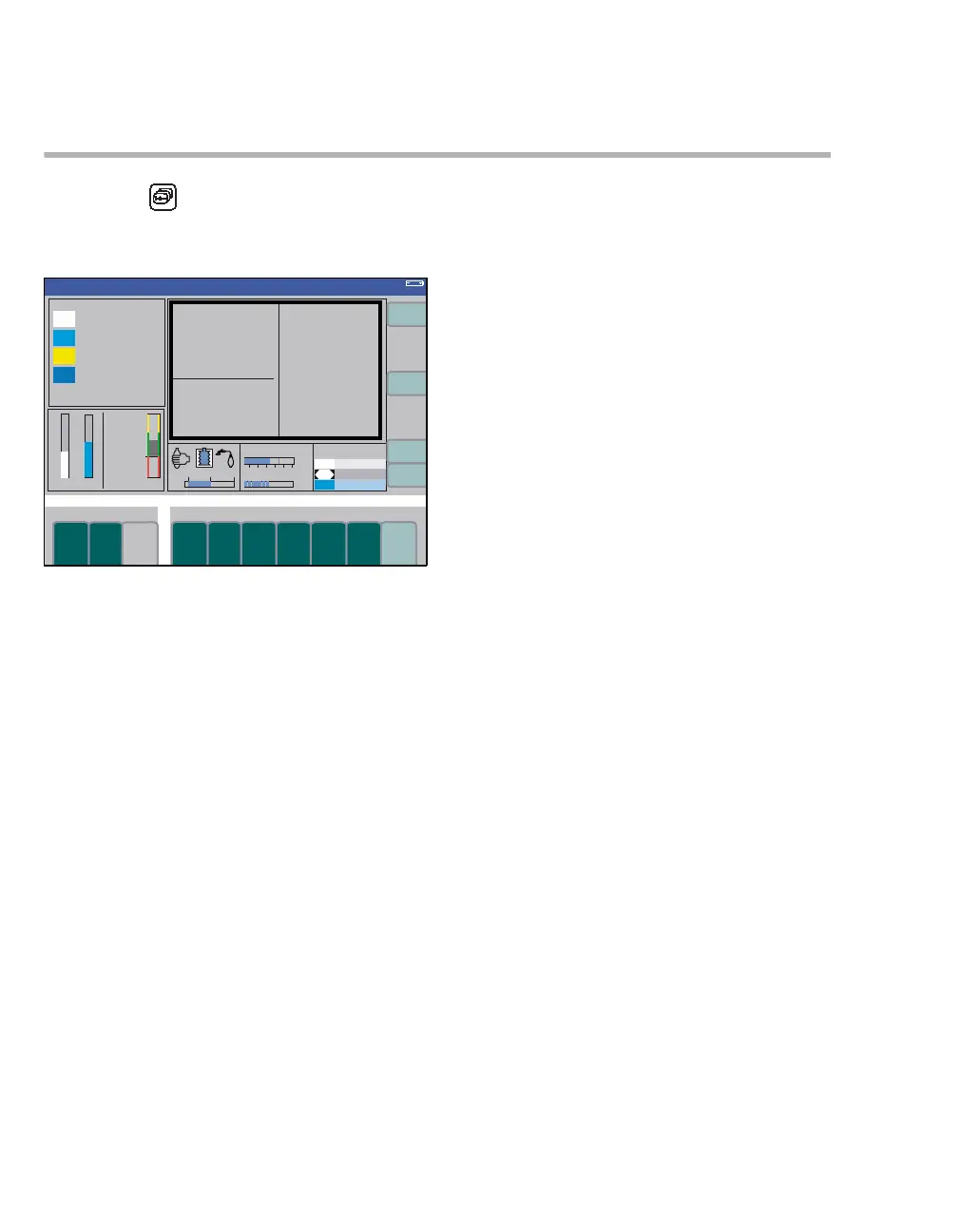
Selecting the data screen
z Press the key repeatedly until the data
screen appears.
Display (example):
All numerical values are displayed on the data
screen with their units of measurement (A).
System compliance C
SYS and leakage LeakSYS
are displayed with other parameters in the middle
left-hand field, together with the time of the last leak
test.
The bar graph at the bottom of the screen shows
the current ventilation pressure PAW (B).
The bottom right-hand field (C) shows the pressure
values for the central supply of O
2, N2O, and Air, as
well as for the O
2 and N2O reserve gas cylinders.
330
A
B
C
Volume












 To Next Page